

File size: 8,027 Bytes
0f07ba7 |
1 2 3 4 5 6 7 8 9 10 11 12 13 14 15 16 17 18 19 20 21 22 23 24 25 26 27 28 29 30 31 32 33 34 35 36 37 38 39 40 41 42 43 44 45 46 47 48 49 50 51 52 53 54 55 56 57 58 59 60 61 62 63 64 65 66 67 68 69 70 71 72 73 74 75 76 77 78 79 80 81 82 83 84 85 86 87 88 89 90 91 92 93 94 95 96 97 98 99 100 101 102 103 104 105 106 107 108 109 110 111 112 113 114 115 116 117 118 119 120 121 122 123 124 125 126 127 128 129 130 131 132 133 134 135 136 137 138 139 140 141 142 143 144 145 146 147 148 149 150 151 152 153 154 155 156 157 158 159 160 161 162 163 164 165 166 167 168 169 170 171 172 173 174 175 176 177 178 179 180 181 182 183 184 185 186 187 188 189 190 191 192 193 194 195 196 197 198 199 200 201 202 203 204 205 206 207 208 209 210 211 212 213 214 215 216 217 218 219 220 221 222 223 224 225 226 227 228 229 230 231 232 233 234 235 236 237 238 239 240 241 242 243 244 245 246 247 248 249 250 251 252 253 254 255 256 257 258 259 260 261 262 263 264 |
+++
disableToc = false
title = "🔥 OpenAI functions and tools"
weight = 17
url = "/features/openai-functions/"
+++
LocalAI supports running OpenAI [functions and tools API](https://platform.openai.com/docs/api-reference/chat/create#chat-create-tools) with `llama.cpp` compatible models.
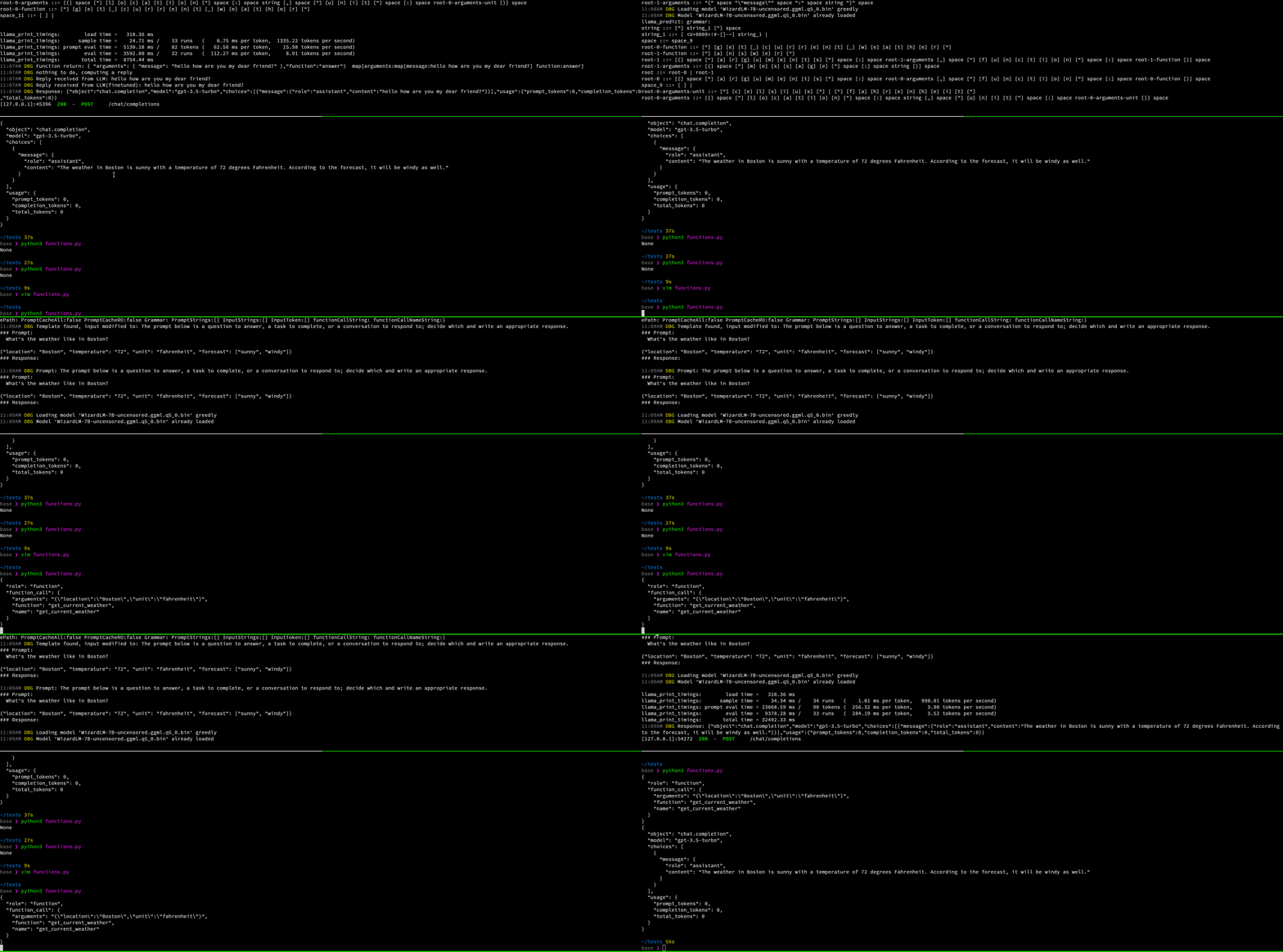
To learn more about OpenAI functions, see also the [OpenAI API blog post](https://openai.com/blog/function-calling-and-other-api-updates).
LocalAI is also supporting [JSON mode](https://platform.openai.com/docs/guides/text-generation/json-mode) out of the box with llama.cpp-compatible models.
💡 Check out also [LocalAGI](https://github.com/mudler/LocalAGI) for an example on how to use LocalAI functions.
## Setup
OpenAI functions are available only with `ggml` or `gguf` models compatible with `llama.cpp`.
You don't need to do anything specific - just use `ggml` or `gguf` models.
## Usage example
You can configure a model manually with a YAML config file in the models directory, for example:
```yaml
name: gpt-3.5-turbo
parameters:
# Model file name
model: ggml-openllama.bin
top_p: 80
top_k: 0.9
temperature: 0.1
```
To use the functions with the OpenAI client in python:
```python
from openai import OpenAI
messages = [{"role": "user", "content": "What is the weather like in Beijing now?"}]
tools = [
{
"type": "function",
"function": {
"name": "get_current_weather",
"description": "Return the temperature of the specified region specified by the user",
"parameters": {
"type": "object",
"properties": {
"location": {
"type": "string",
"description": "User specified region",
},
"unit": {
"type": "string",
"enum": ["celsius", "fahrenheit"],
"description": "temperature unit"
},
},
"required": ["location"],
},
},
}
]
client = OpenAI(
# This is the default and can be omitted
api_key="test",
base_url="http://localhost:8080/v1/"
)
response =client.chat.completions.create(
messages=messages,
tools=tools,
tool_choice ="auto",
model="gpt-4",
)
#...
```
For example, with curl:
```bash
curl http://localhost:8080/v1/chat/completions -H "Content-Type: application/json" -d '{
"model": "gpt-4",
"messages": [{"role": "user", "content": "What is the weather like in Beijing now?"}],
"tools": [
{
"type": "function",
"function": {
"name": "get_current_weather",
"description": "Return the temperature of the specified region specified by the user",
"parameters": {
"type": "object",
"properties": {
"location": {
"type": "string",
"description": "User specified region"
},
"unit": {
"type": "string",
"enum": ["celsius", "fahrenheit"],
"description": "temperature unit"
}
},
"required": ["location"]
}
}
}
],
"tool_choice":"auto"
}'
```
Return data:
```json
{
"created": 1724210813,
"object": "chat.completion",
"id": "16b57014-477c-4e6b-8d25-aad028a5625e",
"model": "gpt-4",
"choices": [
{
"index": 0,
"finish_reason": "tool_calls",
"message": {
"role": "assistant",
"content": "",
"tool_calls": [
{
"index": 0,
"id": "16b57014-477c-4e6b-8d25-aad028a5625e",
"type": "function",
"function": {
"name": "get_current_weather",
"arguments": "{\"location\":\"Beijing\",\"unit\":\"celsius\"}"
}
}
]
}
}
],
"usage": {
"prompt_tokens": 221,
"completion_tokens": 26,
"total_tokens": 247
}
}
```
## Advanced
### Use functions without grammars
The functions calls maps automatically to grammars which are currently supported only by llama.cpp, however, it is possible to turn off the use of grammars, and extract tool arguments from the LLM responses, by specifying in the YAML file `no_grammar` and a regex to map the response from the LLM:
```yaml
name: model_name
parameters:
# Model file name
model: model/name
function:
# set to true to not use grammars
no_grammar: true
# set one or more regexes used to extract the function tool arguments from the LLM response
response_regex:
- "(?P<function>\w+)\s*\((?P<arguments>.*)\)"
```
The response regex have to be a regex with named parameters to allow to scan the function name and the arguments. For instance, consider:
```
(?P<function>\w+)\s*\((?P<arguments>.*)\)
```
will catch
```
function_name({ "foo": "bar"})
```
### Parallel tools calls
This feature is experimental and has to be configured in the YAML of the model by enabling `function.parallel_calls`:
```yaml
name: gpt-3.5-turbo
parameters:
# Model file name
model: ggml-openllama.bin
top_p: 80
top_k: 0.9
temperature: 0.1
function:
# set to true to allow the model to call multiple functions in parallel
parallel_calls: true
```
### Use functions with grammar
It is possible to also specify the full function signature (for debugging, or to use with other clients).
The chat endpoint accepts the `grammar_json_functions` additional parameter which takes a JSON schema object.
For example, with curl:
```bash
curl http://localhost:8080/v1/chat/completions -H "Content-Type: application/json" -d '{
"model": "gpt-4",
"messages": [{"role": "user", "content": "How are you?"}],
"temperature": 0.1,
"grammar_json_functions": {
"oneOf": [
{
"type": "object",
"properties": {
"function": {"const": "create_event"},
"arguments": {
"type": "object",
"properties": {
"title": {"type": "string"},
"date": {"type": "string"},
"time": {"type": "string"}
}
}
}
},
{
"type": "object",
"properties": {
"function": {"const": "search"},
"arguments": {
"type": "object",
"properties": {
"query": {"type": "string"}
}
}
}
}
]
}
}'
```
Grammars and function tools can be used as well in conjunction with vision APIs:
```bash
curl http://localhost:8080/v1/chat/completions -H "Content-Type: application/json" -d '{
"model": "llava", "grammar": "root ::= (\"yes\" | \"no\")",
"messages": [{"role": "user", "content": [{"type":"text", "text": "Is there some grass in the image?"}, {"type": "image_url", "image_url": {"url": "https://upload.wikimedia.org/wikipedia/commons/thumb/d/dd/Gfp-wisconsin-madison-the-nature-boardwalk.jpg/2560px-Gfp-wisconsin-madison-the-nature-boardwalk.jpg" }}], "temperature": 0.9}]}'
```
## 💡 Examples
A full e2e example with `docker-compose` is available [here](https://github.com/mudler/LocalAI-examples/tree/main/functions). |