---
title: JANGQ-AI
---

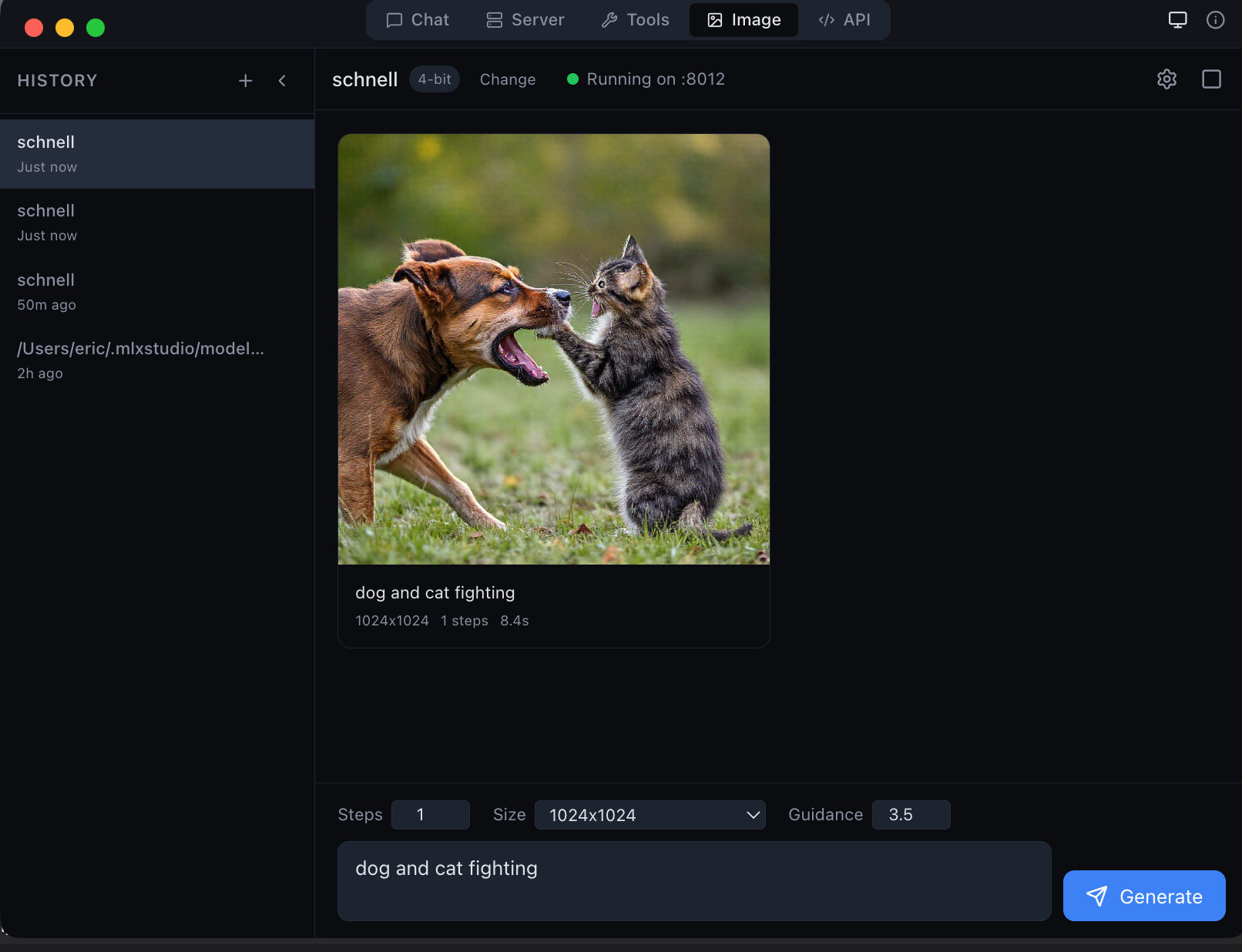
MLX Studio — the only app that natively supports JANG models
---
> **LM Studio, Ollama, oMLX, Inferencer** and other MLX apps do **not** support JANG yet. Use [MLX Studio](https://mlx.studio) for native JANG support, or pip install jang for Python inference. **Ask your favorite app's creators to add JANG support!**
---

# JANGQ-AI — JANG Quantized Models for Apple Silicon
**JANG** (**J**ang **A**daptive **N**-bit **G**rading) — the GGUF equivalent for MLX.
Same size as MLX, smarter bit allocation. Models stay quantized in GPU memory at full Metal speed.
## Install
```
pip install "jang[mlx]"
```
## Models
| Model | Profile | MMLU | HumanEval | Size |
|-------|---------|------|-----------|------|
| [Qwen3.5-122B-A10B-JANG_2S](https://huggingface.co/JANGQ-AI/Qwen3.5-122B-A10B-JANG_2S) | 2-bit | **84%** | **90%** | 38 GB |
| [Qwen3.5-35B-A3B-JANG_4K](https://huggingface.co/JANGQ-AI/Qwen3.5-35B-A3B-JANG_4K) | 4-bit K-quant | **84%** | 90% | 16.7 GB |
| [Qwen3.5-35B-A3B-JANG_2S](https://huggingface.co/JANGQ-AI/Qwen3.5-35B-A3B-JANG_2S) | 2-bit | 62% | — | 12 GB |
## Links
[GitHub](https://github.com/jjang-ai/jangq) · [PyPI](https://pypi.org/project/jang/) · [MLX Studio](https://mlx.studio)
Created by Jinho Jang — [jangq.ai](https://jangq.ai) · [@dealignai](https://x.com/dealignai)