# [SLM Lab](https://www.amazon.com/dp/0135172381)
 
Modular Deep Reinforcement Learning framework in PyTorch.
Companion library of the book Foundations of Deep Reinforcement Learning.
Documentation · Benchmark Results
>**NOTE:** v5.0 updates to Gymnasium, `uv` tooling, and modern dependencies with ARM support - see [CHANGELOG.md](docs/CHANGELOG.md).
>
>Book readers: `git checkout v4.1.1` for *Foundations of Deep Reinforcement Learning* code.
|||||
|:---:|:---:|:---:|:---:|
| 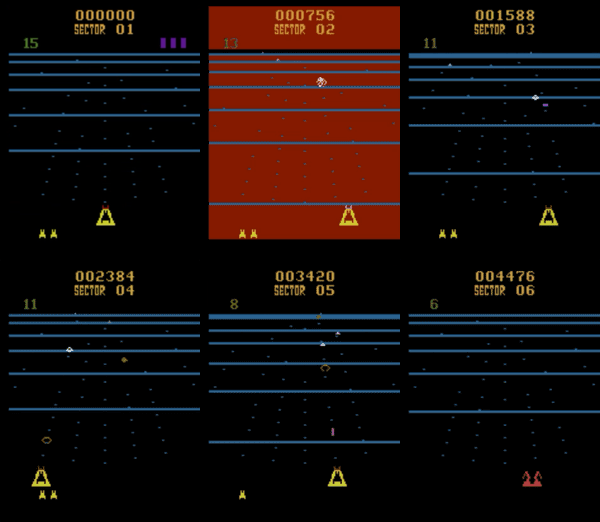 |  | 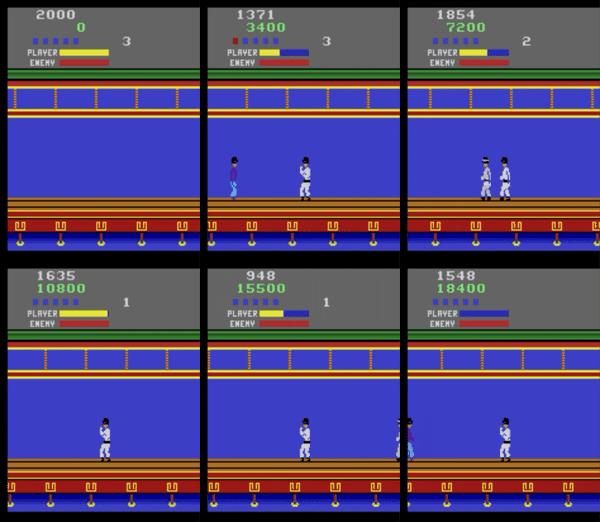 | 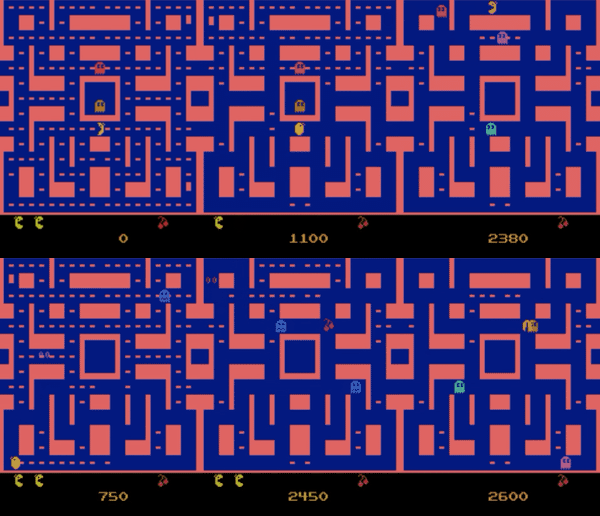 |
| BeamRider | Breakout | KungFuMaster | MsPacman |
| 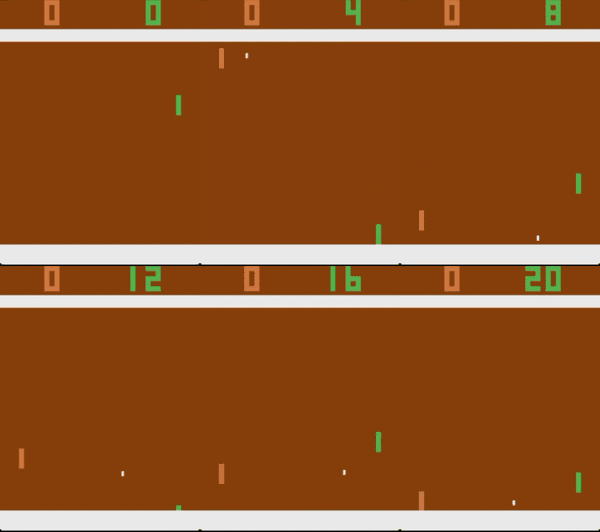 |  |  |  |
| Pong | Qbert | Seaquest | Sp.Invaders |
|  |  | 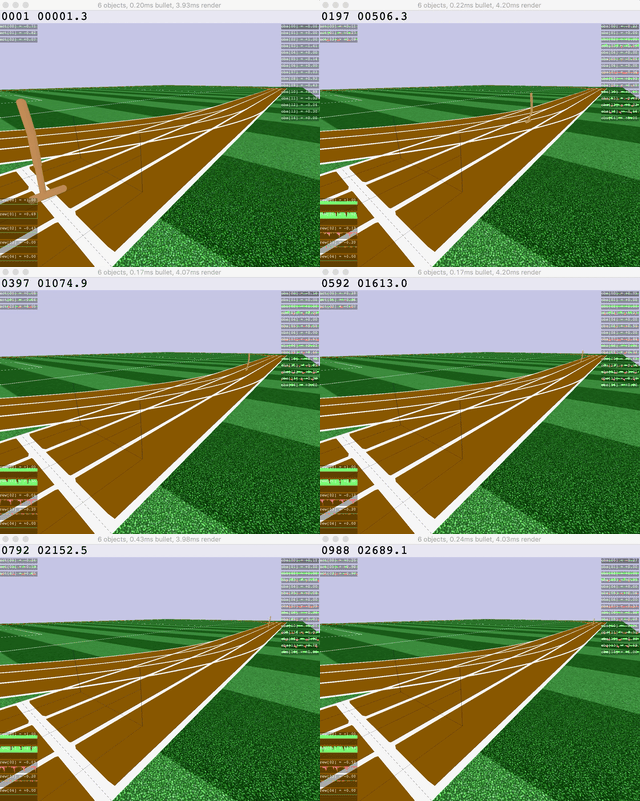 |  |
| Ant | HalfCheetah | Hopper | Humanoid |
| 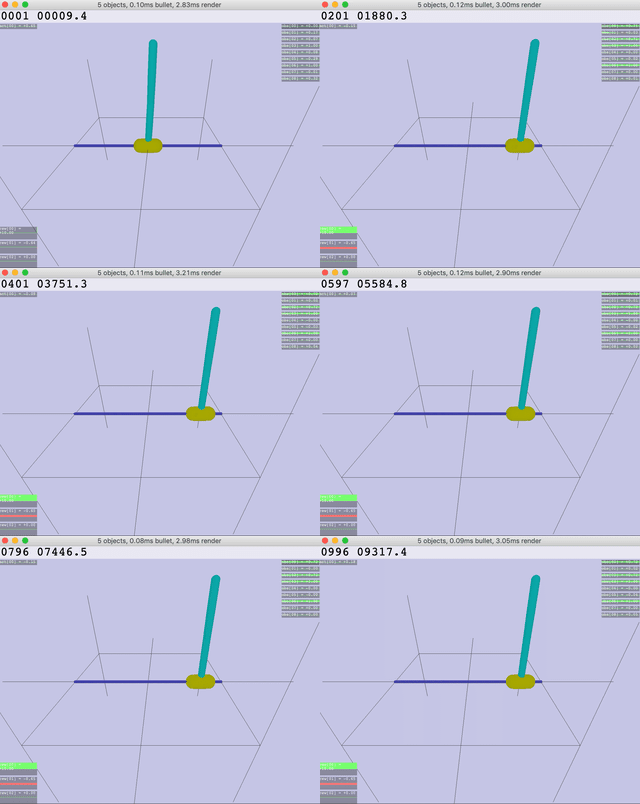 | 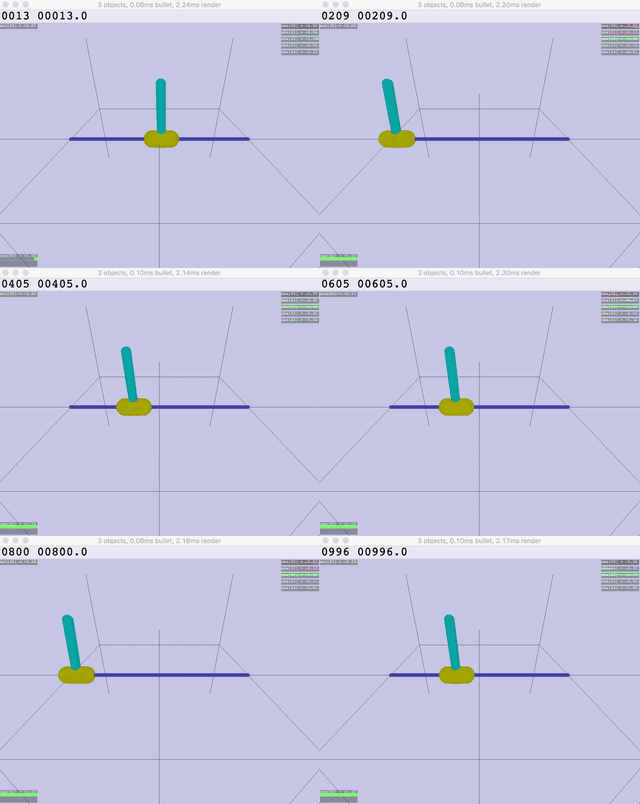 |  |  |
| Inv.DoublePendulum | InvertedPendulum | Reacher | Walker |
SLM Lab is a software framework for **reinforcement learning** (RL) research and application in PyTorch. RL trains agents to make decisions by learning from trial and error—like teaching a robot to walk or an AI to play games.
## What SLM Lab Offers
| Feature | Description |
|---------|-------------|
| **Ready-to-use algorithms** | PPO, SAC, DQN, A2C, REINFORCE—validated on 70+ environments |
| **Easy configuration** | JSON spec files fully define experiments—no code changes needed |
| **Reproducibility** | Every run saves its spec + git SHA for exact reproduction |
| **Automatic analysis** | Training curves, metrics, and TensorBoard logging out of the box |
| **Cloud integration** | dstack for GPU training, HuggingFace for sharing results |
## Algorithms
| Algorithm | Type | Best For | Validated Environments |
|-----------|------|----------|------------------------|
| **REINFORCE** | On-policy | Learning/teaching | Classic |
| **SARSA** | On-policy | Tabular-like | Classic |
| **DQN/DDQN+PER** | Off-policy | Discrete actions | Classic, Box2D, Atari |
| **A2C** | On-policy | Fast iteration | Classic, Box2D, Atari |
| **PPO** | On-policy | General purpose | Classic, Box2D, MuJoCo (11), Atari (54) |
| **SAC** | Off-policy | Continuous control | Classic, Box2D, MuJoCo |
See [Benchmark Results](docs/BENCHMARKS.md) for detailed performance data.
## Environments
SLM Lab uses [Gymnasium](https://gymnasium.farama.org/) (the maintained fork of OpenAI Gym):
| Category | Examples | Difficulty | Docs |
|----------|----------|------------|------|
| **Classic Control** | CartPole, Pendulum, Acrobot | Easy | [Gymnasium Classic](https://gymnasium.farama.org/environments/classic_control/) |
| **Box2D** | LunarLander, BipedalWalker | Medium | [Gymnasium Box2D](https://gymnasium.farama.org/environments/box2d/) |
| **MuJoCo** | Hopper, HalfCheetah, Humanoid | Hard | [Gymnasium MuJoCo](https://gymnasium.farama.org/environments/mujoco/) |
| **Atari** | Breakout, MsPacman, and 54 more | Varied | [ALE](https://ale.farama.org/environments/) |
Any gymnasium-compatible environment works—just specify its name in the spec.
## Quick Start
```bash
# Install
uv sync
uv tool install --editable .
# Run demo (PPO CartPole)
slm-lab run # PPO CartPole
slm-lab run --render # with visualization
# Run custom experiment
slm-lab run spec.json spec_name train # local training
slm-lab run-remote spec.json spec_name train # cloud training (dstack)
# Help (CLI uses Typer)
slm-lab --help # list all commands
slm-lab run --help # options for run command
# Troubleshoot: if slm-lab not found, use uv run
uv run slm-lab run
```
## Cloud Training (dstack)
Run experiments on cloud GPUs with automatic result sync to HuggingFace.
```bash
# Setup
cp .env.example .env # Add HF_TOKEN
uv tool install dstack # Install dstack CLI
# Configure dstack server - see https://dstack.ai/docs/quickstart
# Run on cloud
slm-lab run-remote spec.json spec_name train # CPU training (default)
slm-lab run-remote spec.json spec_name search # CPU ASHA search (default)
slm-lab run-remote --gpu spec.json spec_name train # GPU training (for image envs)
# Sync results
slm-lab pull spec_name # Download from HuggingFace
slm-lab list # List available experiments
```
Config options in `.dstack/`: `run-gpu-train.yml`, `run-gpu-search.yml`, `run-cpu-train.yml`, `run-cpu-search.yml`
### Minimal Install (Orchestration Only)
For a lightweight box that only dispatches dstack runs, syncs results, and generates plots (no local ML training):
```bash
uv sync --no-default-groups # skip ML deps (torch, gymnasium, etc.)
uv tool install dstack
uv run --no-default-groups slm-lab run-remote spec.json spec_name train
uv run --no-default-groups slm-lab pull spec_name
uv run --no-default-groups slm-lab plot -f folder1,folder2
```
## Citation
If you use SLM Lab in your research, please cite:
```bibtex
@misc{kenggraesser2017slmlab,
author = {Keng, Wah Loon and Graesser, Laura},
title = {SLM Lab},
year = {2017},
publisher = {GitHub},
journal = {GitHub repository},
howpublished = {\url{https://github.com/kengz/SLM-Lab}},
}
```
## License
MIT