# SD Webui Diffusion Color Grading
This is an Extension for the [Automatic1111 Webui](https://github.com/AUTOMATIC1111/stable-diffusion-webui), which performs *Color Grading* during the generation,
producing a more **neutral** and **balanced**, but also **vibrant** and **contrasty** color.
> This is the fruition of the joint research between [TimothyAlexisVass](https://github.com/TimothyAlexisVass) with their findings, and me with my experience in developing [Vectorscope CC](https://github.com/Haoming02/sd-webui-vectorscope-cc)
**Note:** This Extension is disabled during [ADetailer](https://github.com/Bing-su/adetailer) phase to prevent inconsistent colors
This Extension comes with two main features, **Recenter** and **Normalization**:
### Recenter
Abstract
TimothyAlexisVass discovered that, the value of the latent noise Tensor often starts off-centered, and the mean of each channel tends to drift away from `0`.
Therefore, I tried to write an Extension to guide the mean back to `0`. For **SDXL**, pushing the mean of each channel to `0` yields decent results.
But for **SD 1.5**, I found out that for some Checkpoints this often produces a green tint, suggesting that the "center" of each channel might not necessarily be at `0`.
After experimenting with hundreds of images, I located a set of values for a rather **neutral and balanced** tone.
Effects
When you enable the feature, the output images will not have a biased color tint, and all colors will distribute more evenly;
Additionally, the brightness will be adjusted so that bright areas are not overblown and dark areas are not clipped,
producing a similar effect like the HDR photos taken by smartphones.
Samples
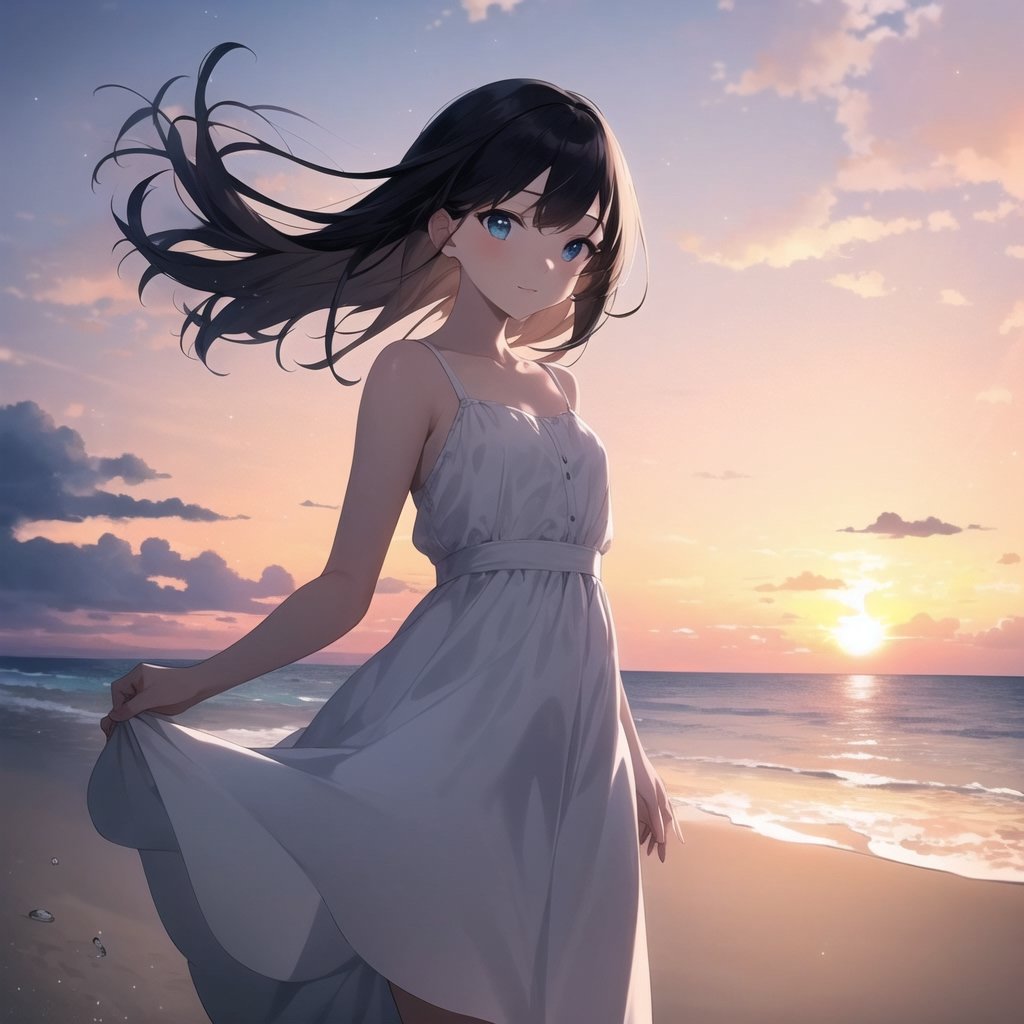
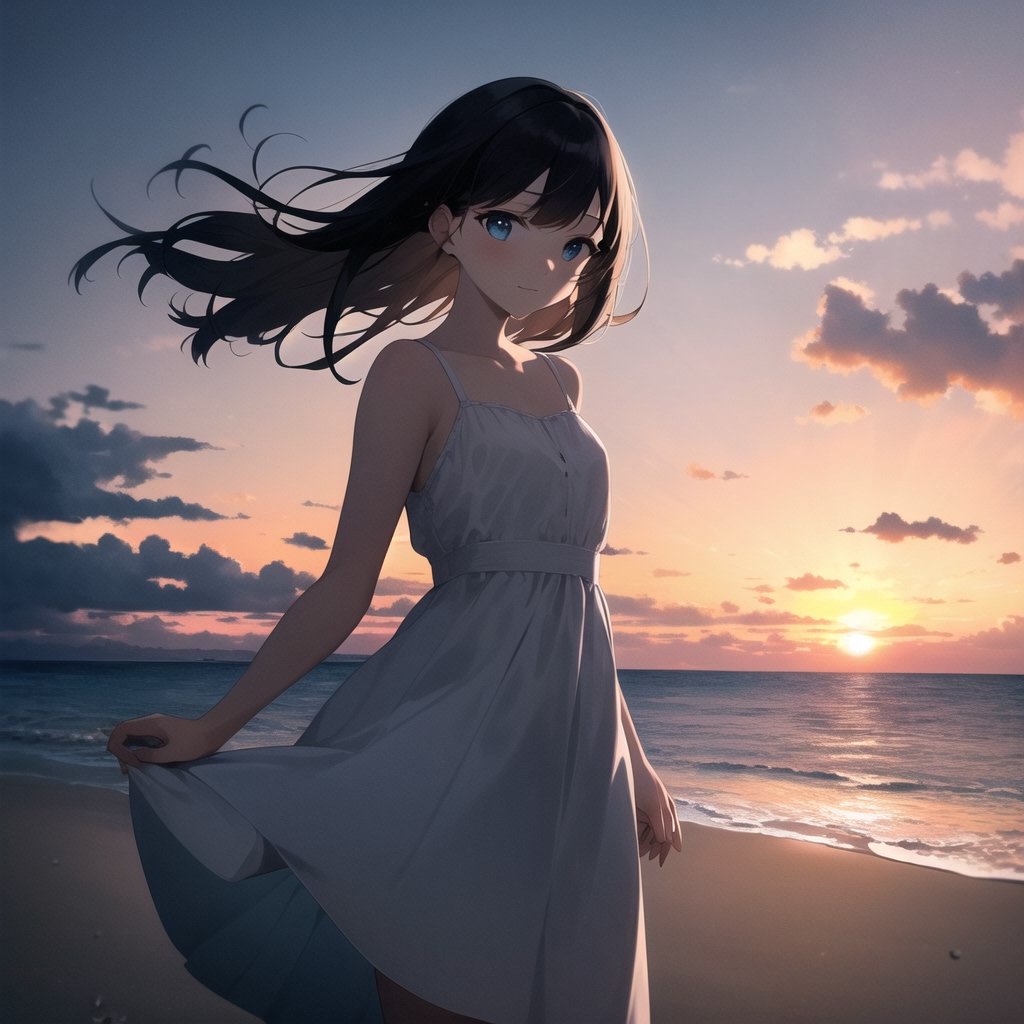
Off | On
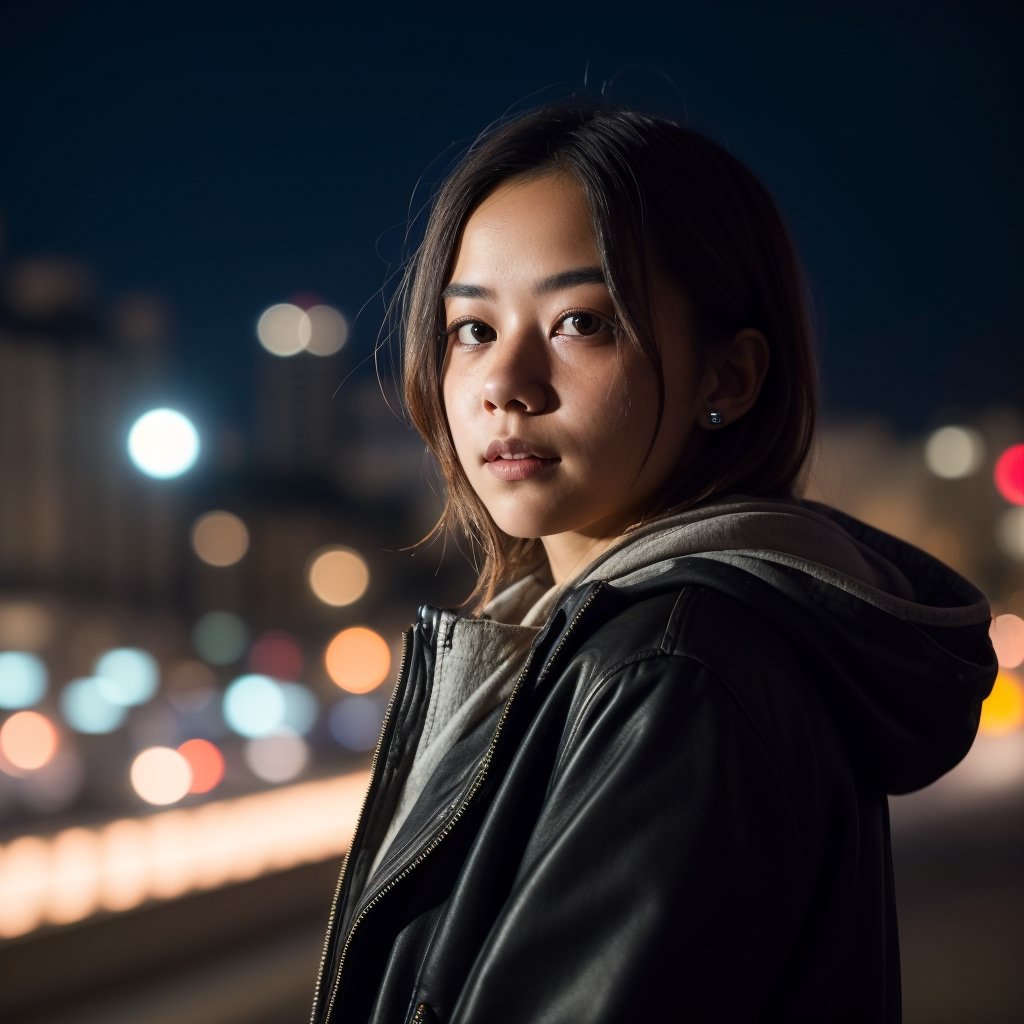
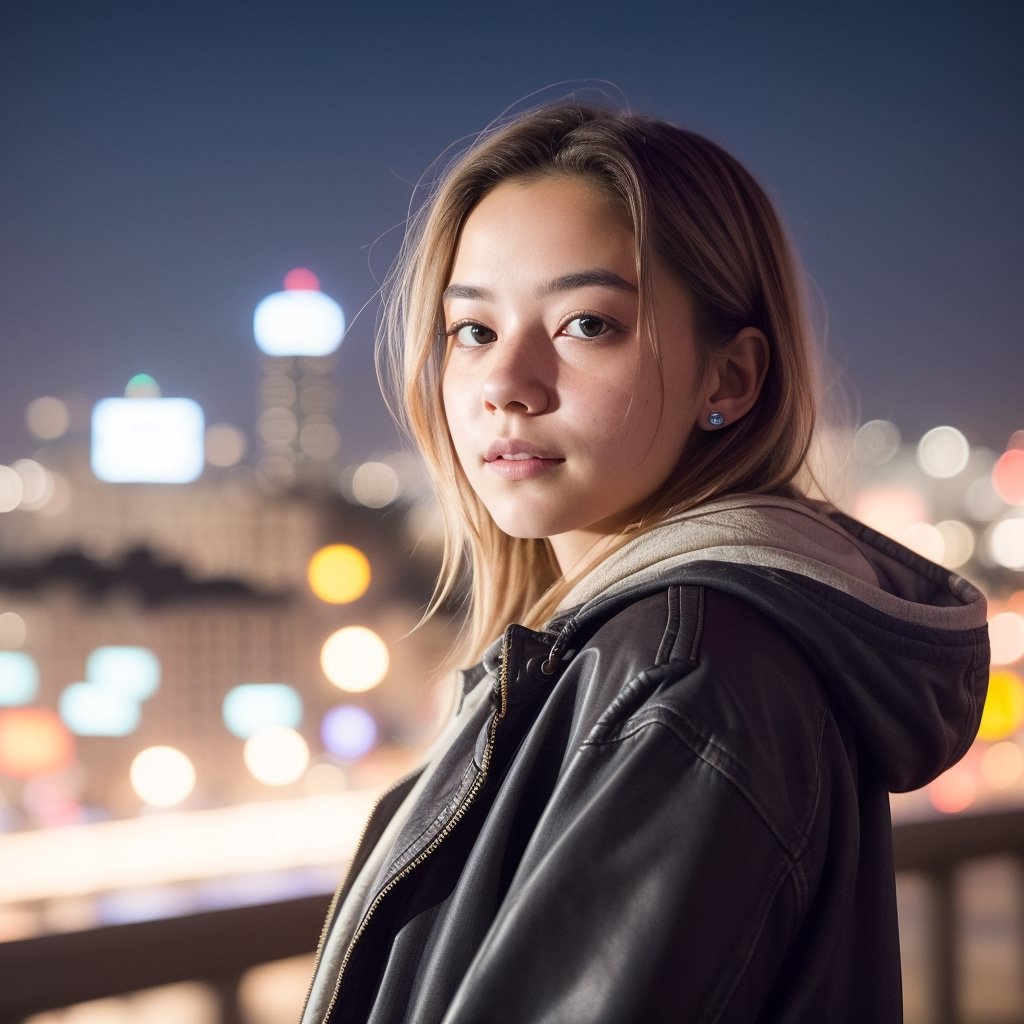
Off | On
### Normalization
Abstract
By encoding images into latent noise with VAE, TimothyAlexisVass discovered that the values for VAE to decode are usually within a certain range,
and thus theorized that if the final latent noise has a smaller value range, then some precision is essentailly wasted.
This gave me an idea to write a function that can make the latent noise utilize the full color depth,
making the final output more **vibrant** and **contrasty**.
Effects
When you enable the feature, the latent noise will attempt to span across the value ranges if possible, before getting decoded by the VAE.
As a result, bright areas will get brighter and dark areas will get darker; Additional details may also be introduced in these areas.
> This feature is currently disabled during Hires. fix pass
### Combined
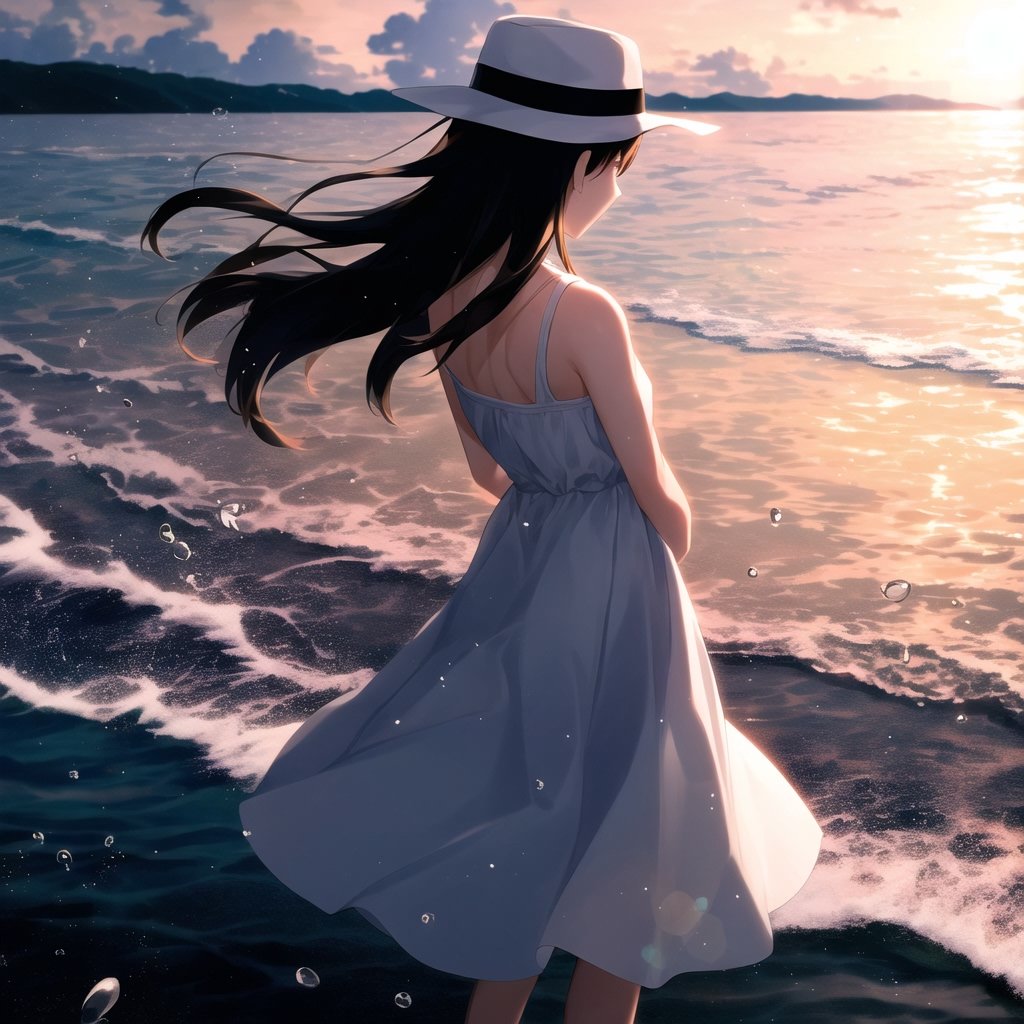
You can also enable both features at the same time, thus creating some really stunning results!
### SDXL Support
Since the [*](#stable-diffusion-structures)internal structure (channel) and the color range of `SDXL` is different from those of `SD 1.5`,
this Extension cannot simply work for both of them using the same values. Nevertheless, you can now toggle the version to SDXL and try out the effects:


Off | On
## Settings
In the `Diffusion CG` section of the **Settings** tab, you can make either feature default to Enabled,
as well as setting the Stable Diffusion Version to start with.
## To Do
- [X] Parameter Settings
- [X] Better SDXL Support
- [X] Generation InfoText
- [ ] Better Algorithms
> Currently, for extreme cases *(**eg.** a bowl of oranges)*, the overall colors will be overcompensating
## Stable Diffusion Structures
The `Tensor` of the latent noise has a dimention of `[batch, 4, height / 8, width / 8]`.
- For **SD 1.5:** From my trial and error when developing [Vectorscope CC](https://github.com/Haoming02/sd-webui-vectorscope-cc), each of the 4 channels essentially represents the `-K`, `-M`, `C`, `Y` color for the **CMYK** color model.
- For **SDXL:** According to TimothyAlexisVass's [Blogpost](https://huggingface.co/blog/TimothyAlexisVass/explaining-the-sdxl-latent-space), the first 3 channels are similar to **YCbCr** color model, while the 4th channel is the pattern/structure.