Upload Image
Click to Upload Face Image
or drag and drop
JPG, PNG up to 5MB • Clear frontal face works best
1
Upload Image
Select a clear frontal face photo
2
Generate Animation
Click generate to create animation
3
Download Result
Save your animated portrait
Try Examples
Click on any example image to try it instantly

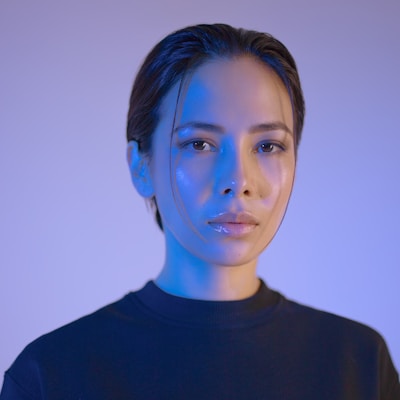
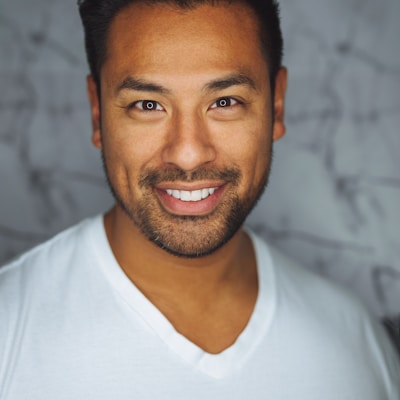
Generated Animation
Your animation will appear here
Upload an image and click generate to start
Full Installation
This demo shows the interface. For full functionality with audio-driven animation:
# 1. Clone the repository

git clone https://github.com/Ayeeee45/AdvancedLivePortrait-WebUI.git

cd AdvancedLivePortrait-WebUI


# 2. Install dependencies

pip install -r requirements.txt


# 3. Download required models

# Check README.md for model download links


# 4. Run the application

python webui.py


# 5. Open in browser

# Visit http://localhost:7860
System Requirements
• 8GB+ GPU VRAM (NVIDIA recommended)
• 20GB+ free disk space
• Python 3.10
Audio Support
Full version supports audio-driven lip sync animation