

File size: 3,949 Bytes
c446951 |
1 2 3 4 5 6 7 8 9 10 11 12 13 14 15 16 17 18 19 20 21 22 23 24 25 26 27 28 29 30 31 32 33 34 35 36 37 38 39 40 41 42 43 44 45 46 47 48 49 50 51 52 53 54 55 56 57 58 59 60 61 62 63 64 65 66 67 68 69 70 71 72 73 74 75 76 77 78 79 80 81 82 83 84 85 86 87 88 89 90 91 92 93 94 95 96 97 98 99 100 101 102 103 104 105 106 107 108 109 110 111 112 113 114 115 116 117 118 119 120 121 122 123 124 125 126 127 128 129 130 131 132 |
With Inference, you can run any of the 50,000+ models available on Roboflow Universe. You can also run private, fine-tuned models that you have trained or uploaded to Roboflow.
All models run on your own hardware.
## Run a Model on Universe
In the first example, we showed how to run a rock paper scissors model. This model was hosted on Universe. Let's find another model to try.
!!! info
If you haven't already, follow our Run Your First Model guide to install and set up Inference.
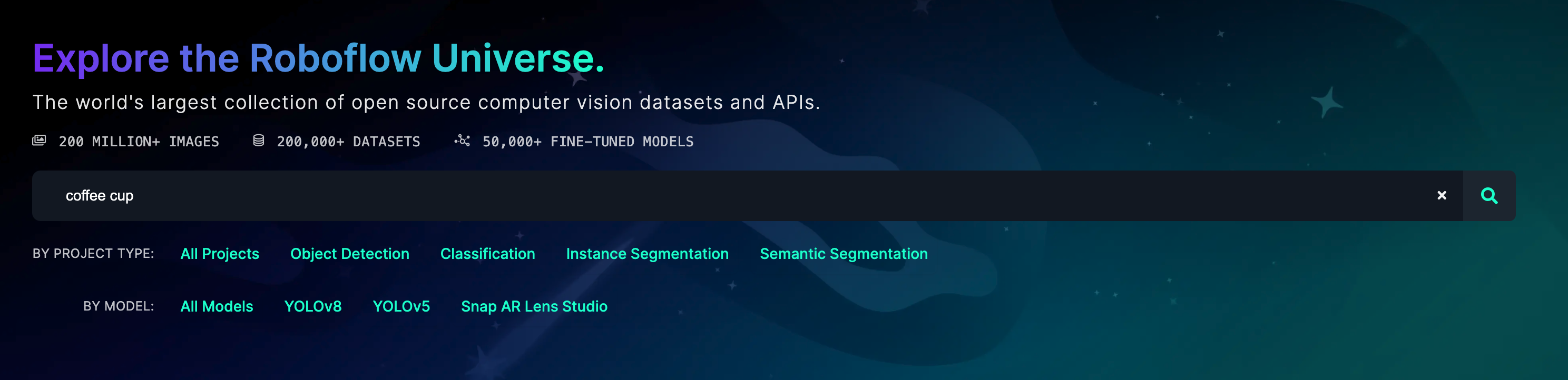
Go to the [Roboflow Universe](https://universe.roboflow.com) homepage and use the search bar to find a model.
!!! info
Add "model" to your search query to only find models.
Browse the search page to find a model.
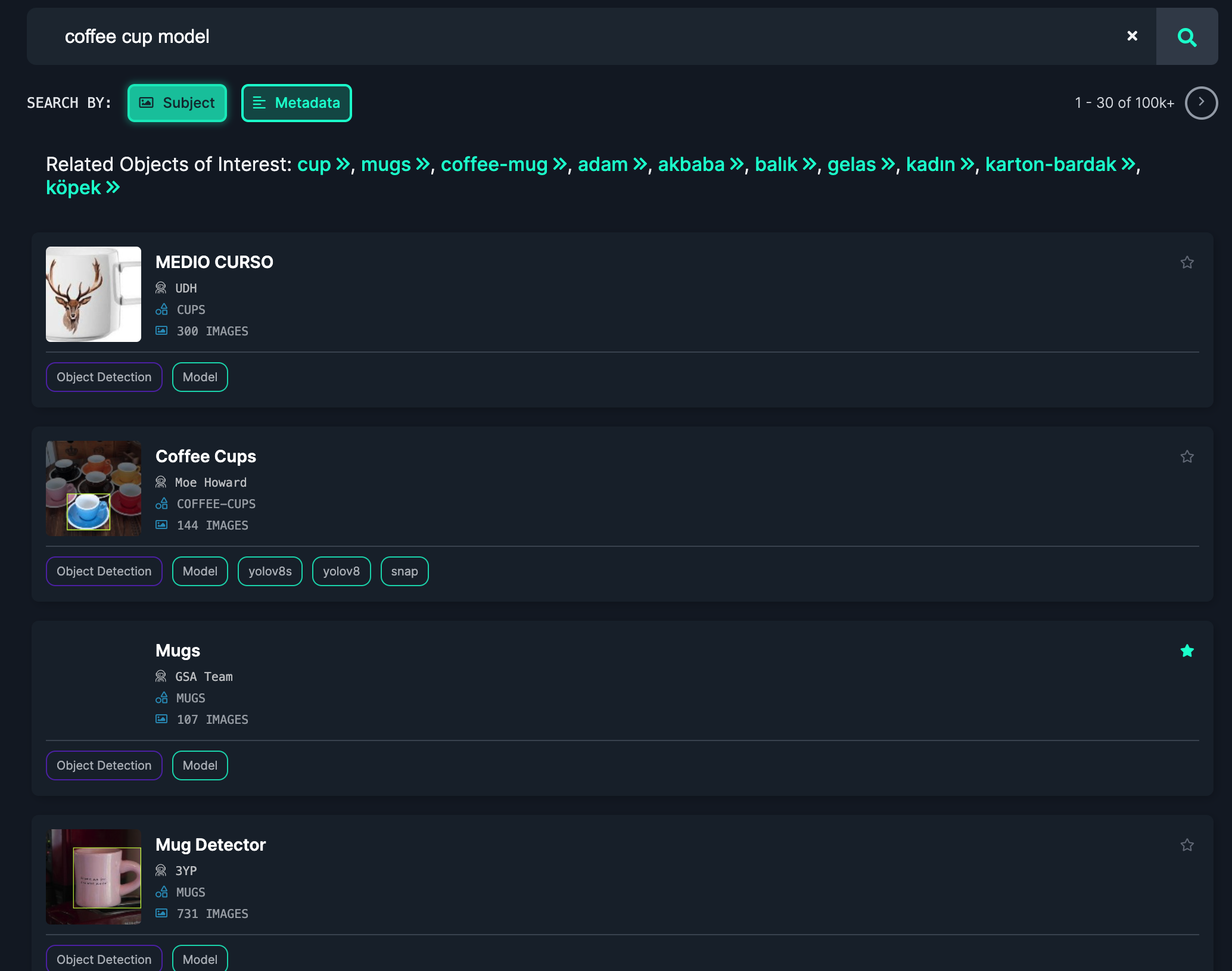
When you have found a model, click on the model card to learn more. Click the "Model" link in the sidebar to get the information you need to use the model.
Create a new Python file and add the following code:
```python
import cv2
import inference
import supervision as sv
annotator = sv.BoxAnnotator()
def on_prediction(predictions, image):
labels = [p["class"] for p in predictions["predictions"]]
detections = sv.Detections.from_roboflow(predictions)
cv2.imshow(
"Prediction",
annotator.annotate(
scene=image,
detections=detections,
labels=labels
)
),
cv2.waitKey(1)
inference.Stream(
source="webcam", # or rtsp stream or camera id
model="coffee-cup-v2/3", # from Universe
output_channel_order="BGR",
use_main_thread=True, # for opencv display
on_prediction=on_prediction,
)
```
Replace `coffee-cup-v2/3` with the model ID you found on Universe.
Then, run the Python script:
```
python app.py
```
Your webcam will open and you can see the model running:
<video width="100%" autoplay loop muted>
<source src="https://media.roboflow.com/coffee-cup.mp4" type="video/mp4">
</video>
_Note: This model was tested on a Mac, but will achieve better performance on a GPU._
## Run a Private, Fine-Tuned Model
You can run models you have trained privately on Roboflow with Inference. To do so, first go to your [Roboflow dashboard](https://app.roboflow.com). Then, choose the model you want to run.
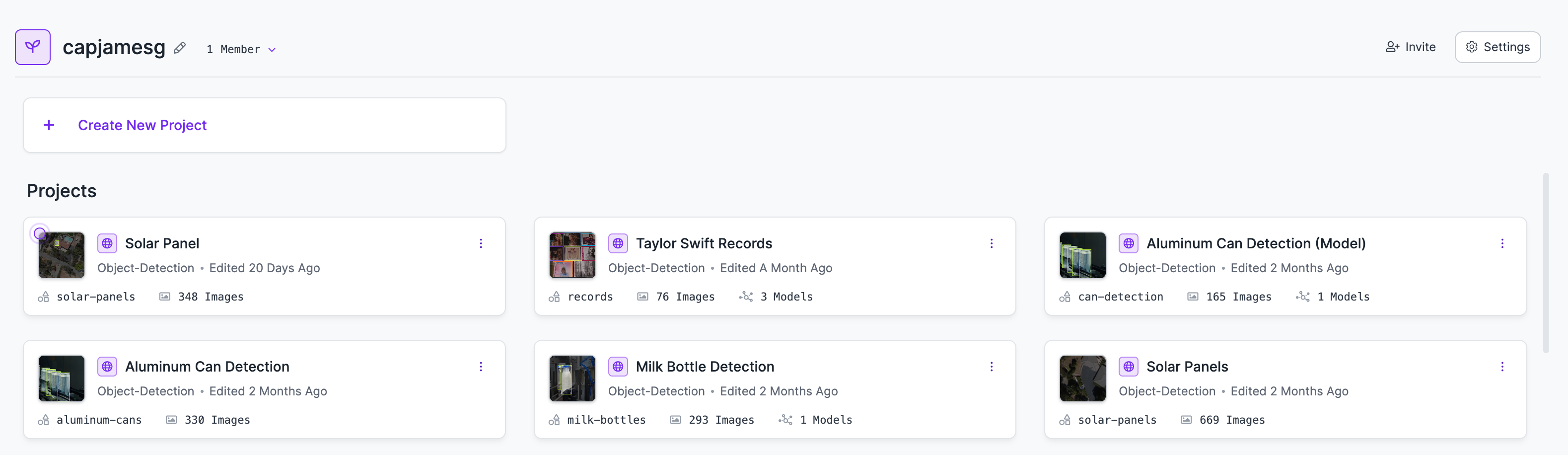
Click the "Deploy" link in the sidebar to find the information you will need to use your model with Inference:
<img src="https://media.roboflow.com/docs-model-deploy.png" alt="Model deploy page" width="100%" style="max-height: 200px;">
Copy the model ID on the page (in this case, `taylor-swift-records/3`).
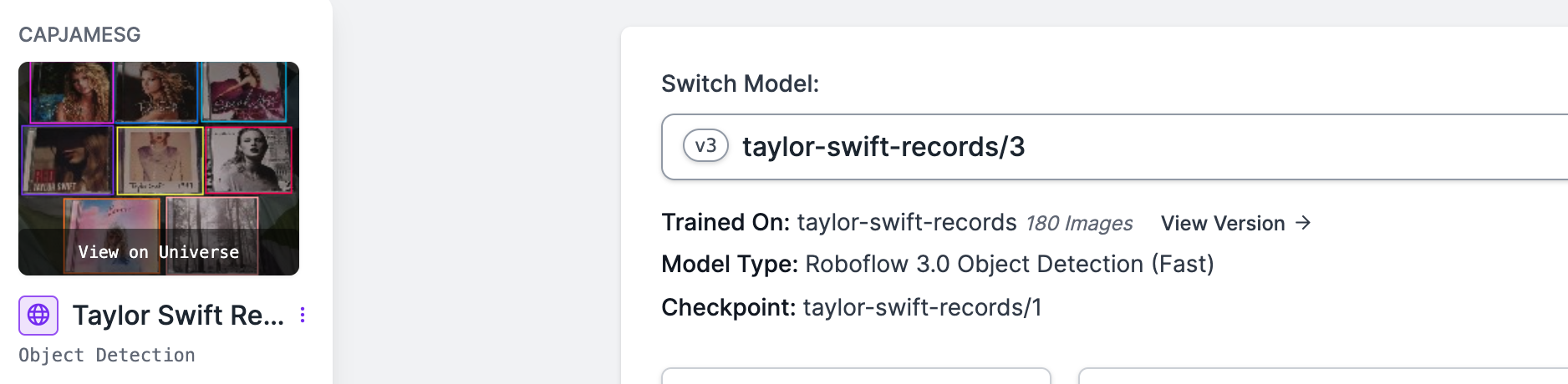
Then, create a new Python file and add the following code:
```python
import cv2
import inference
import supervision as sv
annotator = sv.BoxAnnotator()
def on_prediction(predictions, image):
labels = [p["class"] for p in predictions["predictions"]]
detections = sv.Detections.from_roboflow(predictions)
detections = detections[detections.confidence > 0.9]
print(detections)
cv2.imshow(
"Prediction",
annotator.annotate(
scene=image,
detections=detections,
labels=labels
)
),
cv2.waitKey(1)
inference.Stream(
source="webcam", # or rtsp stream or camera id
model="taylor-swift-records/3", # from Universe
output_channel_order="BGR",
use_main_thread=True, # for opencv display
on_prediction=on_prediction,
)
```
Replace `taylor-swift-records/3` with the model ID from your private model.
Then, run the Python script:
```
python app.py
```
Your webcam will open and you can see the model running.
<video width="100%" autoplay loop muted>
<source src="https://media.roboflow.com/ts-demo.mp4" type="video/mp4">
</video> |