
Spaces:
No application file

No application file
| title: 'Full Stack' | |
| The Full Stack app example can be found [here](https://github.com/embedchain/embedchain/tree/main/examples/full_stack). | |
| This guide will help you setup the full stack app on your local machine. | |
| ### 🐳 Docker Setup | |
| - Create a `docker-compose.yml` file and paste the following code in it. | |
| ```yaml | |
| version: "3.9" | |
| services: | |
| backend: | |
| container_name: embedchain-backend | |
| restart: unless-stopped | |
| build: | |
| context: backend | |
| dockerfile: Dockerfile | |
| image: embedchain/backend | |
| ports: | |
| - "8000:8000" | |
| frontend: | |
| container_name: embedchain-frontend | |
| restart: unless-stopped | |
| build: | |
| context: frontend | |
| dockerfile: Dockerfile | |
| image: embedchain/frontend | |
| ports: | |
| - "3000:3000" | |
| depends_on: | |
| - "backend" | |
| ``` | |
| - Run the following command, | |
| ```bash | |
| docker-compose up | |
| ``` | |
| 📝 Note: The build command might take a while to install all the packages depending on your system resources. | |
|  | |
| ### 🚀 Usage Instructions | |
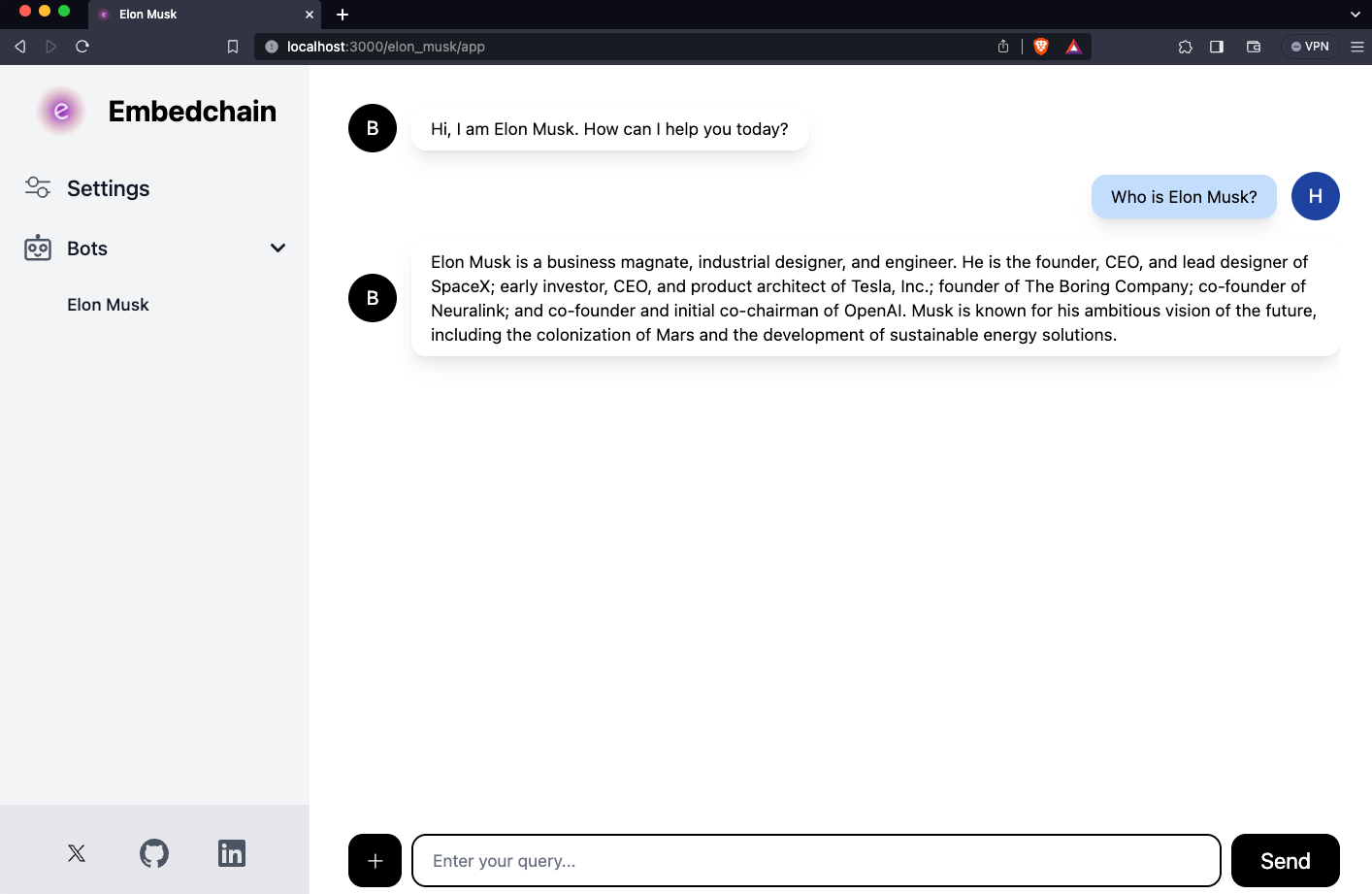
| - Go to [http://localhost:3000/](http://localhost:3000/) in your browser to view the dashboard. | |
| - Add your `OpenAI API key` 🔑 in the Settings. | |
| - Create a new bot and you'll be navigated to its page. | |
| - Here you can add your data sources and then chat with the bot. | |
| 🎉 Happy Chatting! 🎉 | |