
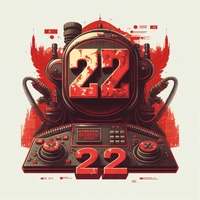
just wow :-O the prompts are available in PNG
#8
by xxl2005 - opened

this model delivers excellent pictures keep it up!



Noice! Mind sharing the prompts?
the prompts are available in PNG.
xxl2005 changed discussion title from just wow :-O to just wow :-O, the prompts are available in PNG.
xxl2005 changed discussion title from just wow :-O, the prompts are available in PNG. to just wow :-O the prompts are available in PNG

damnnm son, that's good stuff! Best model after lexica's aperture

i can't find the prompt's png @xxl2005 :(
i hope i could help you @sortsvane
thank you so much @xxl2005 ! didn't know auto1111 embeds prompts in the png metadata. :)

Fascinating stuff!

I LOVE this model!


