
import torch
from diffusers import DiffusionPipeline

# switch to "mps" for apple devices
pipe = DiffusionPipeline.from_pretrained("black-forest-labs/FLUX.1-dev", dtype=torch.bfloat16, device_map="cuda")
pipe.load_lora_weights("AIGCDuckBoss/fluxLora_Portrait-Sketch")

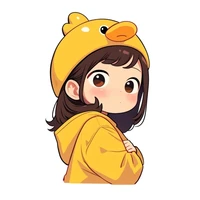
prompt = "Portrait of cute girl,dark tone anime style"
image = pipe(prompt).images[0]Portrait-Sketch

- Prompt
- Portrait of cute girl,dark tone anime style

- Prompt
- Portrait of Handsome young man,dark tone anime style

- Prompt
- Portrait of Vegeta,dark tone anime style

- Prompt
- Portrait of Cute Panda,dark tone anime style
Model description
Sketch-style portrait
Trigger words
You should use dark tone anime style to trigger the image generation.
Download model
Weights for this model are available in Safetensors format.
Download them in the Files & versions tab.
- Downloads last month
- 3
Model tree for AIGCDuckBoss/fluxLora_Portrait-Sketch
Base model
black-forest-labs/FLUX.1-dev