Instructions to use AIGaming/white_v20 with libraries, inference providers, notebooks, and local apps. Follow these links to get started.
- Libraries
- Diffusers
How to use AIGaming/white_v20 with Diffusers:
pip install -U diffusers transformers accelerate
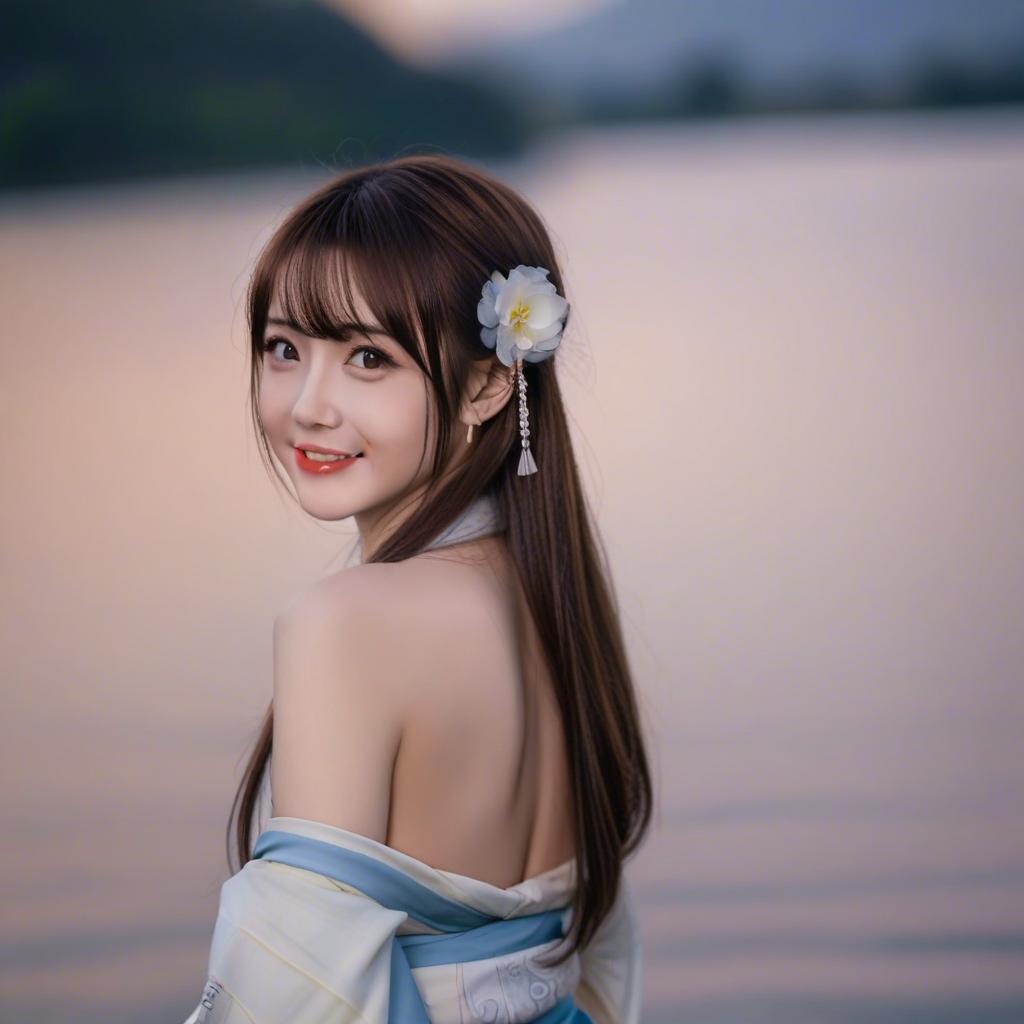
import torch from diffusers import DiffusionPipeline # switch to "mps" for apple devices pipe = DiffusionPipeline.from_pretrained("AIGaming/white_v20", dtype=torch.bfloat16, device_map="cuda") prompt = "Score_9, Score_8_up, Score_7_up,1girl, solo, hair ornament, flower, hair flower, blurry, smile, brown hair, looking at viewer, lips, looking back, depth of field, portrait, long hair, blurry background, bangs, japanese clothes, bare shoulders, red lips, parted lips,outdoors,lake," image = pipe(prompt).images[0] - Notebooks
- Google Colab
- Kaggle
- Local Apps
- Draw Things
- DiffusionBee

- Prompt
- Score_9, Score_8_up, Score_7_up,1girl, solo, hair ornament, flower, hair flower, blurry, smile, brown hair, looking at viewer, lips, looking back, depth of field, portrait, long hair, blurry background, bangs, japanese clothes, bare shoulders, red lips, parted lips,outdoors,lake,
- Negative Prompt
- score_4,score_3,score_2,score_1,ugly,bad hands,bad foot,bad_hands,
- Downloads last month
- 4