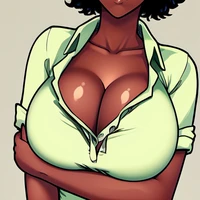
Diffusers How to use AiAF/Pilyeon_LoRA_PonyXL with Diffusers:
pip install -U diffusers transformers accelerate
import torch
from diffusers import DiffusionPipeline

# switch to "mps" for apple devices
pipe = DiffusionPipeline.from_pretrained("AiAF/ponyDiffusionV6XL_v6StartWithThisOne.safetensors", dtype=torch.bfloat16, device_map="cuda")
pipe.load_lora_weights("AiAF/Pilyeon_LoRA_PonyXL")

prompt = "score_9, score_8_up, score_7_up, Pilyeon \\(Artist\\), 필연 \\(예술가\\), @vlfdus__0, @pilyeon_00, tsunade (naruto), White short sleeves, jeans,1girl, blonde hair, solo, mature female, forehead mark, brown eyes, facial mark, long hair,  looking at viewer,close-up,blush,high res image,masterpiece, long eyelashes, moonlight, partially illuminated, pale skin, dark theme, red lipstick, Front view, dark theme, low light,upper body,"
image = pipe(prompt).images[0]