

Text-to-Image
Diffusers
stable-diffusion
lora
template:sd-lora
negative
detail
tool
negative lora
quality up
improvement
import torch
from diffusers import DiffusionPipeline

# switch to "mps" for apple devices
pipe = DiffusionPipeline.from_pretrained("stabilityai/stable-diffusion-xl-base-1.0", dtype=torch.bfloat16, device_map="cuda")
pipe.load_lora_weights("DoctorDiffusion/doctor-diffusion-s-negative-xl-lora")

prompt = "painting of flowers on a table in the sun"
image = pipe(prompt).images[0]Doctor Diffusion's Negative XL LoRA

- Prompt
- painting of flowers on a table in the sun
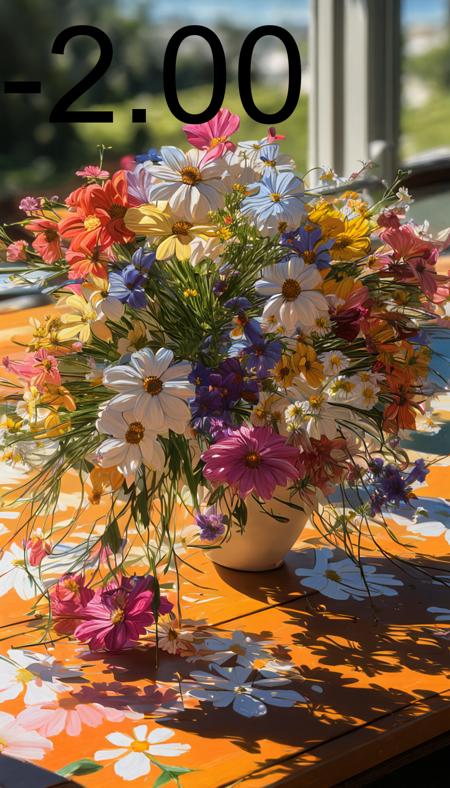
- Prompt
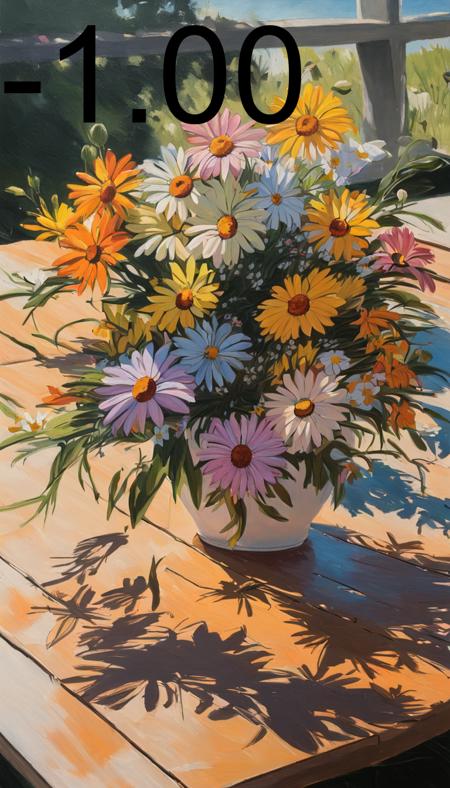
- Prompt
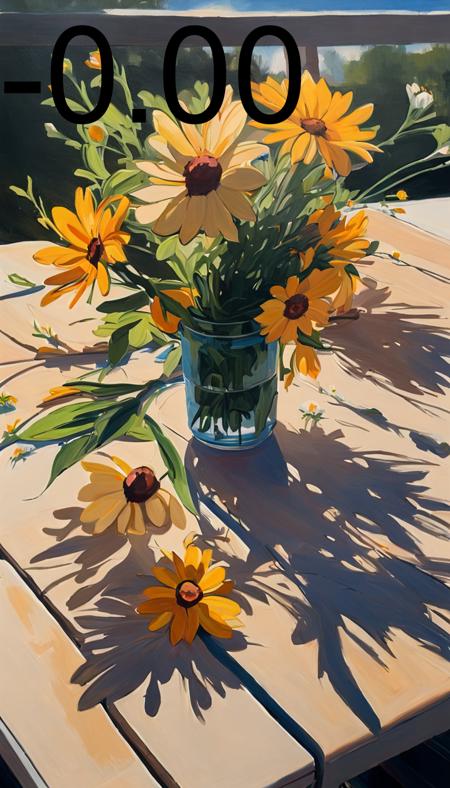
- Prompt
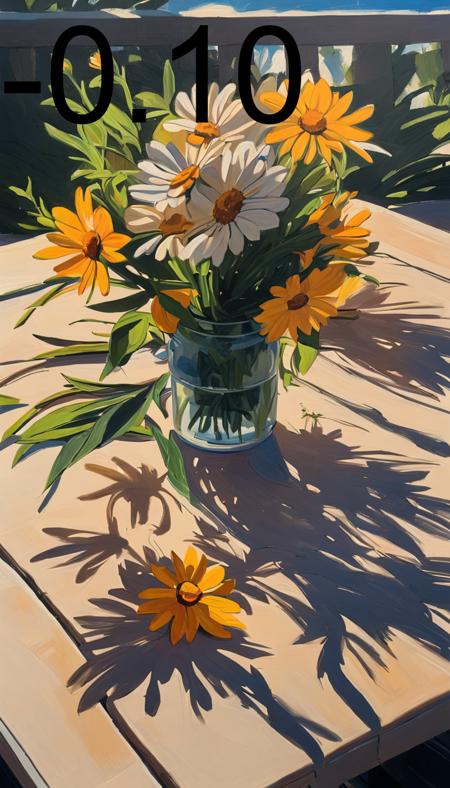
- Prompt
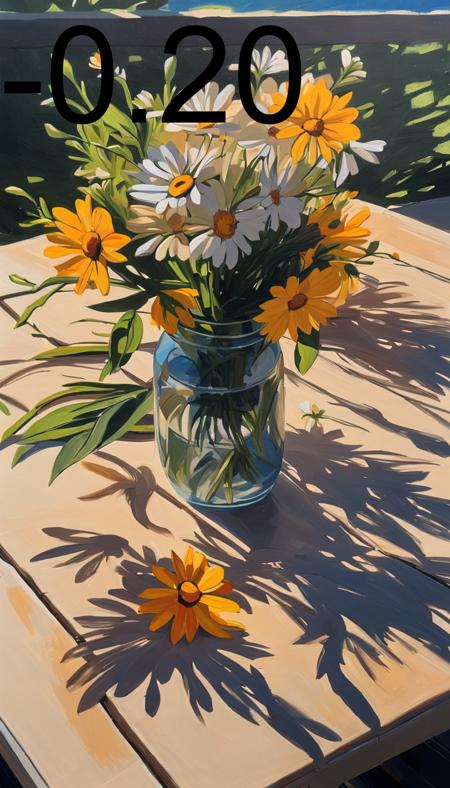
- Prompt
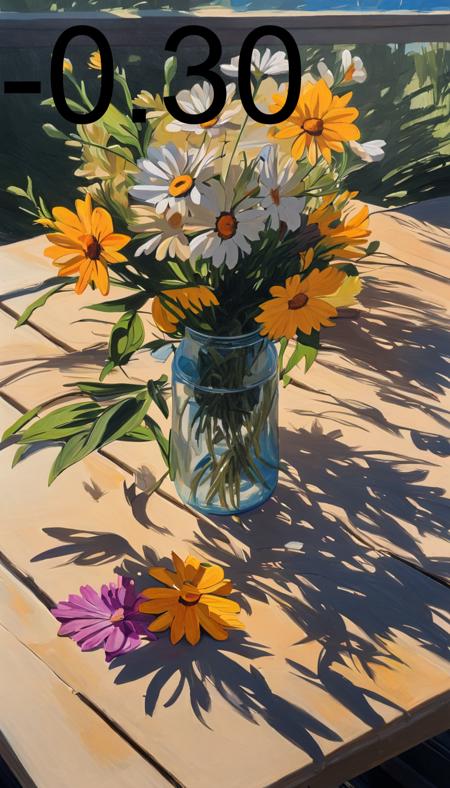
- Prompt
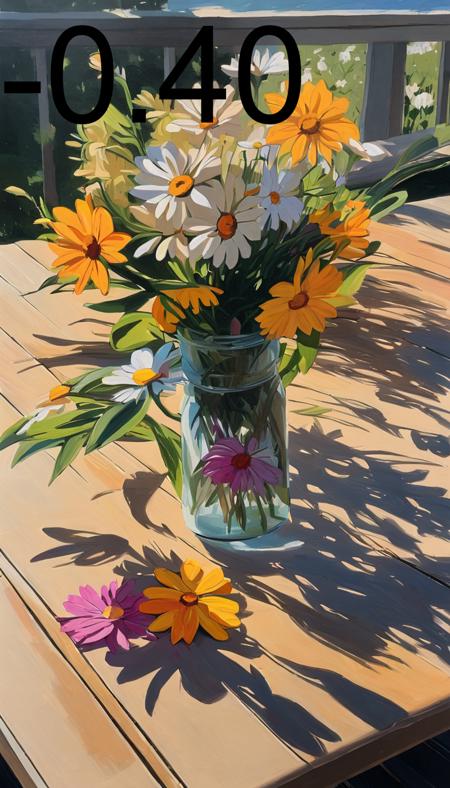
- Prompt
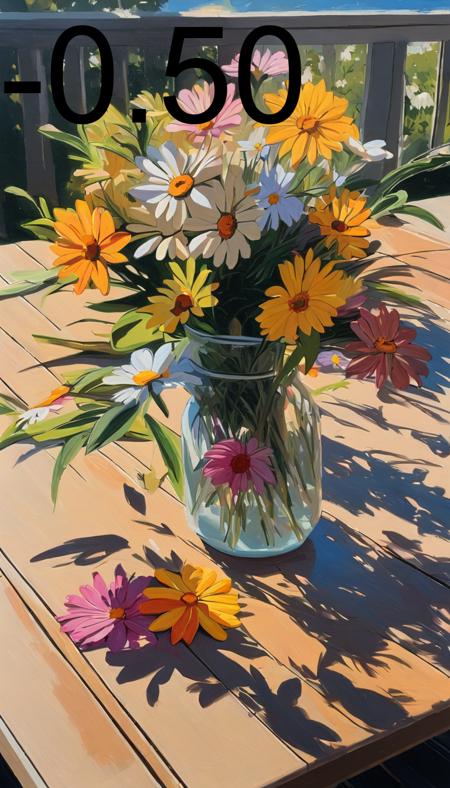
- Prompt
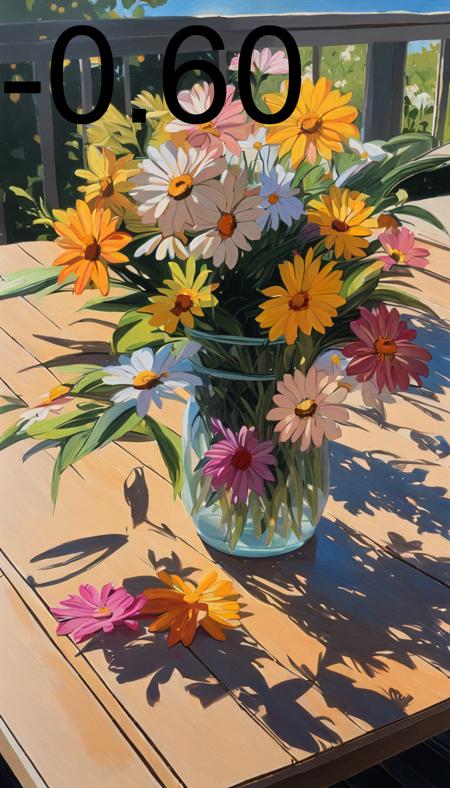
- Prompt
Model description
Increate the quality and amount of details with this negative XL LoRA.
THIS IS MEANT TO BE USED WITH NEGATIVE STRENGHT VALUES.
An updated version my "point-e" negative embedding for use with XL.
Keep CLIP strength at 1.0 and adjust the strength of the LoRA to preference.
LoRA Strength can range from -0.01 to -2.00.
☕ Like what I do? ☕
☕ Buy me a coffee or two! ☕
Download model
Weights for this model are available in Safetensors format.
Download them in the Files & versions tab.
Use it with the 🧨 diffusers library
from diffusers import AutoPipelineForText2Image
import torch

pipeline = AutoPipelineForText2Image.from_pretrained('stabilityai/stable-diffusion-xl-base-1.0', torch_dtype=torch.float16).to('cuda')
pipeline.load_lora_weights('DoctorDiffusion/doctor-diffusion-s-negative-xl-lora', weight_name='DD-pnte-neg-v1.safetensors')
image = pipeline('Your custom prompt').images[0]
For more details, including weighting, merging and fusing LoRAs, check the documentation on loading LoRAs in diffusers
- Downloads last month
- 23
Model tree for DoctorDiffusion/doctor-diffusion-s-negative-xl-lora
Base model
stabilityai/stable-diffusion-xl-base-1.0