

Text-to-Image
Diffusers
stable-diffusion
lora
template:sd-lora
concept
action figure
figure
toy
concpet
xl lora
import torch
from diffusers import DiffusionPipeline

# switch to "mps" for apple devices
pipe = DiffusionPipeline.from_pretrained("stabilityai/stable-diffusion-xl-base-1.0", dtype=torch.bfloat16, device_map="cuda")
pipe.load_lora_weights("DoctorDiffusion/doctor-diffusion-s-toy-xl-style-lora")

prompt = " toy, photo George w bush mission accomplished"
image = pipe(prompt).images[0]Doctor Diffusion's Toy XL Style LoRA
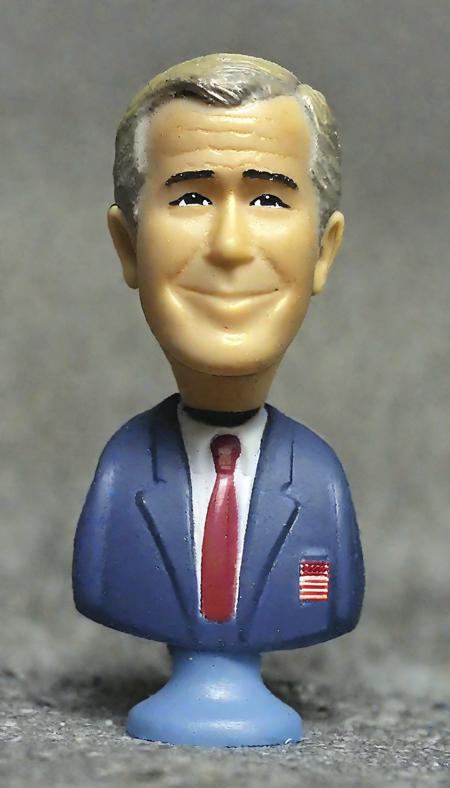
- Prompt
- toy, photo George w bush mission accomplished
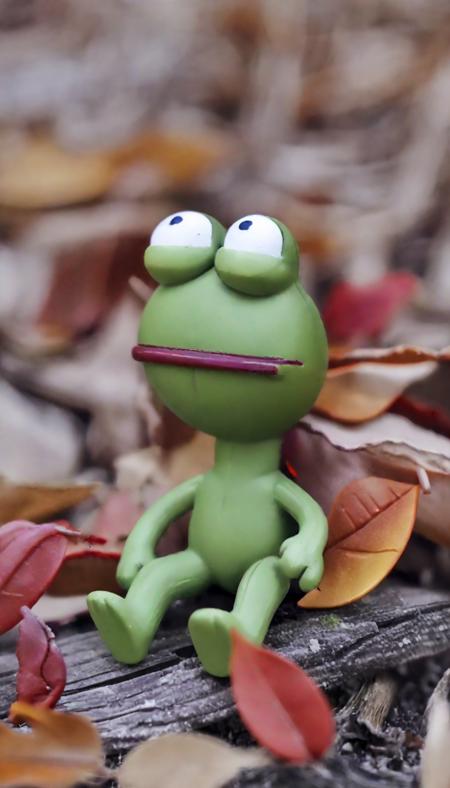
- Prompt
- toy fall autumn pepe
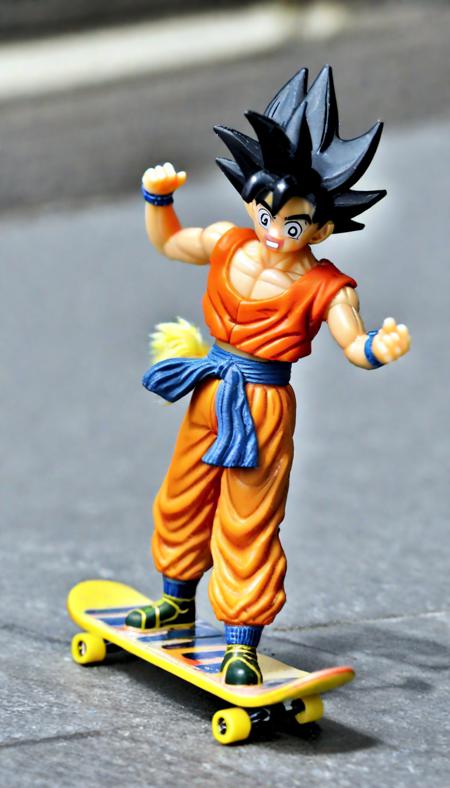
- Prompt
- toy, photo goku on a skateboard,
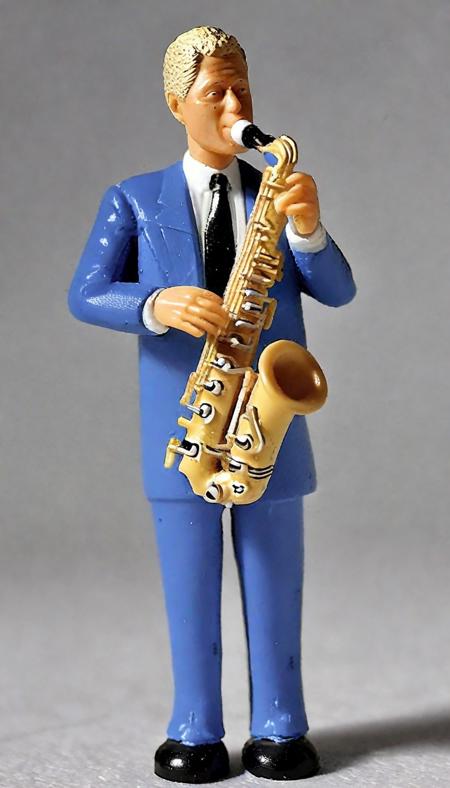
- Prompt
- toy bill Clinton Saxaphone
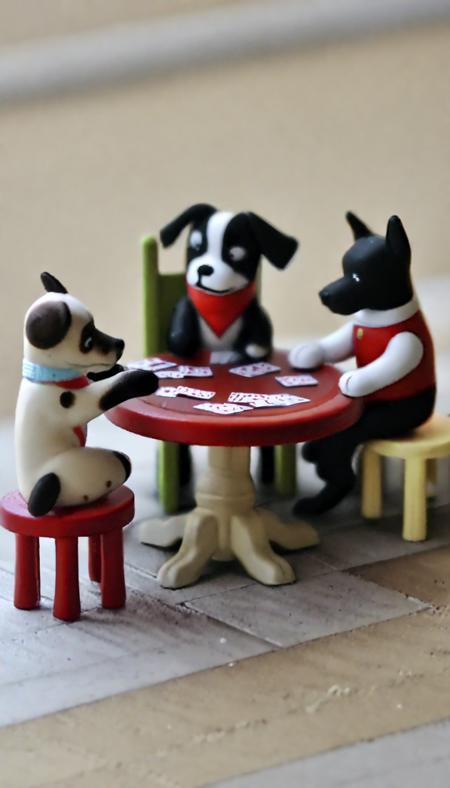
- Prompt
- toy dogs playing poker
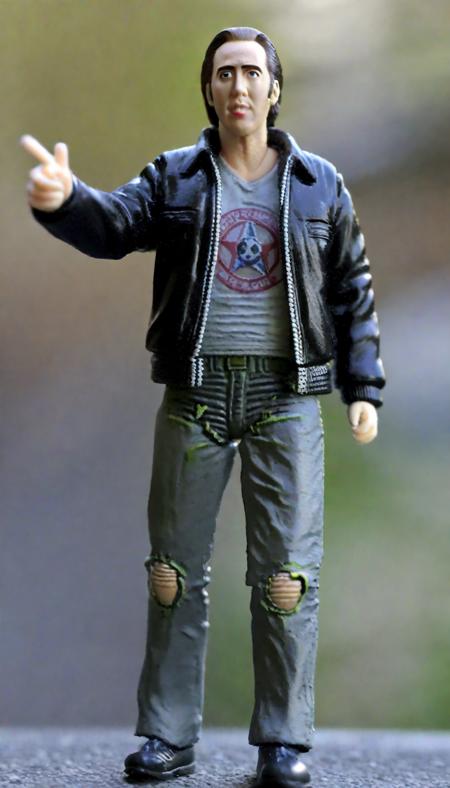
- Prompt
- toy photo nicolas cage car
Model description
Use "toy" in prompt.
☕ Like what I do? ☕
☕ Buy me a coffee or two! ☕
Trigger words
You should use toy, photo to trigger the image generation.
Download model
Weights for this model are available in Safetensors format.
Download them in the Files & versions tab.
Use it with the 🧨 diffusers library
from diffusers import AutoPipelineForText2Image
import torch

pipeline = AutoPipelineForText2Image.from_pretrained('stabilityai/stable-diffusion-xl-base-1.0', torch_dtype=torch.float16).to('cuda')
pipeline.load_lora_weights('DoctorDiffusion/doctor-diffusion-s-toy-xl-style-lora', weight_name='DD-toy-v2.safetensors')
image = pipeline(' toy photo nicolas cage car').images[0]
For more details, including weighting, merging and fusing LoRAs, check the documentation on loading LoRAs in diffusers
- Downloads last month
- 4
Model tree for DoctorDiffusion/doctor-diffusion-s-toy-xl-style-lora
Base model
stabilityai/stable-diffusion-xl-base-1.0