

gb1style
Model trained with AI Toolkit by Ostris on a randomly terribly captioned dataset of generated images. Let the chaos wash over you.

- Prompt
- A person in a bustling cafe . GB1Style
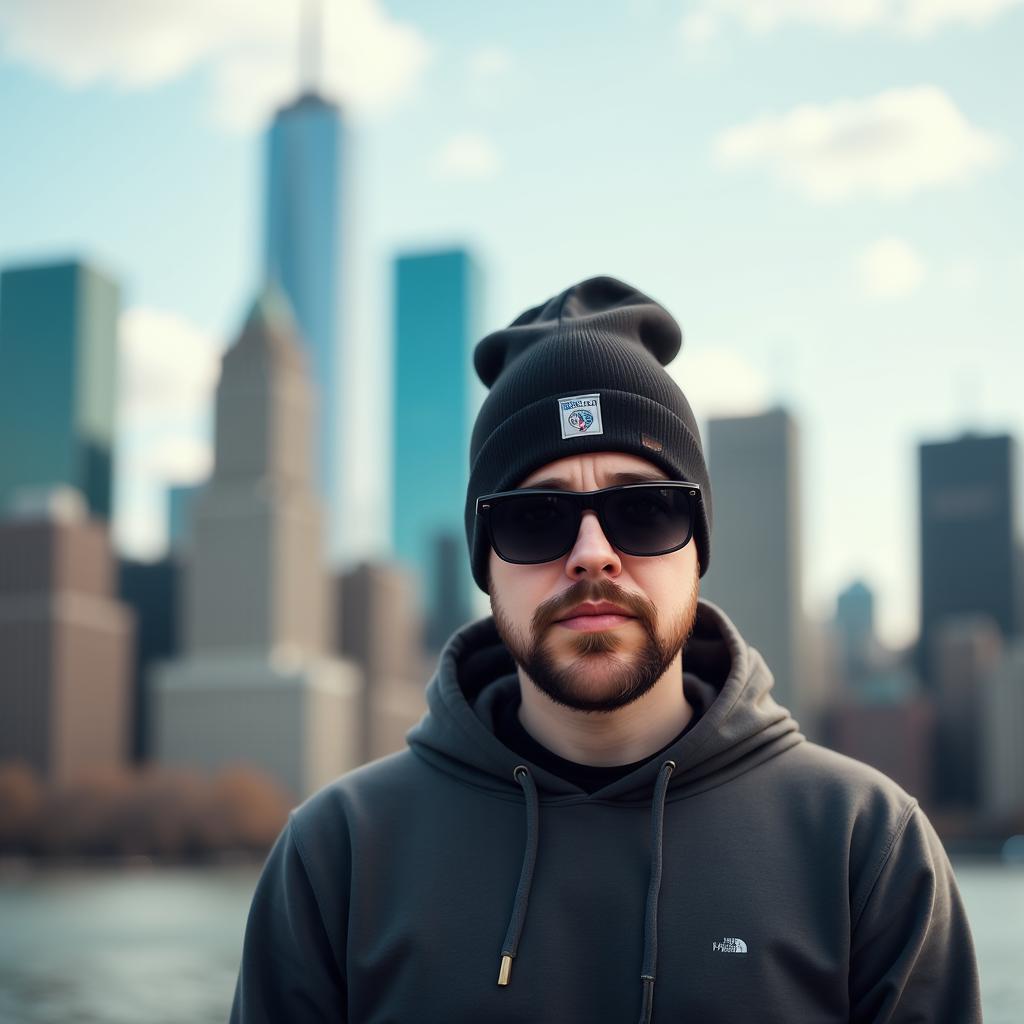
- Prompt
- a man wearing sunglasses and a beanie standing in front of a city skyline. He is wearing a hoodie and the background is slightly blurred, giving the image a dreamy feel. GB1Style
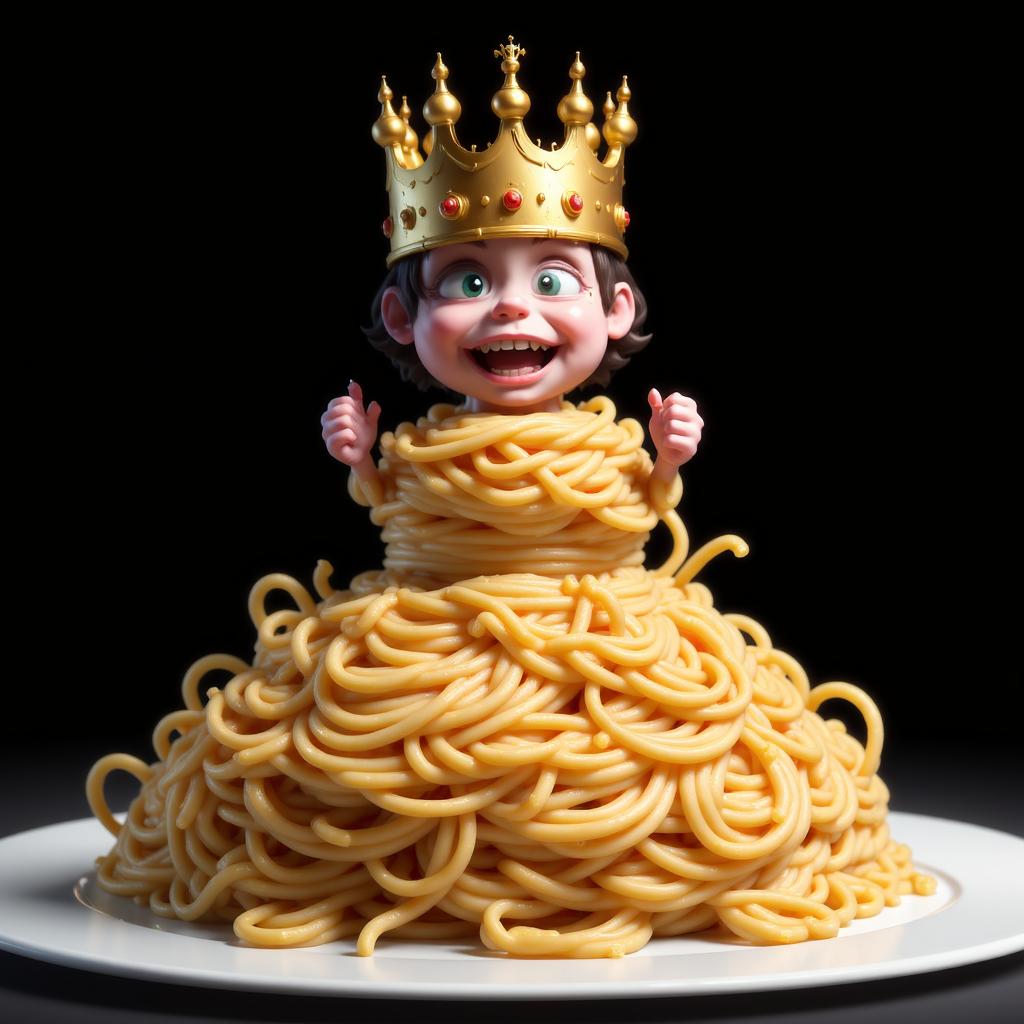
- Prompt
- a cartoon character wearing a crown on top of a pile of noodles, with a dark background. The character appears to be a king, as indicated by the text at the bottom of the image. [trigger]
Trigger words
You should use GB1Style to trigger the image generation.
Download model
Weights for this model are available in Safetensors format.
Download them in the Files & versions tab.
- Downloads last month
- 44
Model tree for Gille/gb1style
Base model
black-forest-labs/FLUX.1-dev