
import torch
from diffusers import DiffusionPipeline
from diffusers.utils import load_image

# switch to "mps" for apple devices
pipe = DiffusionPipeline.from_pretrained("GreeneryScenery/SheepsControlV2", dtype=torch.bfloat16, device_map="cuda")

prompt = "Turn this cat into a dog"
input_image = load_image("https://huggingface.co/datasets/huggingface/documentation-images/resolve/main/diffusers/cat.png")

image = pipe(image=input_image, prompt=prompt).images[0]V2
3 epochs 🤗.
Much room for improvement.

Examples:
Conditional image:
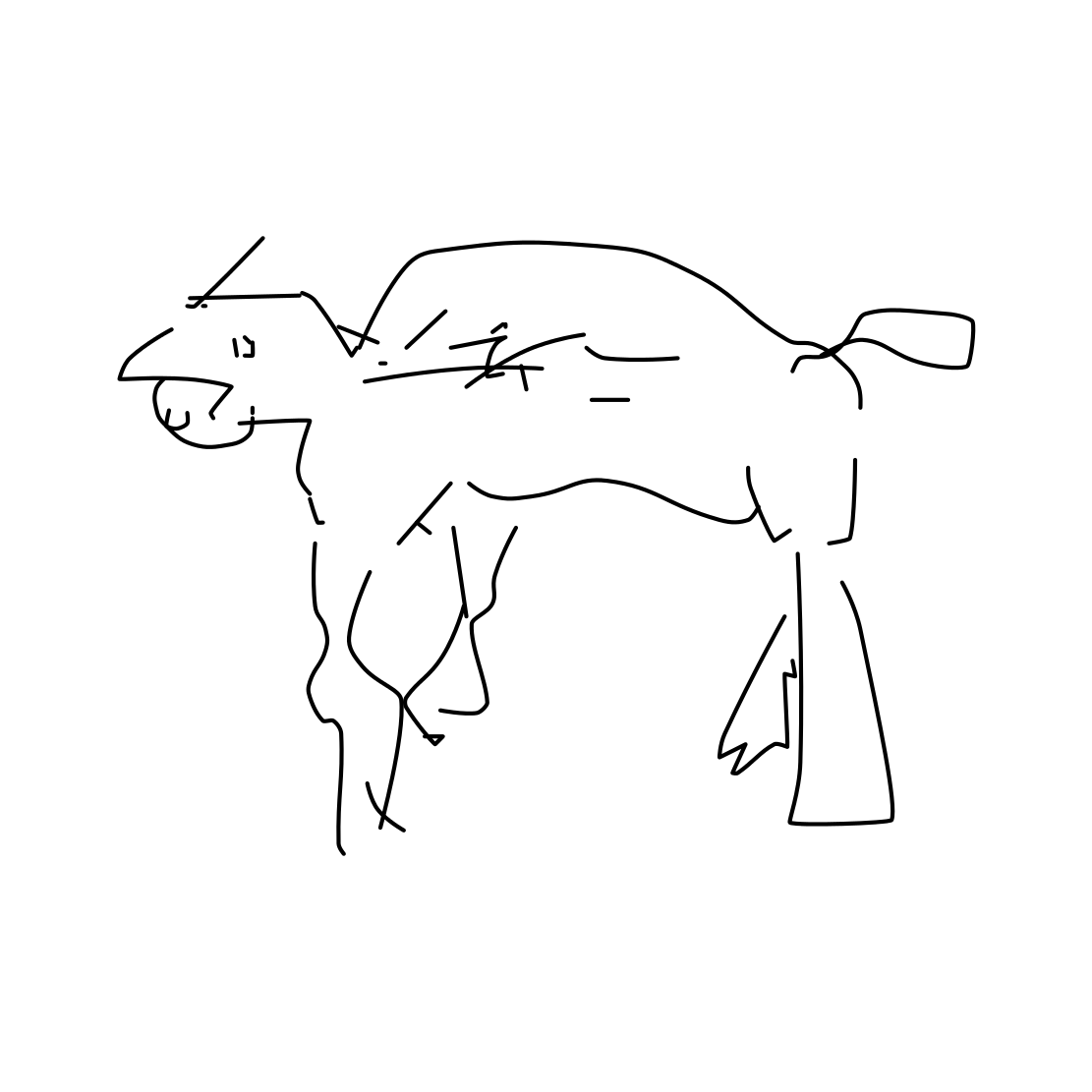
Images:
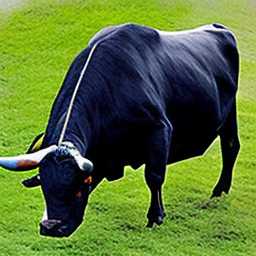
A bull:
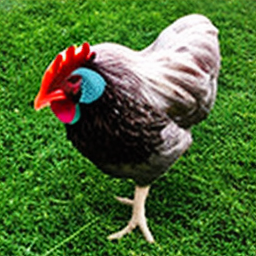
 A chicken:
 A cow with background removed, 8k:
 A donkey:
 A goat:
 A realistic horse on a field with background removed, 8k:
 A realistic horse on ice with background removed, 8k:
 A realistic horse with background removed, 8k:
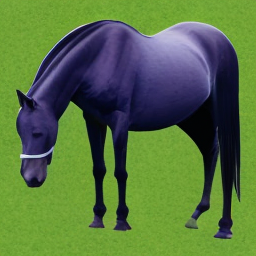 A realistic sheep on ice with background removed, 8k:
 A sheep facing left:
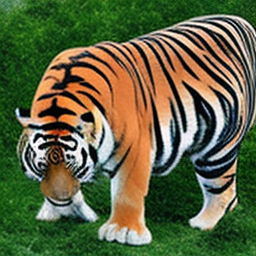
 A tiger:
- Downloads last month
- 10