
Broken-Mirror-Style Dreambooth model trained by Kagerage with TheLastBen's fast-DreamBooth notebook
Test the concept via A1111 Colab fast-Colab-A1111
Or you can run your new concept via diffusers Colab Notebook for Inference
In my experience, the best prompting style is "brkmror cracked and shattered mirror, professional photo, descriptor of location, portrait of person, bokeh", potentially with a negative prompt of "closed eyes"
Sampler DPM++ SDE Karras with at least 25 steps gives slightly better faces from my testing, CFG 7 seems fine, and since this is trained on top of 2.1, the minimum resolution is 768x768.
Or course though, feel free to experiment!
(NOTE!!! This 2.1 based model is FP16, so it may not render outputs properly without Xformers)
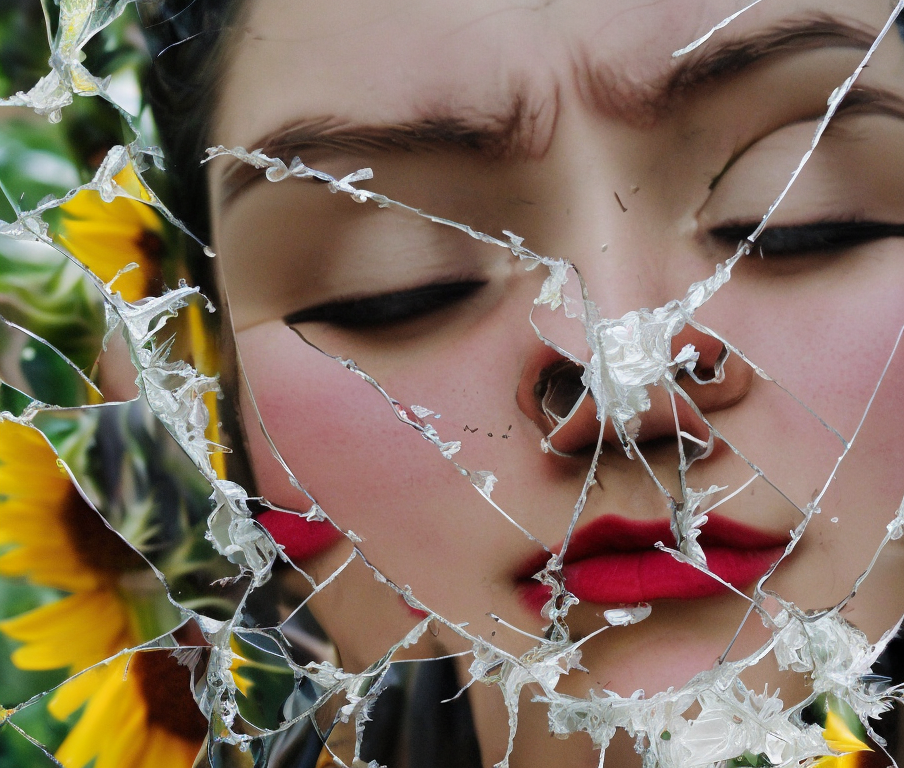
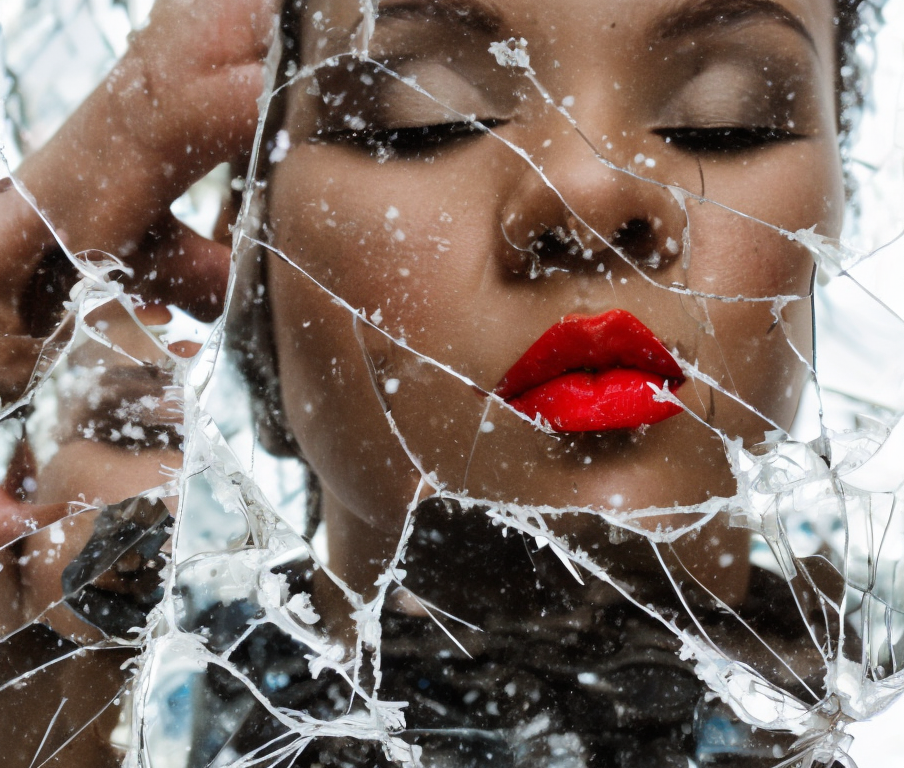
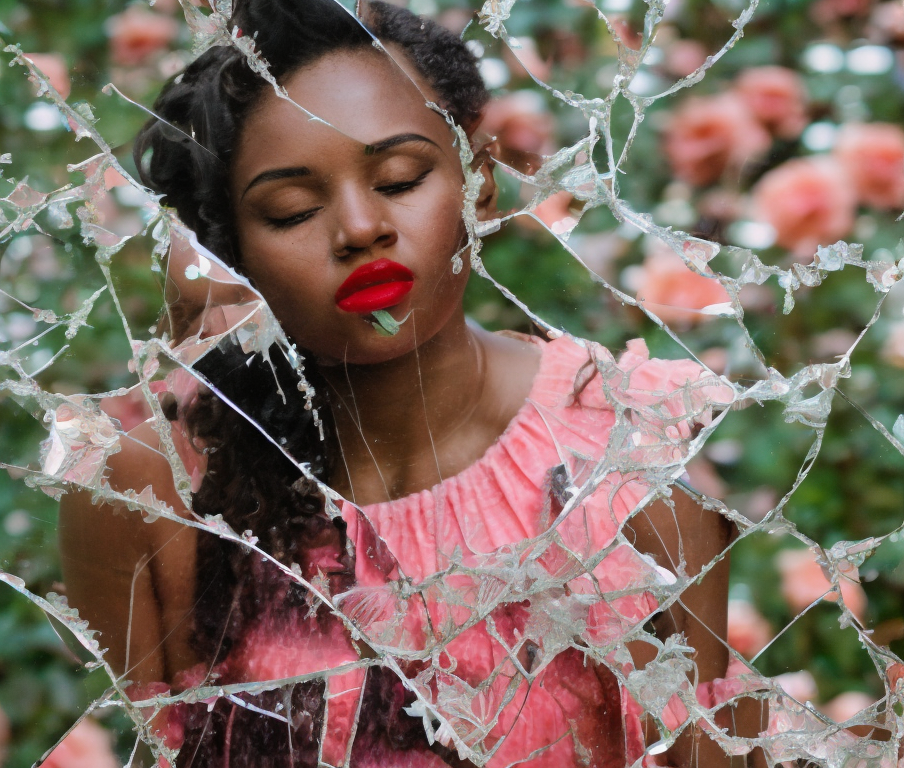
Sample pictures of this concept:

- Downloads last month
- 137