

Ice-Sculpture
A Flux LoRA trained on a local computer with Fluxgym
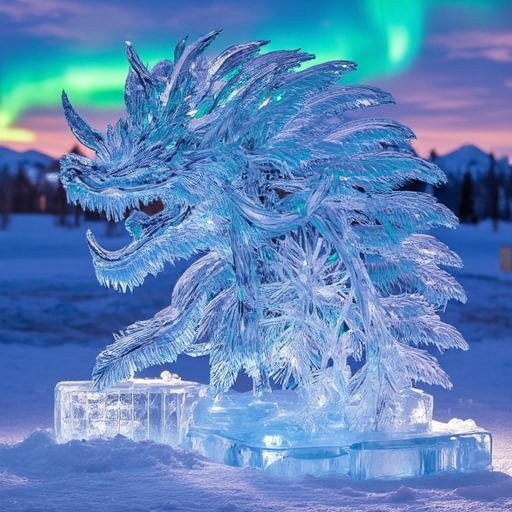
- Prompt
- ice sculpture, ice art,

- Prompt
- glass clear ice sculpture of a stunning victorian palace, illuminated from the base with light green, blues and red led lights

- Prompt
- glass clear ice sculpture of an aurora borealis illuminated justice statue in exquisite detail

- Prompt
- glass clear ice sculpture of an aphrodite statue, lit moodily with pastel shades to enhance her form and beauty

- Prompt
- glass clear ice sculpture of a chinese dragon, wrapped around a glass clear ice scuplture blossoming cherry tree. Image is illuminated from the botom in light blues, greens and reds
Trigger words
You should use ice sculpture, ice art, to trigger the image generation.
Download model and use it with ComfyUI, AUTOMATIC1111, SD.Next, Invoke AI, Forge, etc.
Weights for this model are available in Safetensors format.
- Downloads last month
- 9
Model tree for Kiefels/ice-sculpture
Base model
black-forest-labs/FLUX.1-dev