
Instructions to use LSX-UniWue/LLaMmlein_1B_chat_selected with libraries, inference providers, notebooks, and local apps. Follow these links to get started.
- Libraries
- PEFT
How to use LSX-UniWue/LLaMmlein_1B_chat_selected with PEFT:
from peft import PeftModel from transformers import AutoModelForCausalLM base_model = AutoModelForCausalLM.from_pretrained("LSX-UniWue/LLaMmlein_1B_prerelease") model = PeftModel.from_pretrained(base_model, "LSX-UniWue/LLaMmlein_1B_chat_selected") - llama-cpp-python
How to use LSX-UniWue/LLaMmlein_1B_chat_selected with llama-cpp-python:
# !pip install llama-cpp-python from llama_cpp import Llama llm = Llama.from_pretrained( repo_id="LSX-UniWue/LLaMmlein_1B_chat_selected", filename="LLaMmlein_1B_chat_selected.gguf", )
llm.create_chat_completion( messages = "No input example has been defined for this model task." )
- Notebooks
- Google Colab
- Kaggle
- Local Apps
- llama.cpp
How to use LSX-UniWue/LLaMmlein_1B_chat_selected with llama.cpp:
Install from brew
brew install llama.cpp # Start a local OpenAI-compatible server with a web UI: llama-server -hf LSX-UniWue/LLaMmlein_1B_chat_selected # Run inference directly in the terminal: llama-cli -hf LSX-UniWue/LLaMmlein_1B_chat_selected
Install from WinGet (Windows)
winget install llama.cpp # Start a local OpenAI-compatible server with a web UI: llama-server -hf LSX-UniWue/LLaMmlein_1B_chat_selected # Run inference directly in the terminal: llama-cli -hf LSX-UniWue/LLaMmlein_1B_chat_selected
Use pre-built binary
# Download pre-built binary from: # https://github.com/ggerganov/llama.cpp/releases # Start a local OpenAI-compatible server with a web UI: ./llama-server -hf LSX-UniWue/LLaMmlein_1B_chat_selected # Run inference directly in the terminal: ./llama-cli -hf LSX-UniWue/LLaMmlein_1B_chat_selected
Build from source code
git clone https://github.com/ggerganov/llama.cpp.git cd llama.cpp cmake -B build cmake --build build -j --target llama-server llama-cli # Start a local OpenAI-compatible server with a web UI: ./build/bin/llama-server -hf LSX-UniWue/LLaMmlein_1B_chat_selected # Run inference directly in the terminal: ./build/bin/llama-cli -hf LSX-UniWue/LLaMmlein_1B_chat_selected
Use Docker
docker model run hf.co/LSX-UniWue/LLaMmlein_1B_chat_selected
- LM Studio
- Jan
- Ollama
How to use LSX-UniWue/LLaMmlein_1B_chat_selected with Ollama:
ollama run hf.co/LSX-UniWue/LLaMmlein_1B_chat_selected
- Unsloth Studio new
How to use LSX-UniWue/LLaMmlein_1B_chat_selected with Unsloth Studio:
Install Unsloth Studio (macOS, Linux, WSL)
curl -fsSL https://unsloth.ai/install.sh | sh # Run unsloth studio unsloth studio -H 0.0.0.0 -p 8888 # Then open http://localhost:8888 in your browser # Search for LSX-UniWue/LLaMmlein_1B_chat_selected to start chatting
Install Unsloth Studio (Windows)
irm https://unsloth.ai/install.ps1 | iex # Run unsloth studio unsloth studio -H 0.0.0.0 -p 8888 # Then open http://localhost:8888 in your browser # Search for LSX-UniWue/LLaMmlein_1B_chat_selected to start chatting
Using HuggingFace Spaces for Unsloth
# No setup required # Open https://huggingface.co/spaces/unsloth/studio in your browser # Search for LSX-UniWue/LLaMmlein_1B_chat_selected to start chatting
- Docker Model Runner
How to use LSX-UniWue/LLaMmlein_1B_chat_selected with Docker Model Runner:
docker model run hf.co/LSX-UniWue/LLaMmlein_1B_chat_selected
- Lemonade
How to use LSX-UniWue/LLaMmlein_1B_chat_selected with Lemonade:
Pull the model
# Download Lemonade from https://lemonade-server.ai/ lemonade pull LSX-UniWue/LLaMmlein_1B_chat_selected
Run and chat with the model
lemonade run user.LLaMmlein_1B_chat_selected-{{QUANT_TAG}}List all available models
lemonade list
llm.create_chat_completion(
messages = "No input example has been defined for this model task."
)LLäMmlein 1B Chat
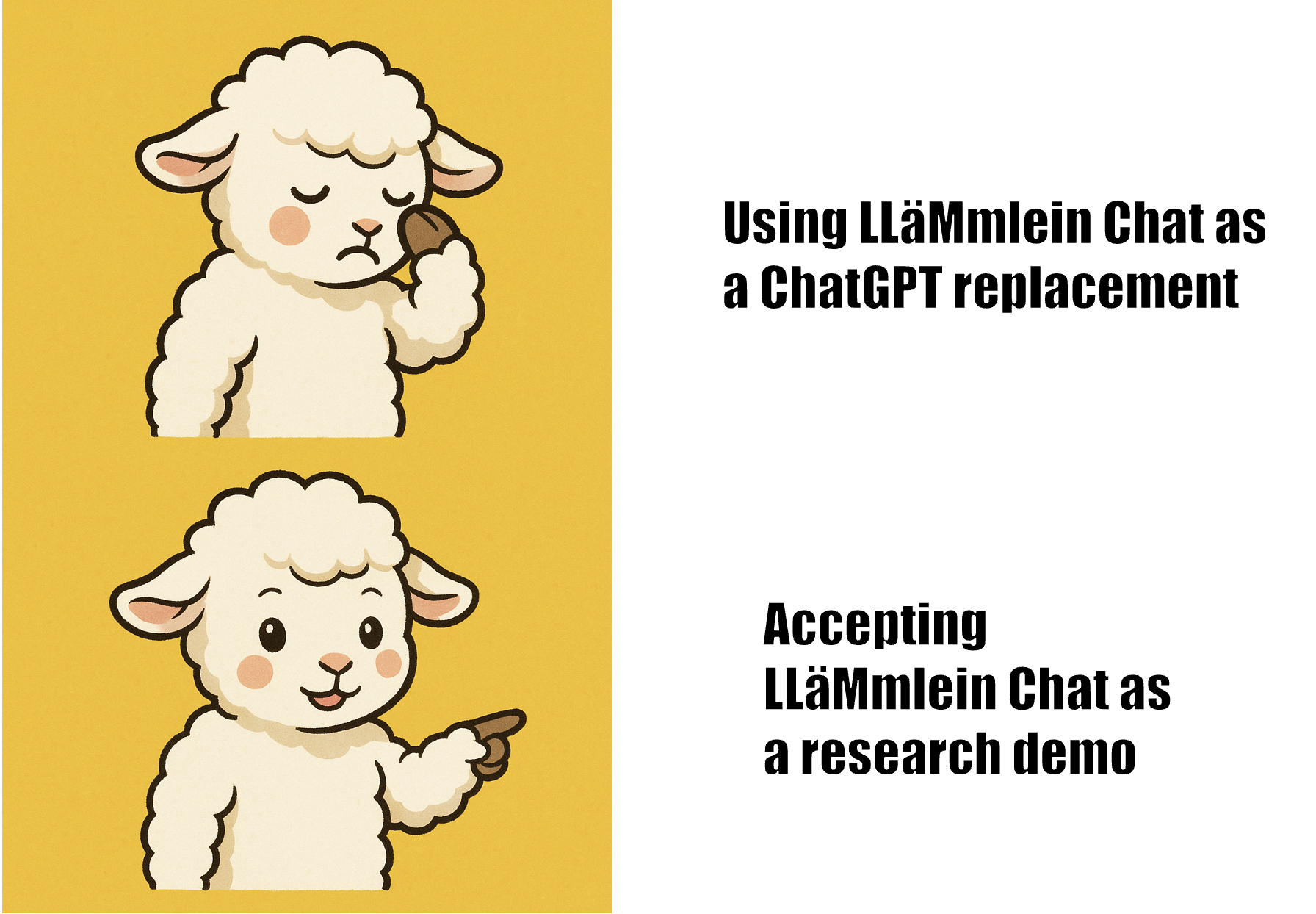
While the base versions of our LLäMmlein are quite good, our chat versions are research demonstrations and are not ready to be used in settings where close instruction following is necessary. Please check the paper for more details.
This is a chat adapter for the German Tinyllama 1B language model. Find more details on our page and our preprint! We also merged the adapter and converted it to GGUF here.
Run it
import torch
from peft import PeftConfig, PeftModel
from transformers import AutoModelForCausalLM, AutoTokenizer
torch.manual_seed(42)
# script config
base_model_name = "LSX-UniWue/LLaMmlein_1B_prerelease"
chat_adapter_name = "LSX-UniWue/LLaMmlein_1B_chat_selected"
device = "cuda" # or mps
# chat history
messages = [
{
"role": "user",
"content": """Na wie geht's?""",
},
]
# load model
config = PeftConfig.from_pretrained(chat_adapter_name)
base_model = model = AutoModelForCausalLM.from_pretrained(
base_model_name,
torch_dtype=torch.bfloat16,
device_map=device,
)
base_model.resize_token_embeddings(32064)
model = PeftModel.from_pretrained(base_model, chat_adapter_name)
tokenizer = AutoTokenizer.from_pretrained(chat_adapter_name)
# encode message in "ChatML" format
chat = tokenizer.apply_chat_template(
messages,
return_tensors="pt",
add_generation_prompt=True,
).to(device)
# generate response
print(
tokenizer.decode(
model.generate(
chat,
max_new_tokens=300,
pad_token_id=tokenizer.pad_token_id,
eos_token_id=tokenizer.eos_token_id,
)[0],
skip_special_tokens=False,
)
)
- Downloads last month
- 37
We're not able to determine the quantization variants.
Model tree for LSX-UniWue/LLaMmlein_1B_chat_selected
Base model
LSX-UniWue/LLaMmlein_1B_prerelease
# !pip install llama-cpp-python from llama_cpp import Llama llm = Llama.from_pretrained( repo_id="LSX-UniWue/LLaMmlein_1B_chat_selected", filename="LLaMmlein_1B_chat_selected.gguf", )