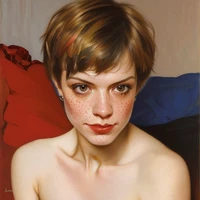
Diffusers How to use Pinguin/VanellopeFlux_Draft with Diffusers:
pip install -U diffusers transformers accelerate
import torch
from diffusers import DiffusionPipeline

# switch to "mps" for apple devices
pipe = DiffusionPipeline.from_pretrained("black-forest-labs/FLUX.1-dev", dtype=torch.bfloat16, device_map="cuda")
pipe.load_lora_weights("Pinguin/VanellopeFlux_Draft")

prompt = "portrait of vanellope, highest quality, intricately detailed, extremely detailed textures, extremely realistic lighting, detailed face, detailed body, portrait, depth of field, three quarter view, middle finger by head, twisting torso toward viewer, leaning forward slightly, hand on hip, curved back, head tilted sideways, side of head, one bare shoulder, medium breasts, midriff, crop top black sweater, plain black choker, one black bra strap, jean short shorts, (waist high panties:1.1), black nails, slight freckles, upper teeth, dark eyebrows, silly expression, smile, open mouth, sticking out tongue, one raised eyebrow, purple background, air particles"
image = pipe(prompt).images[0]