

import torch
from diffusers import DiffusionPipeline

# switch to "mps" for apple devices
pipe = DiffusionPipeline.from_pretrained("stablediffusionapi/pony-diffusion-v6-xl", dtype=torch.bfloat16, device_map="cuda")
pipe.load_lora_weights("SirVeggie/wlop-pony-lora")

prompt = "score_9, score_8_up, score_7_up, score_6_up, score_5_up, score_4_up, [wlop::0.5][wlop:1.0], young woman on a couch, <lora:wlop-000010-pony:1.0>"
image = pipe(prompt).images[0]Wlop [Pony XL]

- Prompt
- score_9, score_8_up, score_7_up, score_6_up, score_5_up, score_4_up, [wlop::0.5][wlop:1.0], young woman on a couch, <lora:wlop-000010-pony:1.0>
- Negative Prompt
- monochrome
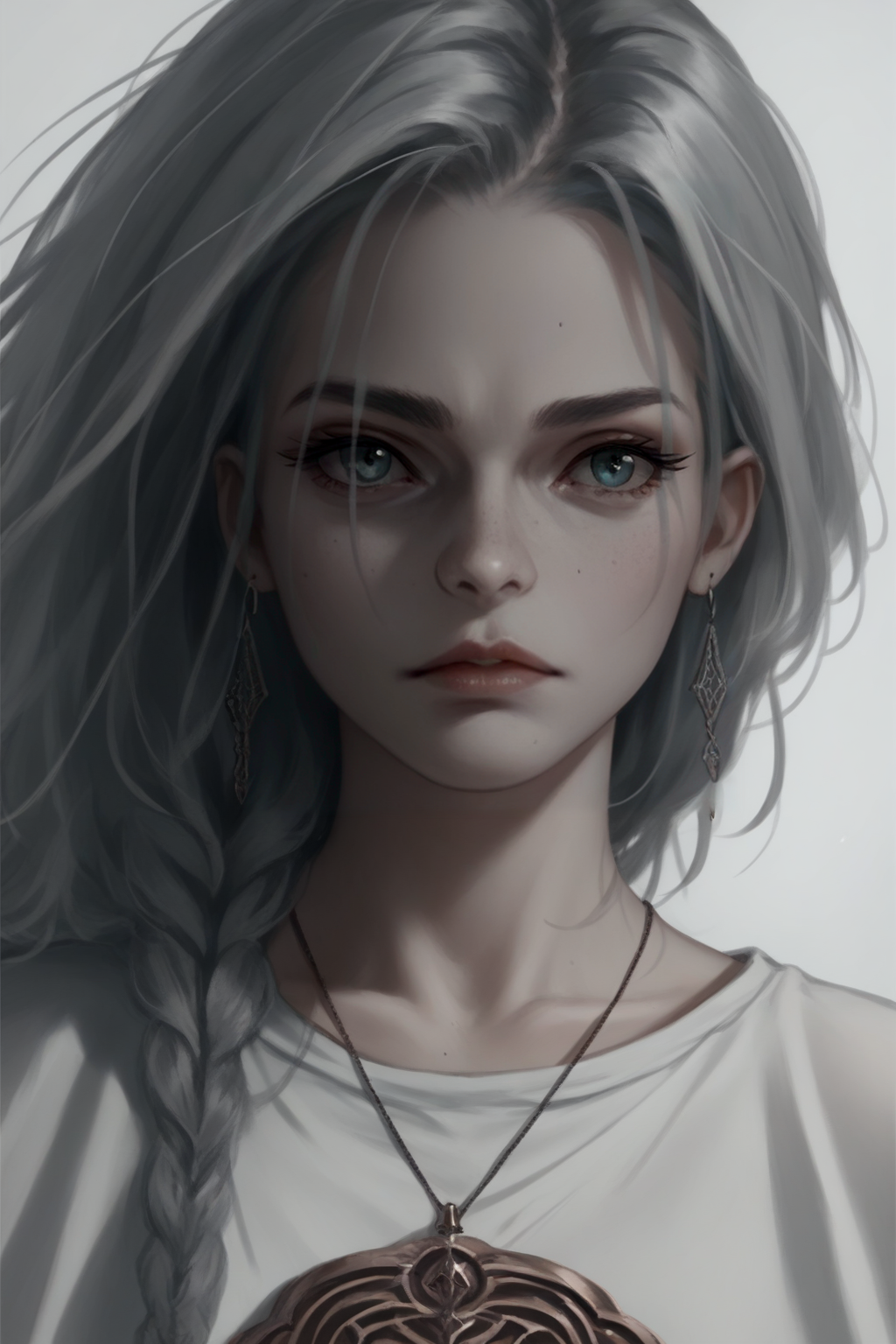
- Prompt
- score_9, score_8_up, score_7_up, score_6_up, score_5_up, score_4_up, [wlop::0.5][wlop:1.0], fantasy, young woman, wizard, intricate silver shirt, moody atmosphere, <lora:wlop-000010-pony:1.0>

- Prompt
- score_9, score_8_up, score_7_up, score_6_up, score_5_up, score_4_up, [khyle.:wlop:,0.5], cute girl, standing in the wind, light smile, beautiful dress, horizon, background, blue sky, <lora:wlop-000018-pony:1>
- Negative Prompt
- cel shading, (worst quality, low quality:1.2), 3d

- Prompt
- score_9, score_8_up, score_7_up, score_6_up, score_5_up, score_4_up, wlop, cute girl, chibi, sitting, smiling, <lora:wlop-000010-pony:1>
- Negative Prompt
- (worst quality, low quality:1.2), 3d
Model description
Trained with 150 images from wlop which were captioned using gpt-4-vision.
Trigger words
You should use wlop to trigger the image generation.
Download model
Weights for this model are available in Safetensors format.
Download them in the Files & versions tab.
- Downloads last month
- 23