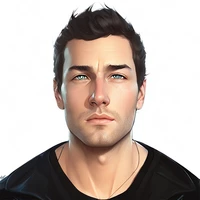
Diffusers How to use WiroAI/Jisoo-Flux-LoRA with Diffusers:
pip install -U diffusers transformers accelerate
import torch
from diffusers import DiffusionPipeline

# switch to "mps" for apple devices
pipe = DiffusionPipeline.from_pretrained("black-forest-labs/FLUX.1-dev", dtype=torch.bfloat16, device_map="cuda")
pipe.load_lora_weights("WiroAI/Jisoo-Flux-LoRA")

prompt = "jisoowiro, A 20-year-old Korean singer with short black hair and soft fair skin, wearing a casual oversized hoodie and ripped jeans. She stands on a lively city street at sunset, holding a guitar case. Her warm smile reflects her youthful energy, while neon shop signs illuminate the background. Ultra-HD, realistic, with intricate details of her outfit and the vibrant urban setting."
image = pipe(prompt).images[0]