

import torch
from diffusers import DiffusionPipeline
from diffusers.utils import load_image

# switch to "mps" for apple devices
pipe = DiffusionPipeline.from_pretrained("alpercanberk/erasedraw", dtype=torch.bfloat16, device_map="cuda")

prompt = "Turn this cat into a dog"
input_image = load_image("https://huggingface.co/datasets/huggingface/documentation-images/resolve/main/diffusers/cat.png")

image = pipe(image=input_image, prompt=prompt).images[0]These are the model weights for EraseDraw.
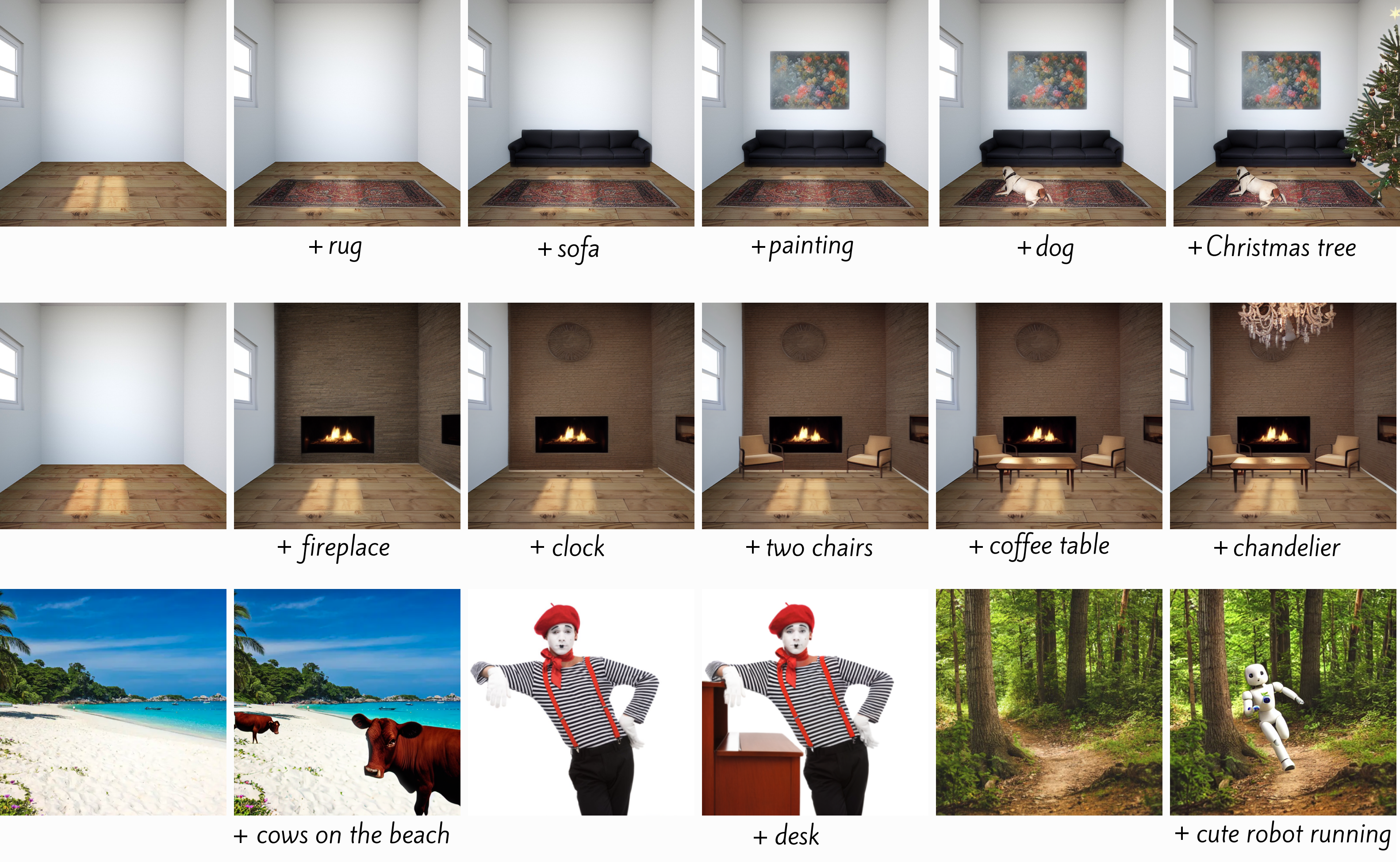
To use this model, install diffusers using main for now. The API is the same as that of InstructPix2Pix
pip install diffusers accelerate safetensors transformers
import PIL
import requests
import torch
from diffusers import StableDiffusionInstructPix2PixPipeline, EulerAncestralDiscreteScheduler

model_id = "alpercanberk/erasedraw"
pipe = StableDiffusionInstructPix2PixPipeline.from_pretrained(model_id, torch_dtype=torch.float16, safety_checker=None)
pipe.to("cuda")
pipe.scheduler = EulerAncestralDiscreteScheduler.from_config(pipe.scheduler.config)

url = "https://raw.githubusercontent.com/timothybrooks/instruct-pix2pix/main/imgs/example.jpg"
def download_image(url):
    image = PIL.Image.open(requests.get(url, stream=True).raw)
    image = PIL.ImageOps.exif_transpose(image)
    image = image.convert("RGB")
    return image
image = download_image(url)

prompt = "add sunglasses"
images = pipe(prompt, image=image, num_inference_steps=10, image_guidance_scale=1).images
images[0]
Code and data are coming soon to GitHub (find link on website) .
- Downloads last month
- 14