Instructions to use black-forest-labs/FLUX.1-Kontext-dev with libraries, inference providers, notebooks, and local apps. Follow these links to get started.
- Libraries
- Diffusers
How to use black-forest-labs/FLUX.1-Kontext-dev with Diffusers:
pip install -U diffusers transformers accelerate
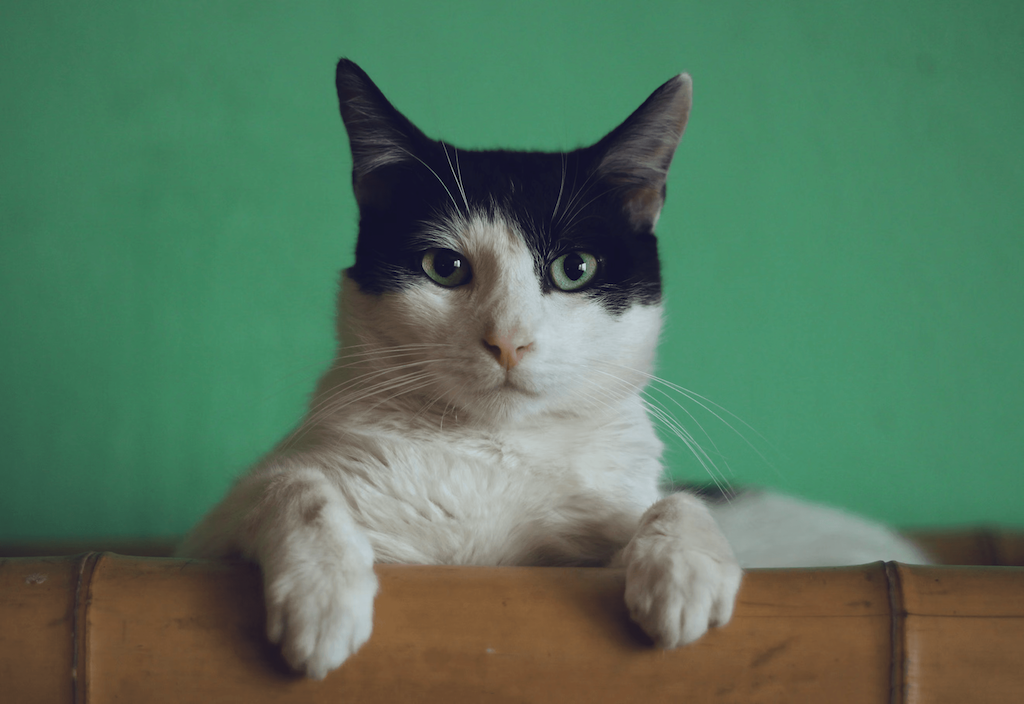
import torch from diffusers import DiffusionPipeline from diffusers.utils import load_image # switch to "mps" for apple devices pipe = DiffusionPipeline.from_pretrained("black-forest-labs/FLUX.1-Kontext-dev", dtype=torch.bfloat16, device_map="cuda") prompt = "Turn this cat into a dog" input_image = load_image("https://huggingface.co/datasets/huggingface/documentation-images/resolve/main/diffusers/cat.png") image = pipe(image=input_image, prompt=prompt).images[0] - Diffusion Single File
How to use black-forest-labs/FLUX.1-Kontext-dev with Diffusion Single File:
# No code snippets available yet for this library. # To use this model, check the repository files and the library's documentation. # Want to help? PRs adding snippets are welcome at: # https://github.com/huggingface/huggingface.js
- Inference
- Notebooks
- Google Colab
- Kaggle
multiple input images
Hi,
How can I pass multiple input images to this? I want to give one input image as base and I want the model to add the other images as products in the base image. Is this possible and how?
import torch
from diffusers import FluxKontextPipeline
from diffusers.utils import load_image
pipe = FluxKontextPipeline.from_pretrained("black-forest-labs/FLUX.1-Kontext-dev", torch_dtype=torch.bfloat16)
pipe.to("cuda")
input_image = load_image("https://huggingface.co/datasets/huggingface/documentation-images/resolve/main/diffusers/cat.png")
image = pipe(
image=input_image,
prompt="Add a hat to the cat",
guidance_scale=2.5
).images[0]
same question
Did you give two images as list in :
image=[input_image1, input_image2]
This didn't worked