

FIBO
Collection
The FIBO model family (Generation & Edit) • 13 items • Updated • 2
pip install -U diffusers transformers accelerate
import torch
from diffusers import DiffusionPipeline
from diffusers.utils import load_image

# switch to "mps" for apple devices
pipe = DiffusionPipeline.from_pretrained("briaai/Fibo-Edit-1.5-base", dtype=torch.bfloat16, device_map="cuda")

prompt = "Turn this cat into a dog"
input_image = load_image("https://huggingface.co/datasets/huggingface/documentation-images/resolve/main/diffusers/cat.png")

image = pipe(image=input_image, prompt=prompt).images[0]





FIBO-Edit 1.5 Base extends structured image editing with multi-reference support and improved editing quality.
Built on the FIBO editing paradigm, FIBO-Edit 1.5 Base enables precise, controllable edits with support for up to four reference images for more flexible and reliable editing.
Building on FIBO-Edit, FIBO-Edit 1.5 Base operates on structured JSON inputs together with one or more reference images, enabling explicit, interpretable, and repeatable editing workflows.
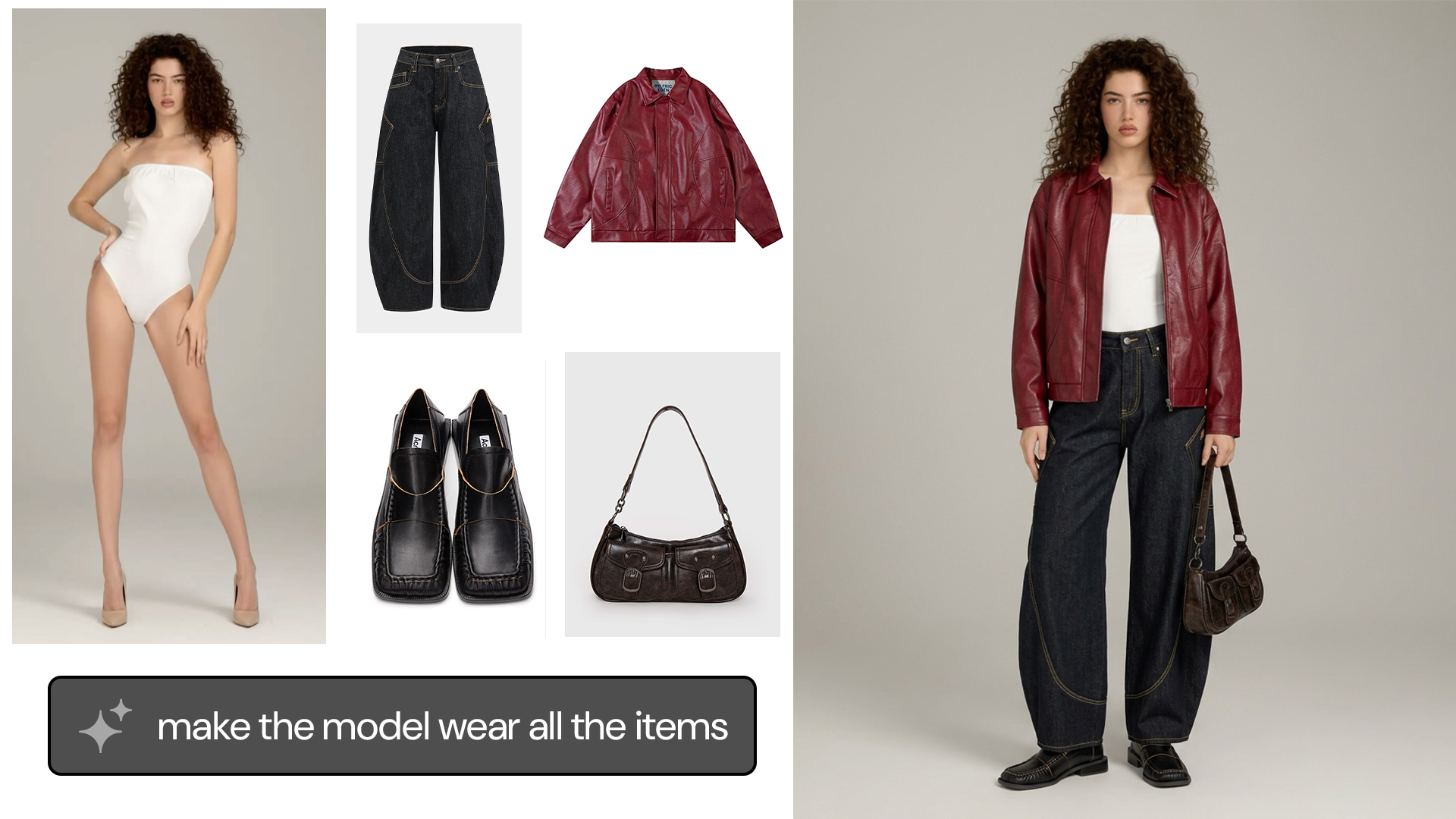
Version 1.5 introduces multi-reference editing with support for up to four reference images, while improving the visual quality of single-reference edits. This enables more advanced workflows such as reference-guided composition, virtual try-on, product integration, style and appearance transfer, and complex edits that require information from multiple visual inputs.
FIBO-Edit 1.5 Base is the full, non-distilled model. It is the recommended starting point for fine-tuning. The distilled, faster version is FIBO-Edit 1.5 Turbo.
Developed by Bria AI, FIBO-Edit 1.5 Base prioritizes transparency, legal safety, and granular control: ranking among the top models in open benchmarks for prompt adherence and quality.
📄 Technical report coming soon. For architecture details, see FIBO.
FIBO-Edit 1.5 Base is natively built on Visual GenAI Language (VGL). VGL standardizes image generation by replacing vague natural language descriptions with explicit, human-machine-readable JSON. By disentangling visual elements—such as lighting, composition, style, and camera parameters—VGL transforms editing from a probabilistic guessing game into a deterministic engineering task. FIBO-Edit 1.5 Base reads these structured blueprints to perform precise updates without prompt drift, ensuring the output matches your exact specifications.
🚀 Try FIBO-Edit 1.5 Base now →
FIBO-Edit 1.5 Base is available everywhere you build, either as source-code and weights, ComfyUI nodes or API endpoints.
API Endpoint:
Source-Code & Weights
Install Diffusers and additional requirements:
uv pip install --torch-backend=auto git+https://github.com/huggingface/diffusers torch torchvision google-genai boltons ujson sentencepiece accelerate transformers
Write your edit instruction in plain text and convert it, together with the source image, into a structured VGL JSON prompt with briaai/FIBO-edit-gemini-prompt-to-JSON. This block calls Gemini and supports single references, multiple references, and masks. Set its API key first:
export GEMINI_API_KEY="your-api-key"
import torch
from diffusers import BriaFiboEditPipeline
from diffusers.modular_pipelines import ModularPipelineBlocks
from PIL import Image
vlm_pipe = ModularPipelineBlocks.from_pretrained(
"briaai/FIBO-edit-gemini-prompt-to-JSON", trust_remote_code=True
)
vlm_pipe = vlm_pipe.init_pipeline()
pipe = BriaFiboEditPipeline.from_pretrained(
"briaai/Fibo-Edit-1.5-base",
torch_dtype=torch.bfloat16,
)
pipe.to("cuda")
# Optional: compile the repeated transformer blocks for faster inference.
# pipe.transformer.compile_repeated_blocks()
image = Image.open("source.png").convert("RGB")
# Convert the edit instruction to a structured VGL JSON prompt
json_prompt = vlm_pipe(image=image, prompt="make it look vintage").values["json_prompt"]
result = pipe(
image=image,
prompt=json_prompt,
num_inference_steps=30,
guidance_scale=5,
).images[0]
result.save("edited.png")
For mask-based editing, pass a compatible mask image to the promptify block as mask_image and to the edit pipeline as mask, along with image.
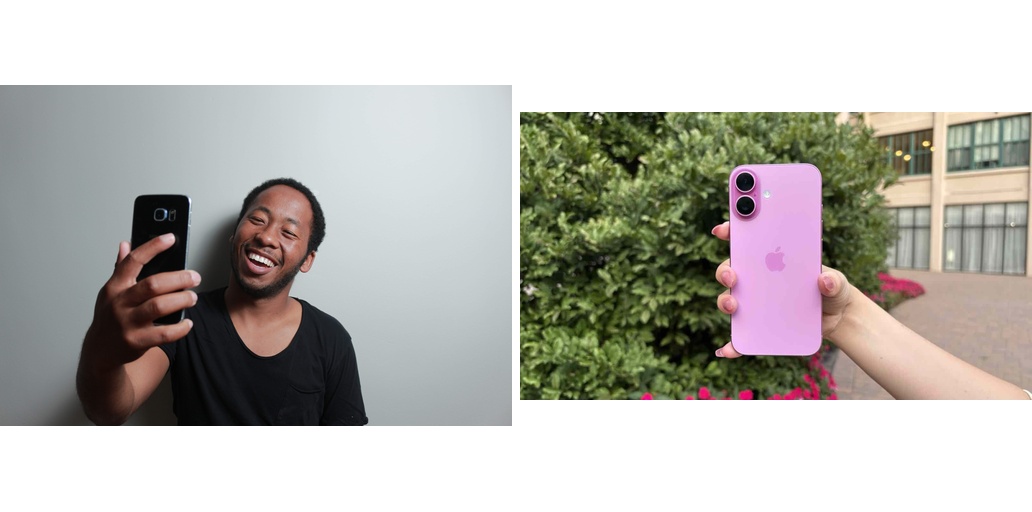
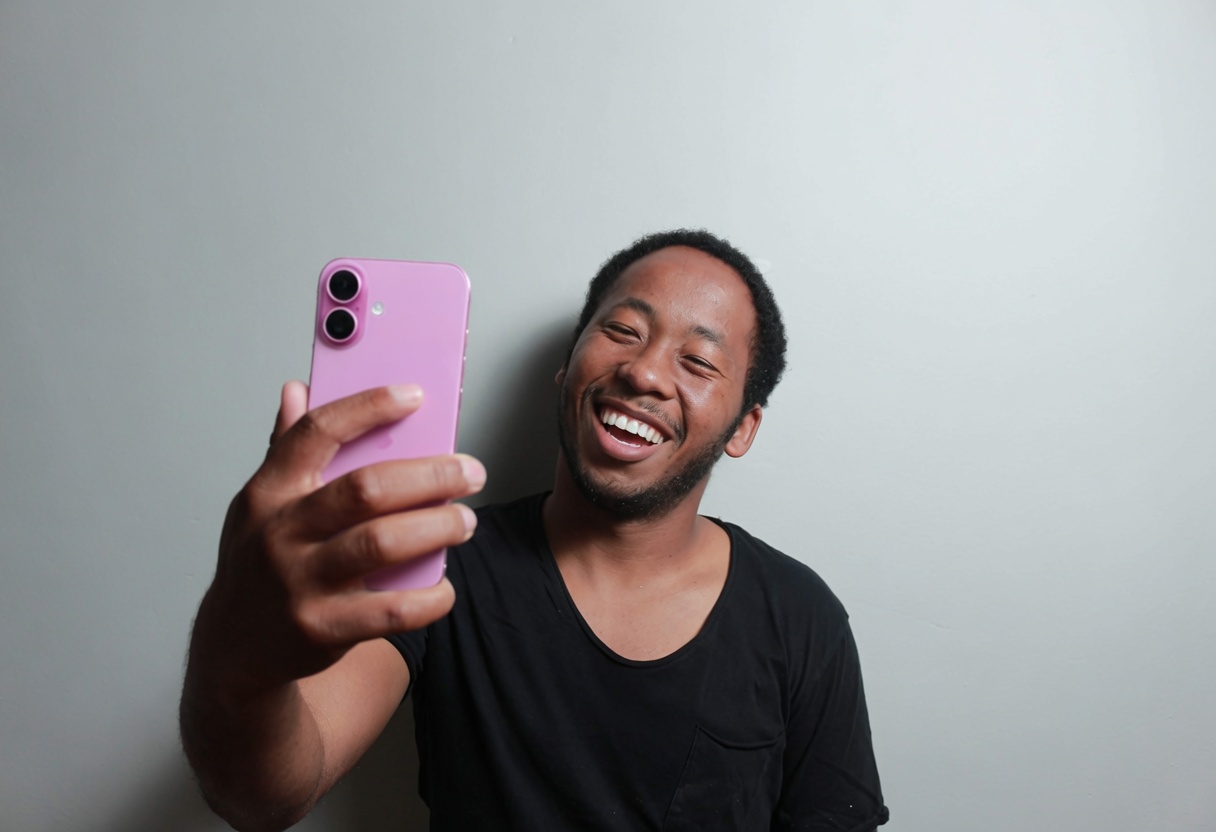
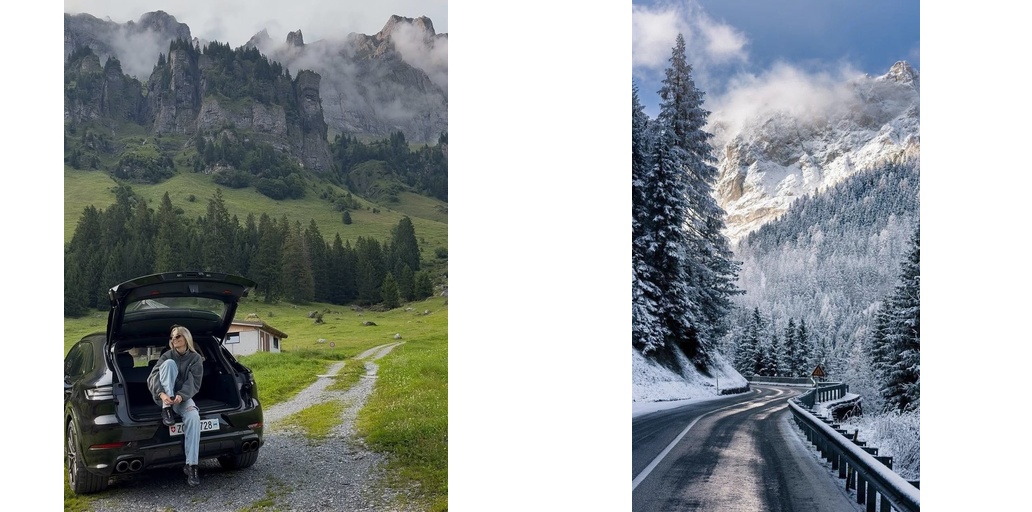
BriaFiboEditPipeline accepts a single source image or a list of source images. A list is treated as multiple references (not a batch): the first reference sets the output aspect ratio, and every reference is VAE-encoded at its own resolution and added as a separate conditioning stream.
references = [Image.open("ref-1.png").convert("RGB"), Image.open("ref-2.png").convert("RGB")]
json_prompt = vlm_pipe(
image=references, prompt="place the subject from both references on a beach"
).values["json_prompt"]
result = pipe(
image=references,
prompt=json_prompt,
num_inference_steps=30,
guidance_scale=5.0,
).images[0]
result.save("multi_ref.png")
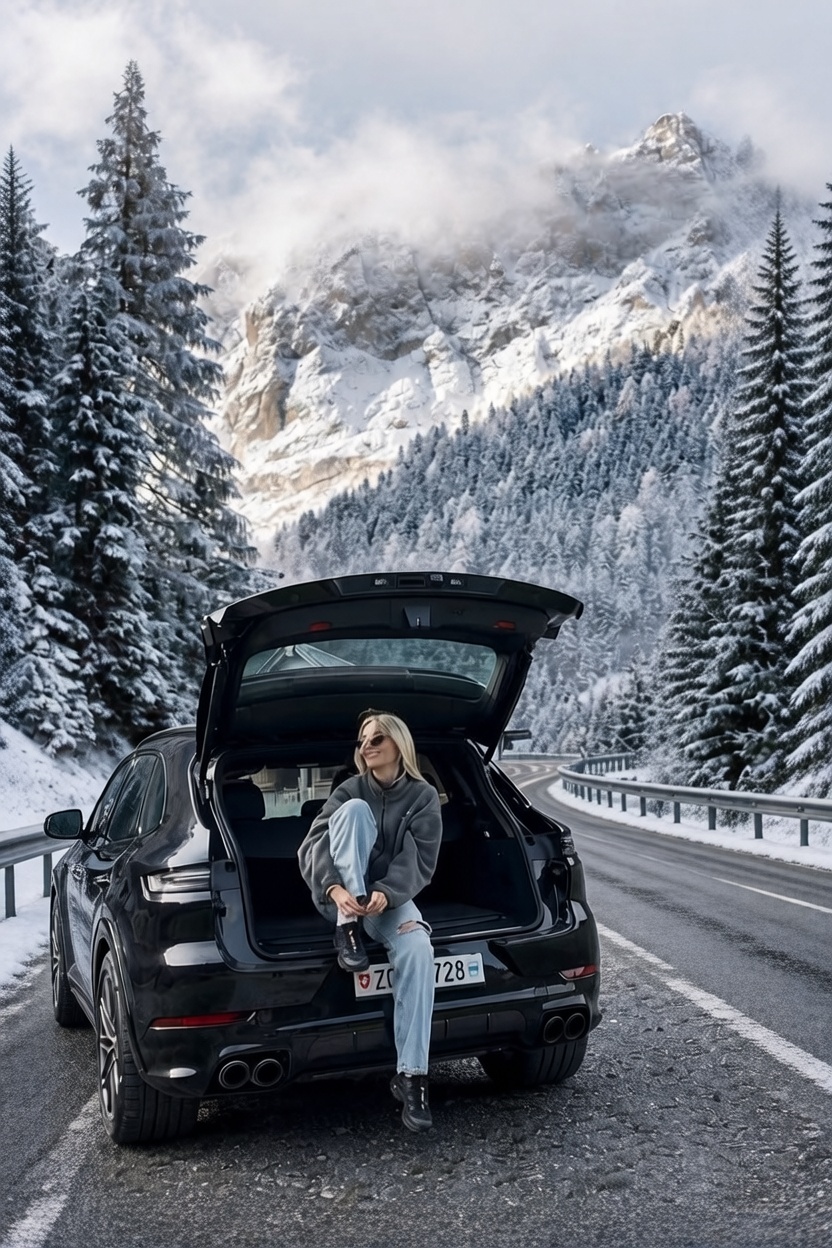
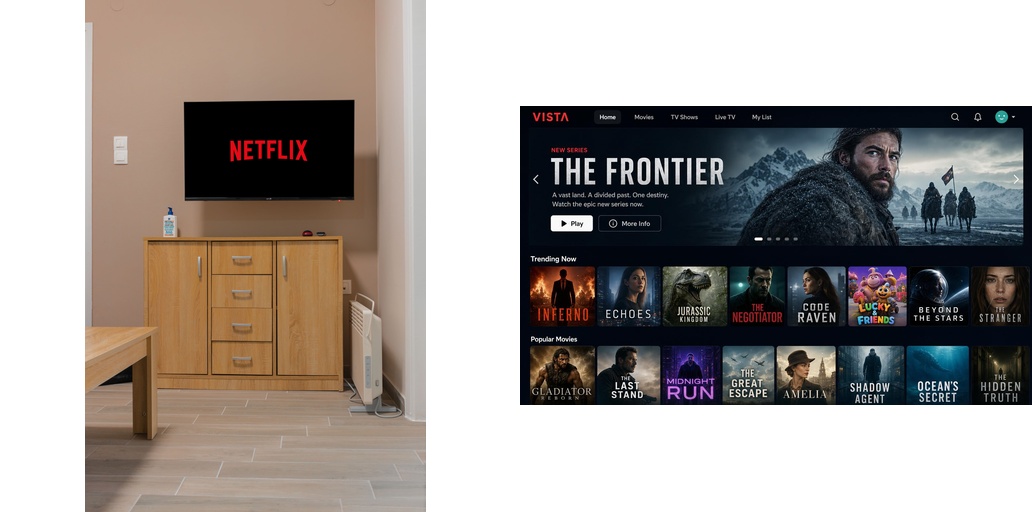
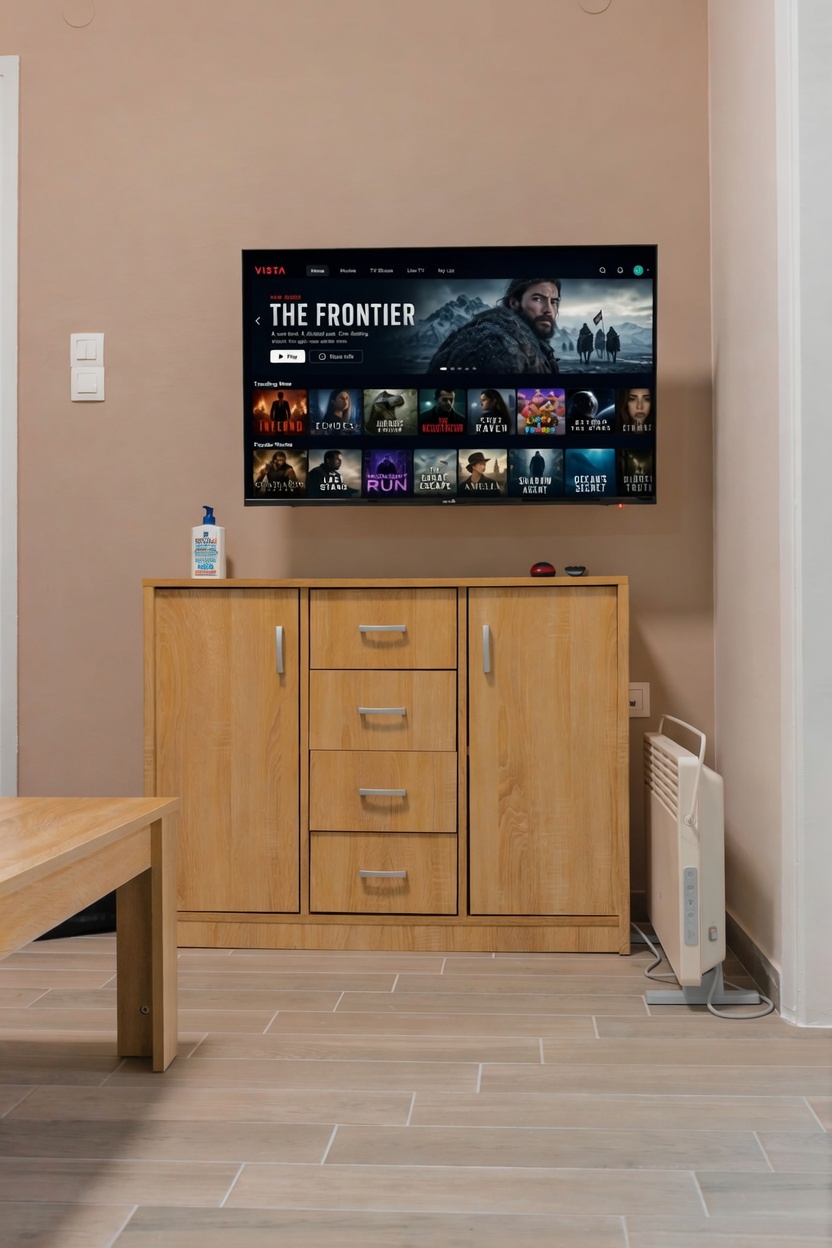
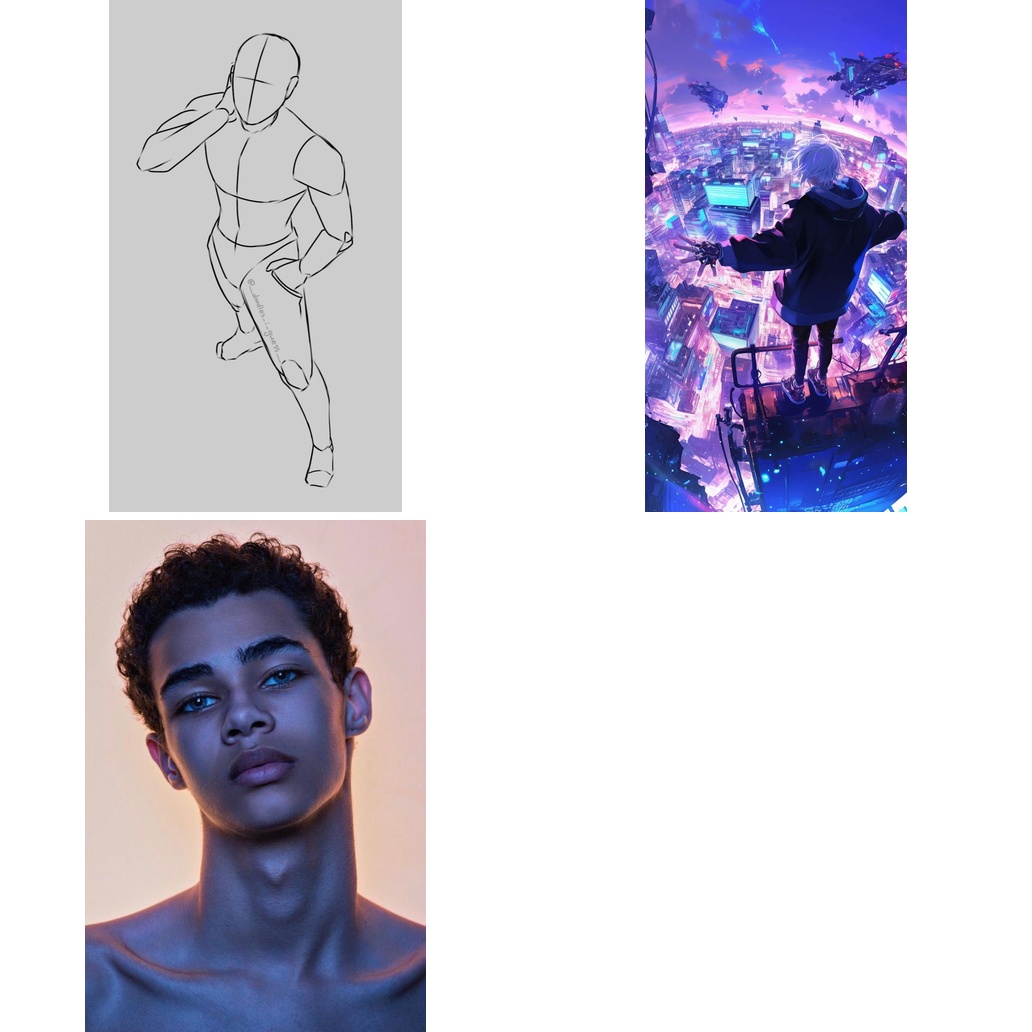
| Input | Output |
|---|---|
 |
 |
 |
 |
 |
 |
 |
 |
 |
 |
If you have questions about this repository, feedback to share, or want to contribute directly, we welcome your issues and pull requests on GitHub. Your contributions help make FIBO better for everyone.
If you're passionate about fundamental research, we're hiring full-time employees (FTEs) and research interns. Don't wait - reach out to us at hr@bria.ai
@article{gutflaish2025generating,
title={Generating an Image From 1,000 Words: Enhancing Text-to-Image With Structured Captions},
author={Gutflaish, Eyal and Kachlon, Eliran and Zisman, Hezi and Hacham, Tal and Sarid, Nimrod and Visheratin, Alexander and Huberman, Saar and Davidi, Gal and Bukchin, Guy and Goldberg, Kfir and others},
journal={arXiv preprint arXiv:2511.06876},
year={2025}
}
Unable to build the model tree, the base model loops to the model itself. Learn more.
# Gated model: Login with a HF token with gated access permission
hf auth login