

import torch
from diffusers import DiffusionPipeline

# switch to "mps" for apple devices
pipe = DiffusionPipeline.from_pretrained("runwayml/stable-diffusion-v1-5", dtype=torch.bfloat16, device_map="cuda")
pipe.load_lora_weights("brushpenbob/graffiti-2024")

prompt = " "
image = pipe(prompt).images[0]graffiti_2024
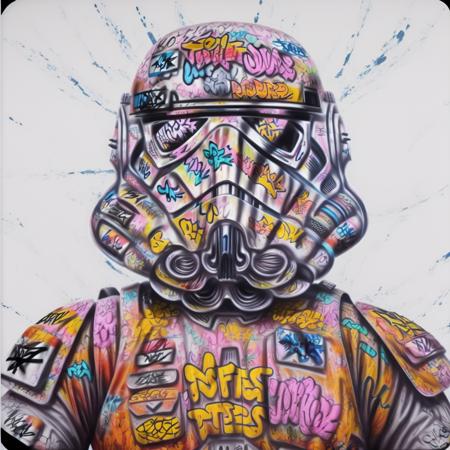
- Prompt
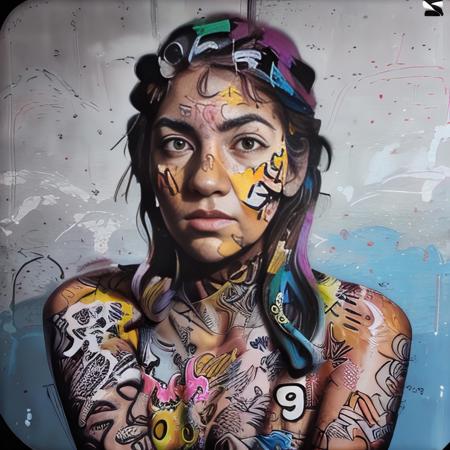
- Prompt

- Prompt
Model description
Use words like "graffiti" "graffiti art", or urban art to trigger the model
Trigger words
You should use graffiti_sticker, graffiti to trigger the image generation.
Download model
Weights for this model are available in Safetensors format.
Download them in the Files & versions tab.
Use it with the 🧨 diffusers library
from diffusers import AutoPipelineForText2Image
import torch

pipeline = AutoPipelineForText2Image.from_pretrained('runwayml/stable-diffusion-v1-5', torch_dtype=torch.float16).to('cuda')
pipeline.load_lora_weights('brushpenbob/graffiti-2024', weight_name='graffiti_2024.safetensors')
image = pipeline('`graffiti_sticker`, `graffiti`').images[0]
For more details, including weighting, merging and fusing LoRAs, check the documentation on loading LoRAs in diffusers
- Downloads last month
- 11
Model tree for brushpenbob/graffiti-2024
Base model
runwayml/stable-diffusion-v1-5