

Watercolor 3.0
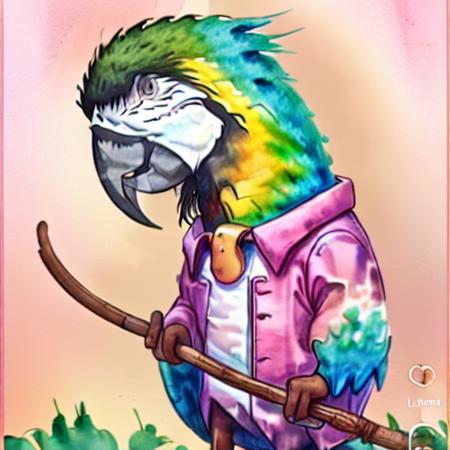
- Prompt
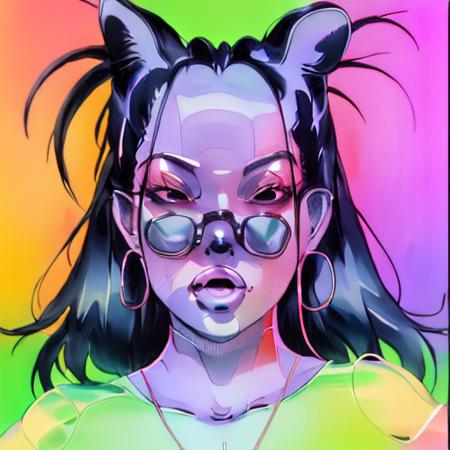
- Prompt

- Prompt
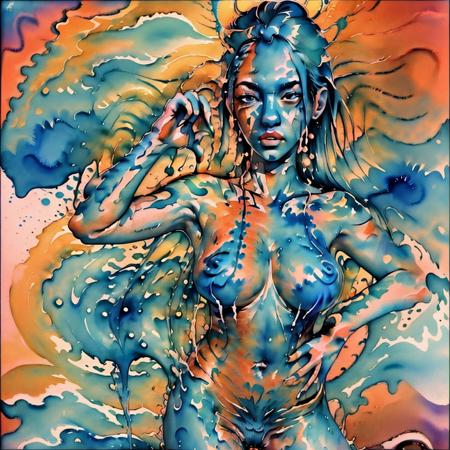
- Prompt
Model description
My background is in traditional media and I like to make models that are based off of that, and this one can be used to reproduce ones that are similar to watercolor paintings. So whether you are looking just to generate references or ideas from the ground up add this to your arsenal
Download model
Weights for this model are available in Safetensors format.
Download them in the Files & versions tab.
Use it with the 🧨 diffusers library
from diffusers import AutoPipelineForText2Image
import torch

pipeline = AutoPipelineForText2Image.from_pretrained('runwayml/stable-diffusion-v1-5', torch_dtype=torch.float16).to('cuda')
pipeline.load_lora_weights('brushpenbob/watercolor-3-0', weight_name='Watercolorepoch_10.safetensors')
image = pipeline('Your custom prompt').images[0]
For more details, including weighting, merging and fusing LoRAs, check the documentation on loading LoRAs in diffusers
- Downloads last month
- 18
Model tree for brushpenbob/watercolor-3-0
Base model
runwayml/stable-diffusion-v1-5