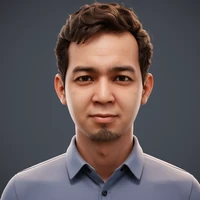
Diffusers How to use burhansyam/kebaya with Diffusers:
pip install -U diffusers transformers accelerate
import torch
from diffusers import DiffusionPipeline

# switch to "mps" for apple devices
pipe = DiffusionPipeline.from_pretrained("black-forest-labs/FLUX.1-dev", dtype=torch.bfloat16, device_map="cuda")
pipe.load_lora_weights("burhansyam/kebaya")

prompt = "a indonesian woman wearing kebaya and hijab, she wears bold red lipstick and powerful eyeshadow, she looks very serious, she is wearing luminescence cream color outfit, the background is dominated by light pink, low angle lighting, hand on hip pose, masterpiece, best quality, highly intricate details, hijab_selfie"
image = pipe(prompt).images[0]