

metadata
tags:
  - gguf-connector
widget:
  - text: turn it into cartoon with color
    output:
      url: demo-s9-4steps.webp
  - text: >-
      an anime girl sitting in a coffee shop wearing a t shirt with this hand
      drawing printed on it
    output:
      url: demo-s8-8steps.webp
  - text: >-
      an anime girl sitting in a coffee shop wearing a t shirt with this hand
      drawing printed on it
    output:
      url: demo-s8-6steps.webp
sketch ✏️
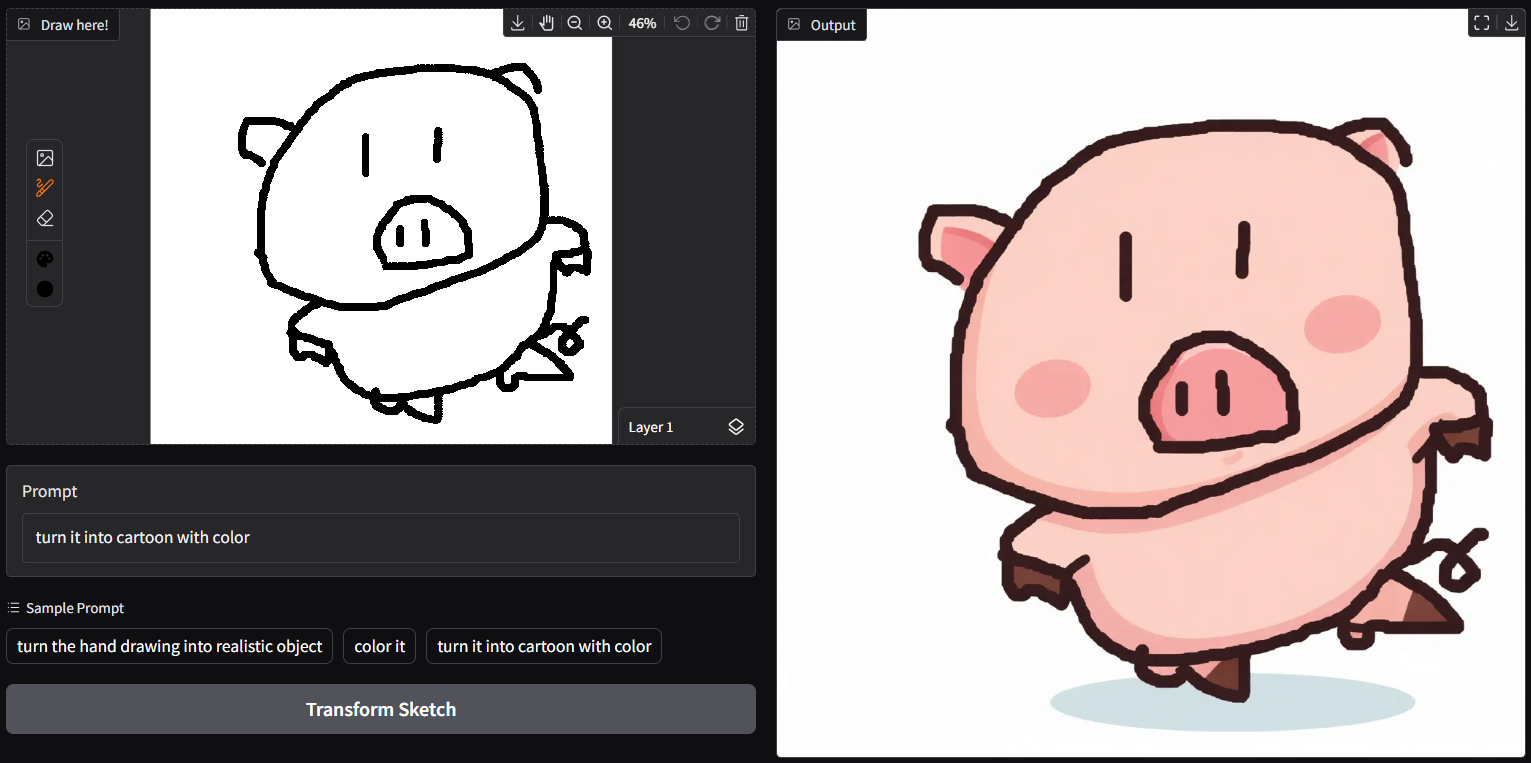
- run it with
gguf-connector; simply execute the command below in console/terminal
ggc s8
GGUF file(s) available. Select which one to use:
- sketch-s8-q2_k.gguf
- sketch-s8-q2_k_s.gguf
Enter your choice (1 to 2): _
- bring your ideas 💡 on; nothing else
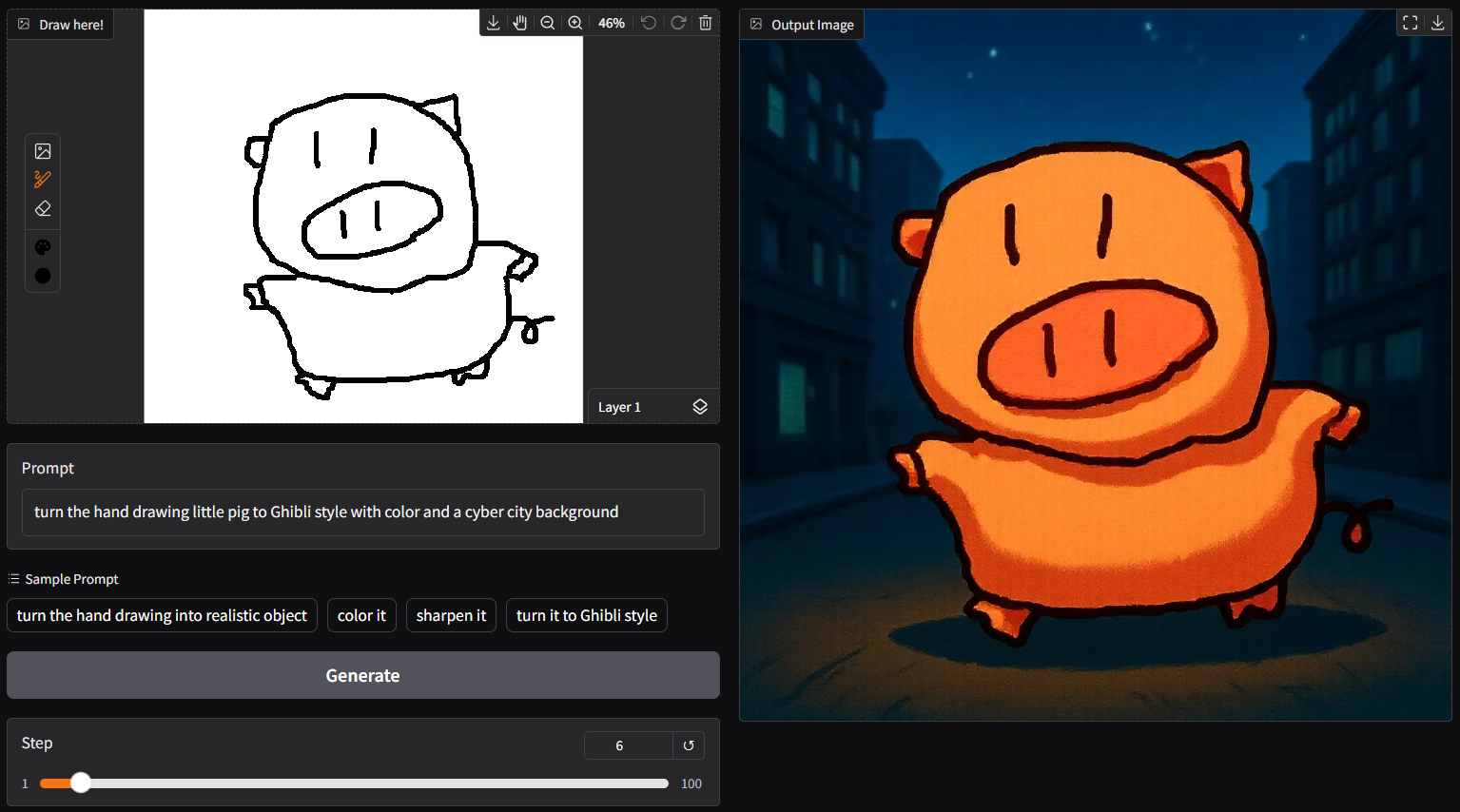

- Prompt
- turn it into cartoon with color

- Prompt
- an anime girl sitting in a coffee shop wearing a t shirt with this hand drawing printed on it

- Prompt
- an anime girl sitting in a coffee shop wearing a t shirt with this hand drawing printed on it
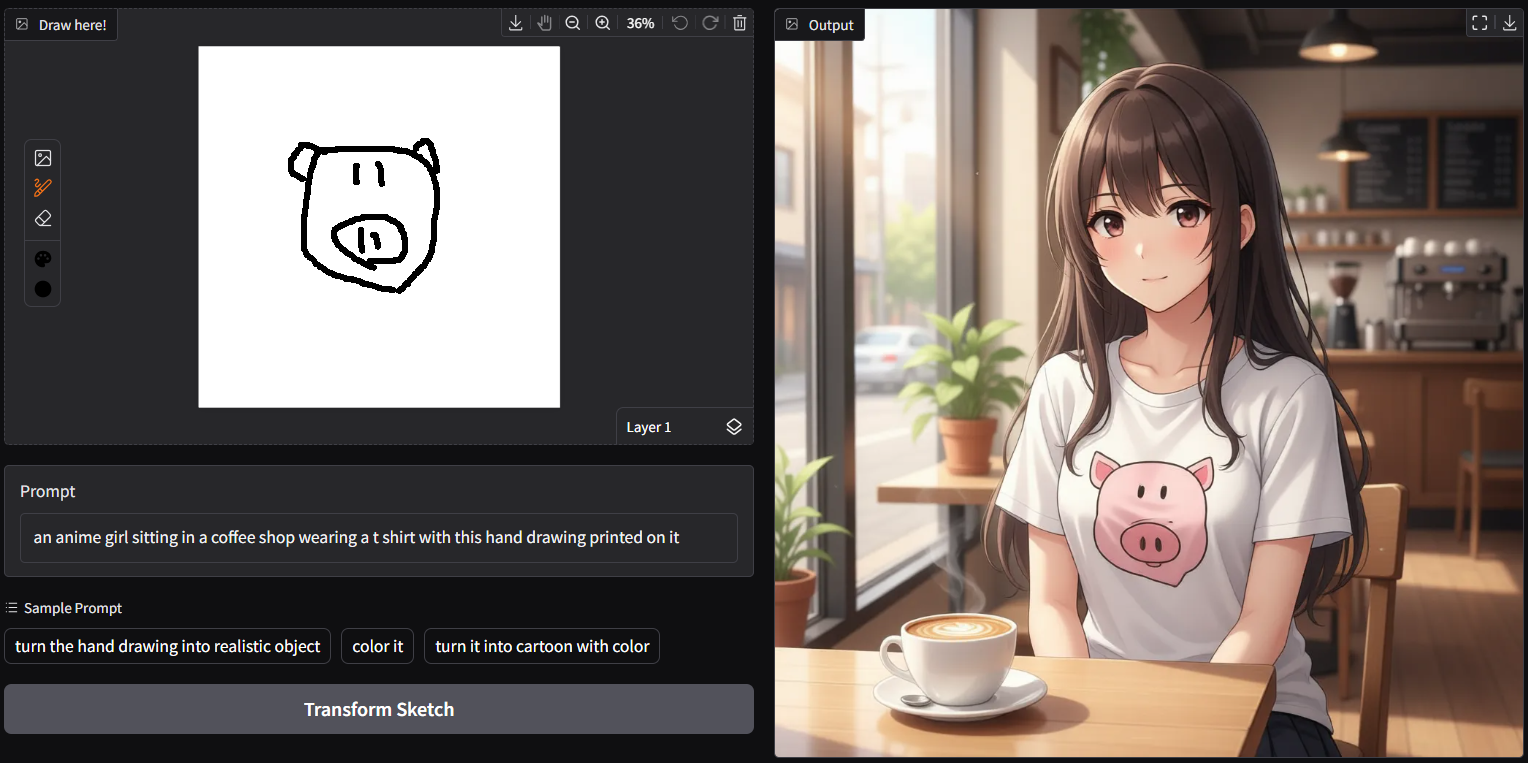
- or opt to connect safetensors with
ggc s9
Safetensors available. Select which one to use:
- sketch-s9-12b-fp4.safetensors
- sketch-s9-20b-fp4.safetensors
- sketch-s9-20b-int4.safetensors
Enter your choice (1 to 3): _
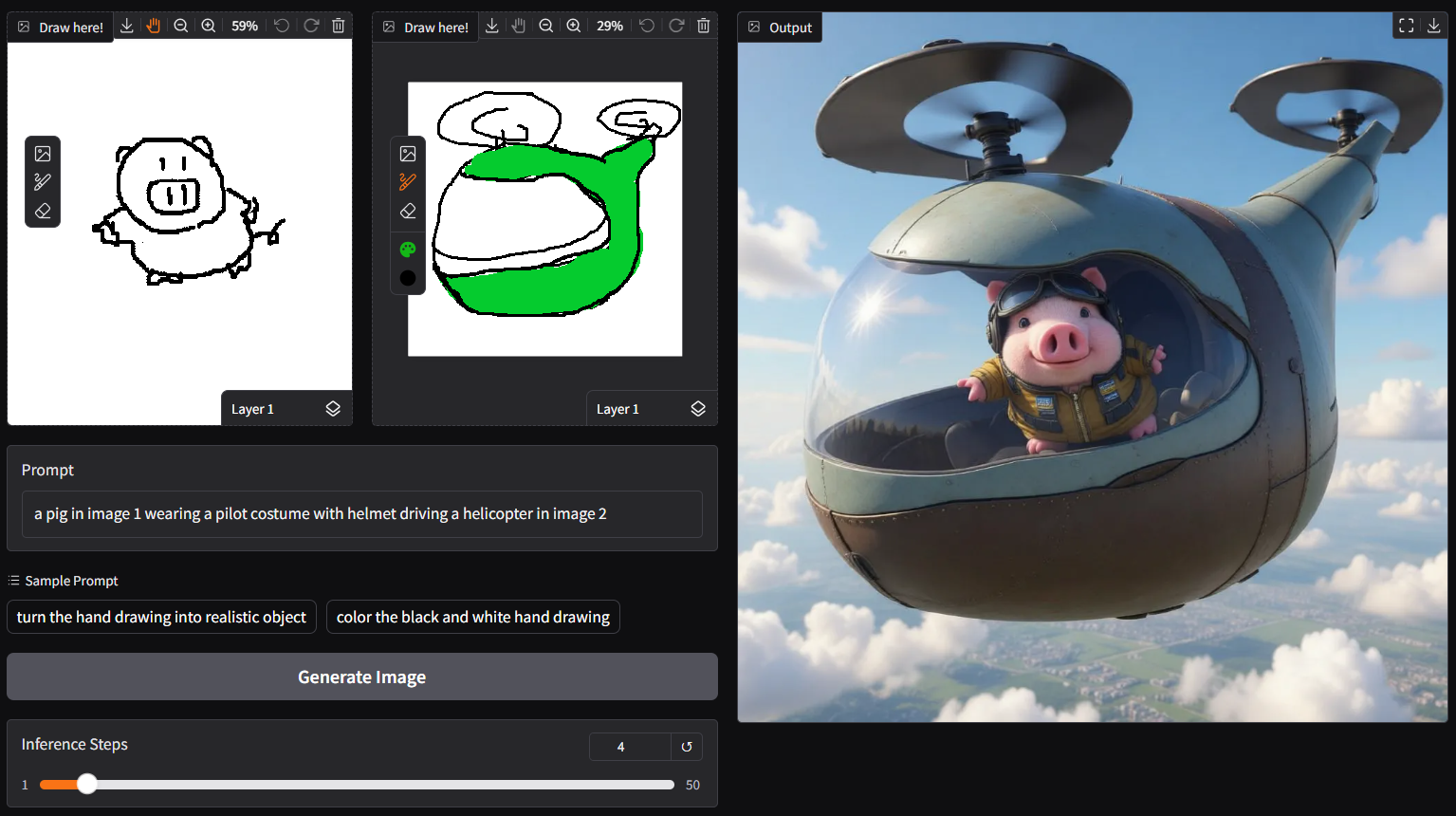
- dual mode is available: accept two drawings or mixing up with existing image(s)
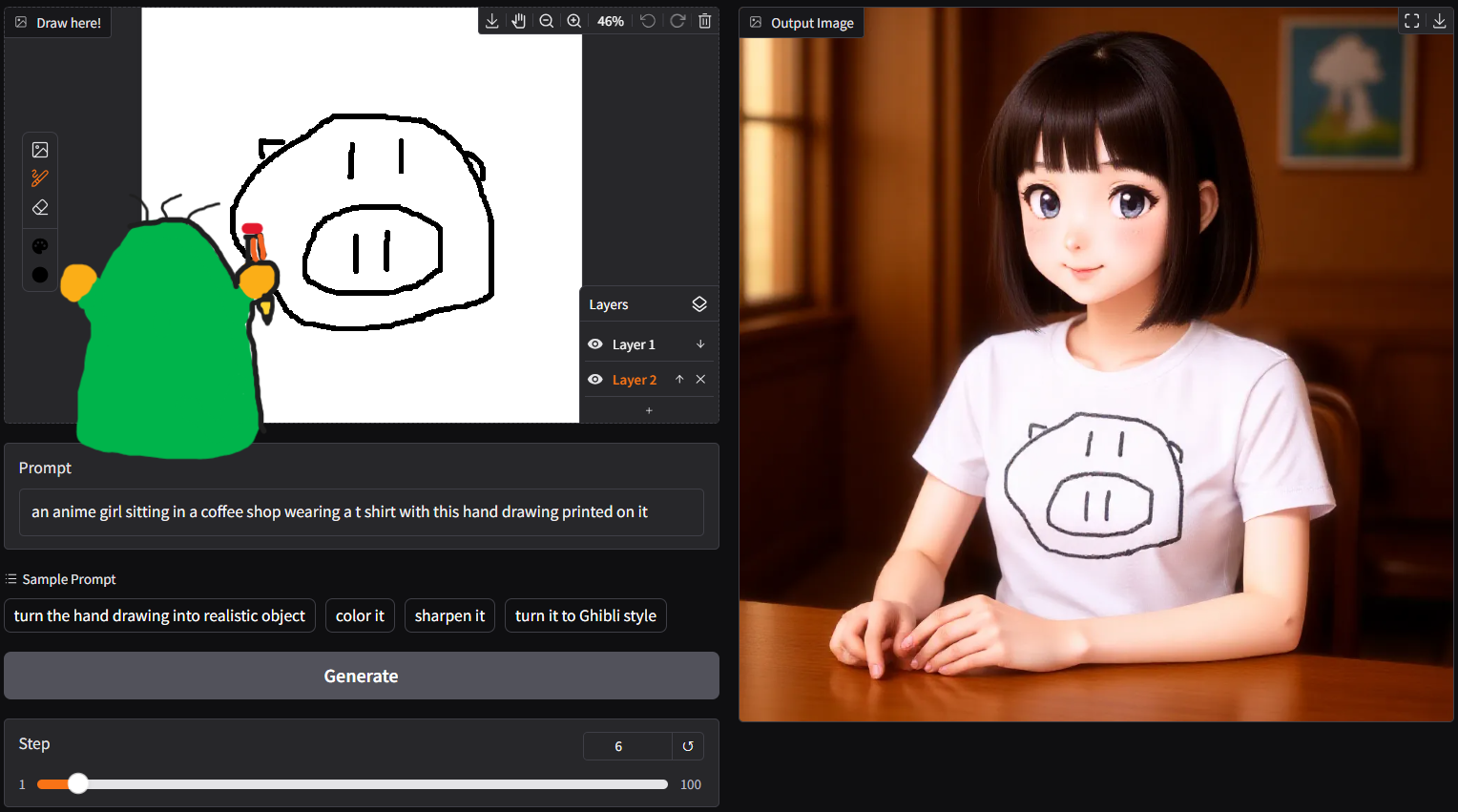
Let's draw someting awesome!
reference
- gguf-connector (pypi)