
import torch
from diffusers import DiffusionPipeline

# switch to "mps" for apple devices
pipe = DiffusionPipeline.from_pretrained("black-forest-labs/FLUX.1-dev", dtype=torch.bfloat16, device_map="cuda")
pipe.load_lora_weights("cocktailpeanut/dragunov")

prompt = "a photo of dragunov jogging in new york central park wearing yellow training suit"
image = pipe(prompt).images[0]dragunov
Trained with Fluxgym

- Prompt
- a photo of dragunov jogging in new york central park wearing yellow training suit
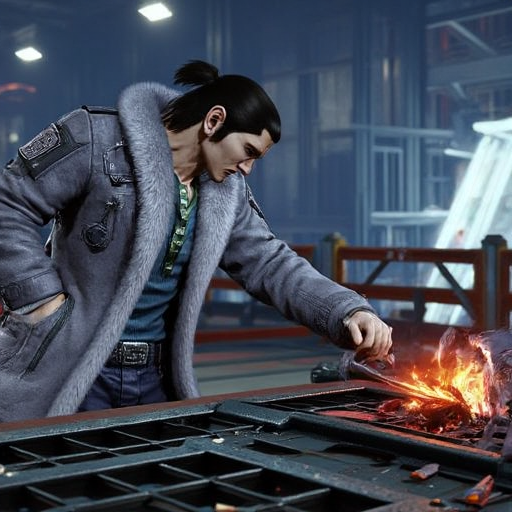
- Prompt
- a photo of dragunov cooking in a ramen joint

- Prompt
- a photo of dragunov on a cow in rural japan.
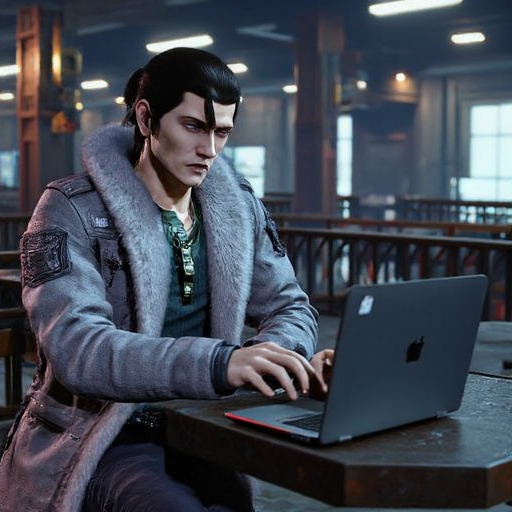
- Prompt
- a photo of dragunov working from a cafe on his laptop to build a startup

- Prompt
- a photo of dragunov cosplaying as a cat

- Prompt
- a photo of dragunov riding on top of a grizzly bear
Trigger words
You should use dragunov to trigger the image generation.
Download model and use it with ComfyUI, AUTOMATIC1111, SD.Next, Invoke AI, Forge, etc.
Weights for this model are available in Safetensors format.
- Downloads last month
- 188
Model tree for cocktailpeanut/dragunov
Base model
black-forest-labs/FLUX.1-dev