


| # PLDS to PKLot2.0 | |
| To have access to the PLds dataset and convert it to PKLot2.0, follows the steps below: | |
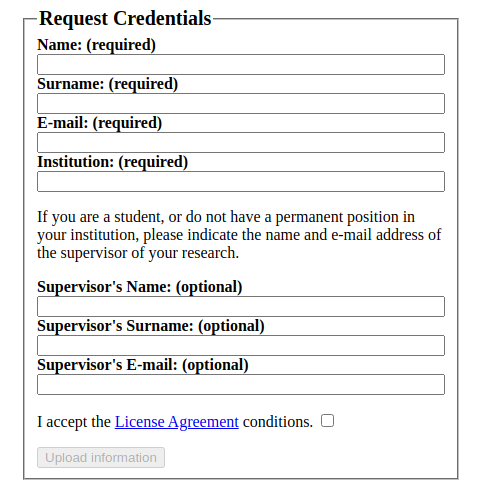
| **Step 1.** Request Credentials to access the PLds dataset maintained by VPU Lab: | |
| * [http://www-vpu.eps.uam.es/datasets/PLds/credentials_form.html](http://www-vpu.eps.uam.es/datasets/PLds/credentials_form.html) | |
|  | |
| **Step 2.** Download the PLds dataset: | |
| [http://www-vpu.eps.uam.es/datasets/PLds/testing/downloading_filelist.html](http://www-vpu.eps.uam.es/datasets/PLds/testing/downloading_filelist.html) | |
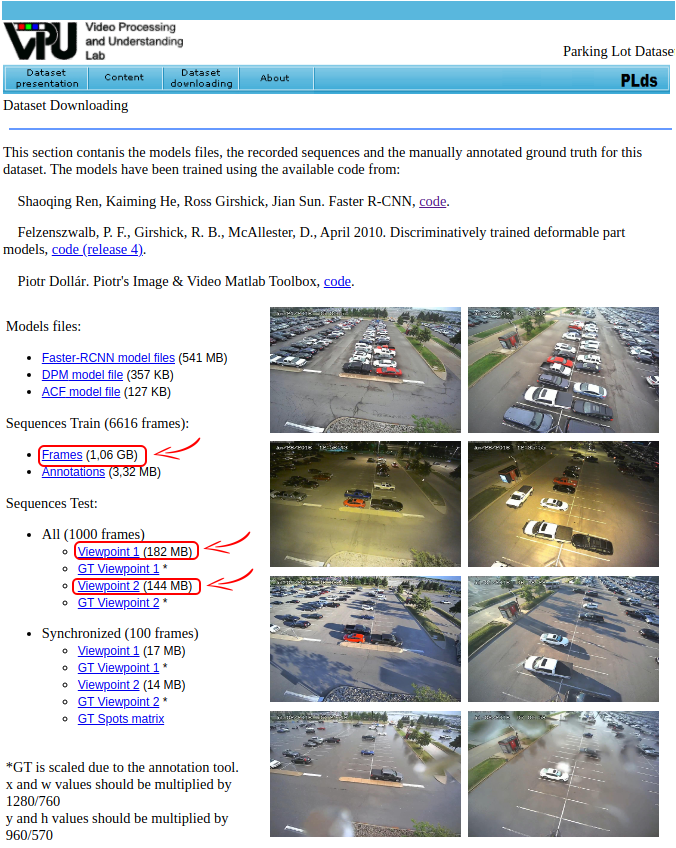
| You should download the following links: | |
| http://www-vpu.eps.uam.es/datasets/PLds/testing/sequences/Images_train.rar | |
| http://www-vpu.eps.uam.es/datasets/PLds/testing/sequences/All_QRIDR.rar | |
| http://www-vpu.eps.uam.es/datasets/PLds/testing/sequences/All_VXUSD.rar | |
| The above links can be found on VPU Download landing page. To better visualize, it is denoted in red in the figure bellow: | |
|  | |
| **Step 3.** Execute the script named 'convertPLds2PKLot2.0.py', located at 'PKLot2.0/Others/PLds' | |