

image imagewidth (px) 1k 1k |
|---|
YAML Metadata Warning:empty or missing yaml metadata in repo card
Check out the documentation for more information.
SLM Lab
Modular Deep Reinforcement Learning framework in PyTorch.
Companion library of the book Foundations of Deep Reinforcement Learning.
Documentation · Benchmark Results
NOTE: v5.0 updates to Gymnasium,
uvtooling, and modern dependencies with ARM support - see CHANGELOG.md.Book readers:
git checkout v4.1.1for Foundations of Deep Reinforcement Learning code.
 |
 |
 |
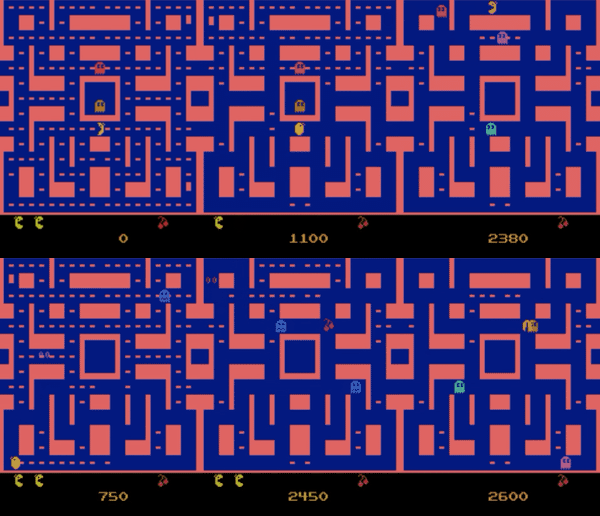 |
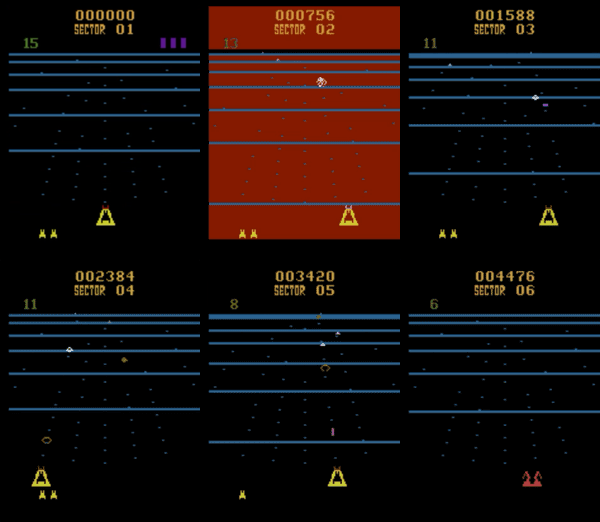
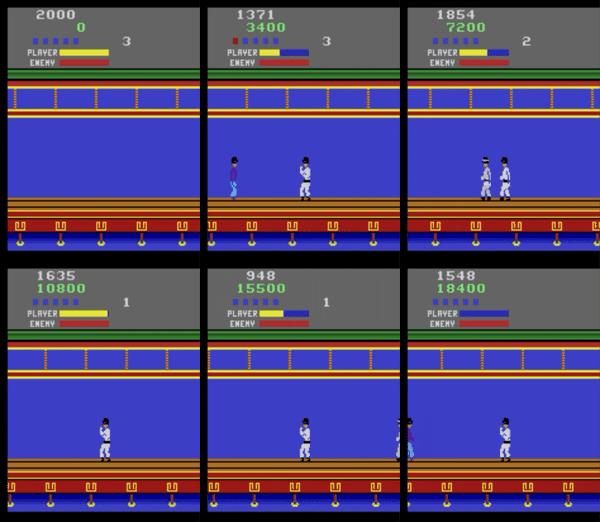
| BeamRider | Breakout | KungFuMaster | MsPacman |
 |
 |
 |
 |
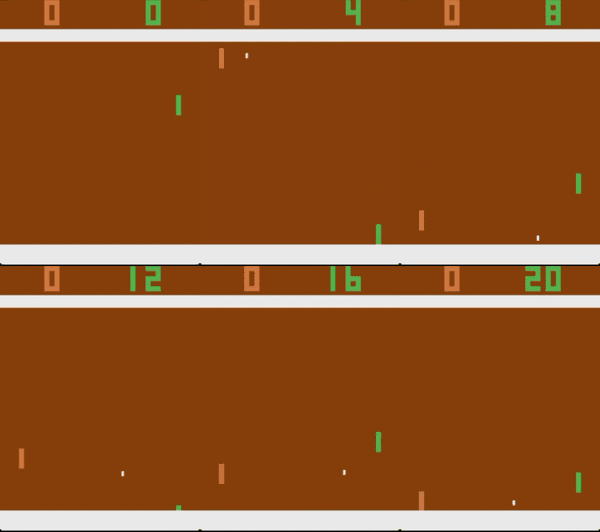
| Pong | Qbert | Seaquest | Sp.Invaders |
 |
 |
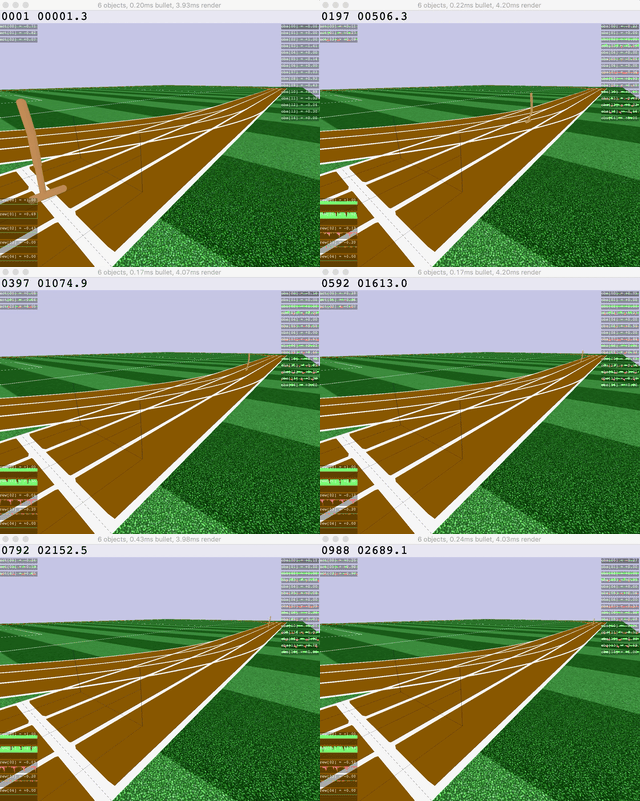 |
 |
| Ant | HalfCheetah | Hopper | Humanoid |
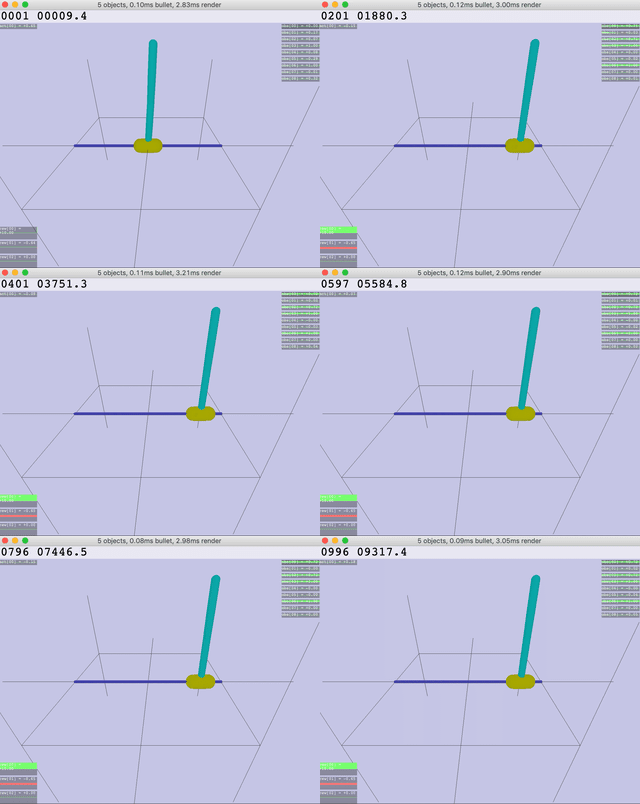 |
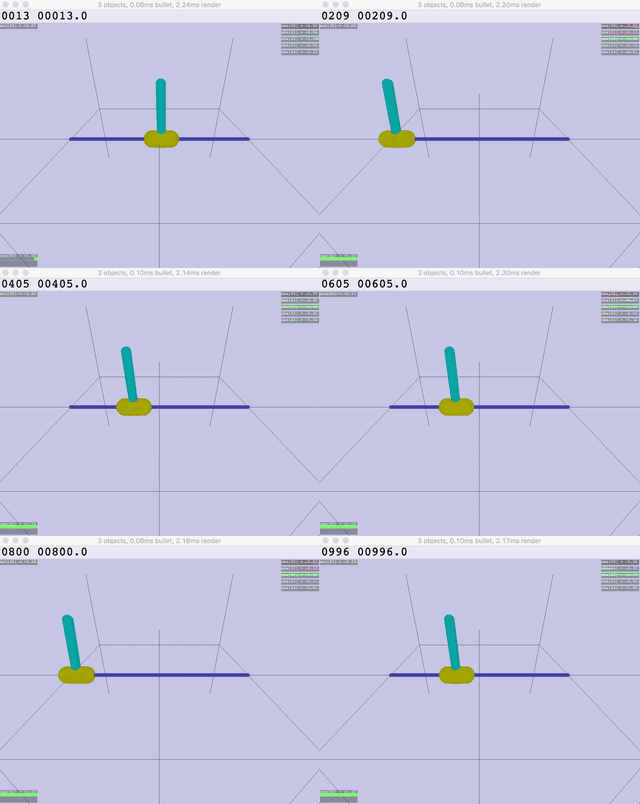 |
 |
 |
| Inv.DoublePendulum | InvertedPendulum | Reacher | Walker |
SLM Lab is a software framework for reinforcement learning (RL) research and application in PyTorch. RL trains agents to make decisions by learning from trial and error—like teaching a robot to walk or an AI to play games.
What SLM Lab Offers
| Feature | Description |
|---|---|
| Ready-to-use algorithms | PPO, SAC, DQN, A2C, REINFORCE—validated on 70+ environments |
| Easy configuration | JSON spec files fully define experiments—no code changes needed |
| Reproducibility | Every run saves its spec + git SHA for exact reproduction |
| Automatic analysis | Training curves, metrics, and TensorBoard logging out of the box |
| Cloud integration | dstack for GPU training, HuggingFace for sharing results |
Algorithms
| Algorithm | Type | Best For | Validated Environments |
|---|---|---|---|
| REINFORCE | On-policy | Learning/teaching | Classic |
| SARSA | On-policy | Tabular-like | Classic |
| DQN/DDQN+PER | Off-policy | Discrete actions | Classic, Box2D, Atari |
| A2C | On-policy | Fast iteration | Classic, Box2D, Atari |
| PPO | On-policy | General purpose | Classic, Box2D, MuJoCo (11), Atari (54) |
| SAC | Off-policy | Continuous control | Classic, Box2D, MuJoCo |
See Benchmark Results for detailed performance data.
Environments
SLM Lab uses Gymnasium (the maintained fork of OpenAI Gym):
| Category | Examples | Difficulty | Docs |
|---|---|---|---|
| Classic Control | CartPole, Pendulum, Acrobot | Easy | Gymnasium Classic |
| Box2D | LunarLander, BipedalWalker | Medium | Gymnasium Box2D |
| MuJoCo | Hopper, HalfCheetah, Humanoid | Hard | Gymnasium MuJoCo |
| Atari | Breakout, MsPacman, and 54 more | Varied | ALE |
Any gymnasium-compatible environment works—just specify its name in the spec.
Quick Start
# Install
uv sync
uv tool install --editable .

# Run demo (PPO CartPole)
slm-lab run                                    # PPO CartPole
slm-lab run --render                           # with visualization

# Run custom experiment
slm-lab run spec.json spec_name train          # local training
slm-lab run-remote spec.json spec_name train   # cloud training (dstack)

# Help (CLI uses Typer)
slm-lab --help                                 # list all commands
slm-lab run --help                             # options for run command

# Troubleshoot: if slm-lab not found, use uv run
uv run slm-lab run
Cloud Training (dstack)
Run experiments on cloud GPUs with automatic result sync to HuggingFace.
# Setup
cp .env.example .env  # Add HF_TOKEN
uv tool install dstack  # Install dstack CLI
# Configure dstack server - see https://dstack.ai/docs/quickstart

# Run on cloud
slm-lab run-remote spec.json spec_name train           # CPU training (default)
slm-lab run-remote spec.json spec_name search          # CPU ASHA search (default)
slm-lab run-remote --gpu spec.json spec_name train     # GPU training (for image envs)

# Sync results
slm-lab pull spec_name    # Download from HuggingFace
slm-lab list              # List available experiments
Config options in .dstack/: run-gpu-train.yml, run-gpu-search.yml, run-cpu-train.yml, run-cpu-search.yml
Minimal Install (Orchestration Only)
For a lightweight box that only dispatches dstack runs, syncs results, and generates plots (no local ML training):
uv sync --no-default-groups  # skip ML deps (torch, gymnasium, etc.)
uv tool install dstack
uv run --no-default-groups slm-lab run-remote spec.json spec_name train
uv run --no-default-groups slm-lab pull spec_name
uv run --no-default-groups slm-lab plot -f folder1,folder2
Citation
If you use SLM Lab in your research, please cite:
@misc{kenggraesser2017slmlab,
    author = {Keng, Wah Loon and Graesser, Laura},
    title = {SLM Lab},
    year = {2017},
    publisher = {GitHub},
    journal = {GitHub repository},
    howpublished = {\url{https://github.com/kengz/SLM-Lab}},
}
License
MIT
- Downloads last month
- 12,646