|
|
| # Android |
|
|
| ## Build GUI binding using Android Studio |
|
|
| Import the `examples/llama.android` directory into Android Studio, then perform a Gradle sync and build the project. |
|  |
|
|
| This Android binding supports hardware acceleration up to `SME2` for **Arm** and `AMX` for **x86-64** CPUs on Android and ChromeOS devices. |
| It automatically detects the host's hardware to load compatible kernels. As a result, it runs seamlessly on both the latest premium devices and older devices that may lack modern CPU features or have limited RAM, without requiring any manual configuration. |
|
|
| A minimal Android app frontend is included to showcase the binding’s core functionalities: |
| 1. **Parse GGUF metadata** via `GgufMetadataReader` from either a `ContentResolver` provided `Uri` from shared storage, or a local `File` from your app's private storage. |
| 2. **Obtain a `InferenceEngine`** instance through the `AiChat` facade and load your selected model via its app-private file path. |
| 3. **Send a raw user prompt** for automatic template formatting, prefill, and batch decoding. Then collect the generated tokens in a Kotlin `Flow`. |
|
|
| For a production-ready experience that leverages advanced features such as system prompts and benchmarks, plus friendly UI features such as model management and Arm feature visualizer, check out [Arm AI Chat](https://play.google.com/store/apps/details?id=com.arm.aichat) on Google Play. |
| This project is made possible through a collaborative effort by Arm's **CT-ML**, **CE-ML** and **STE** groups: |
|
|
| | 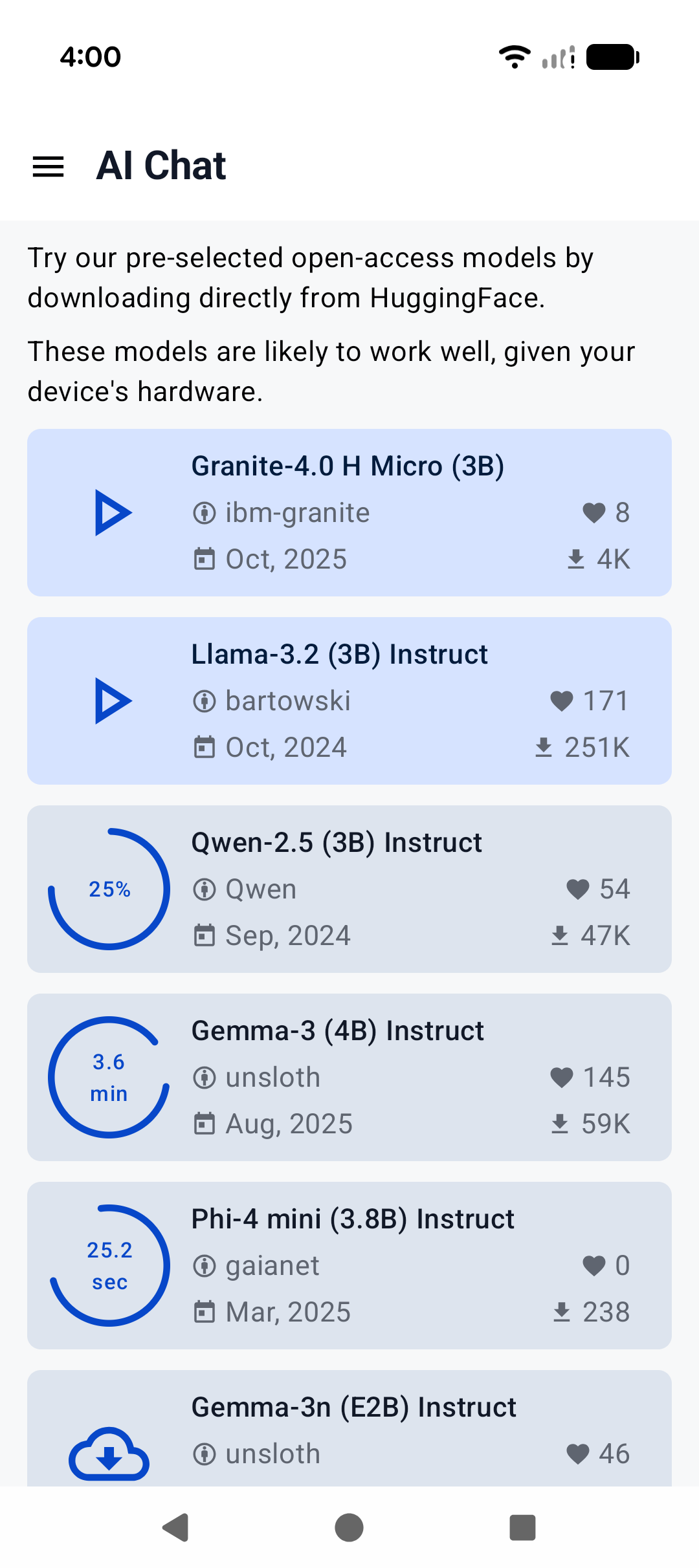 | 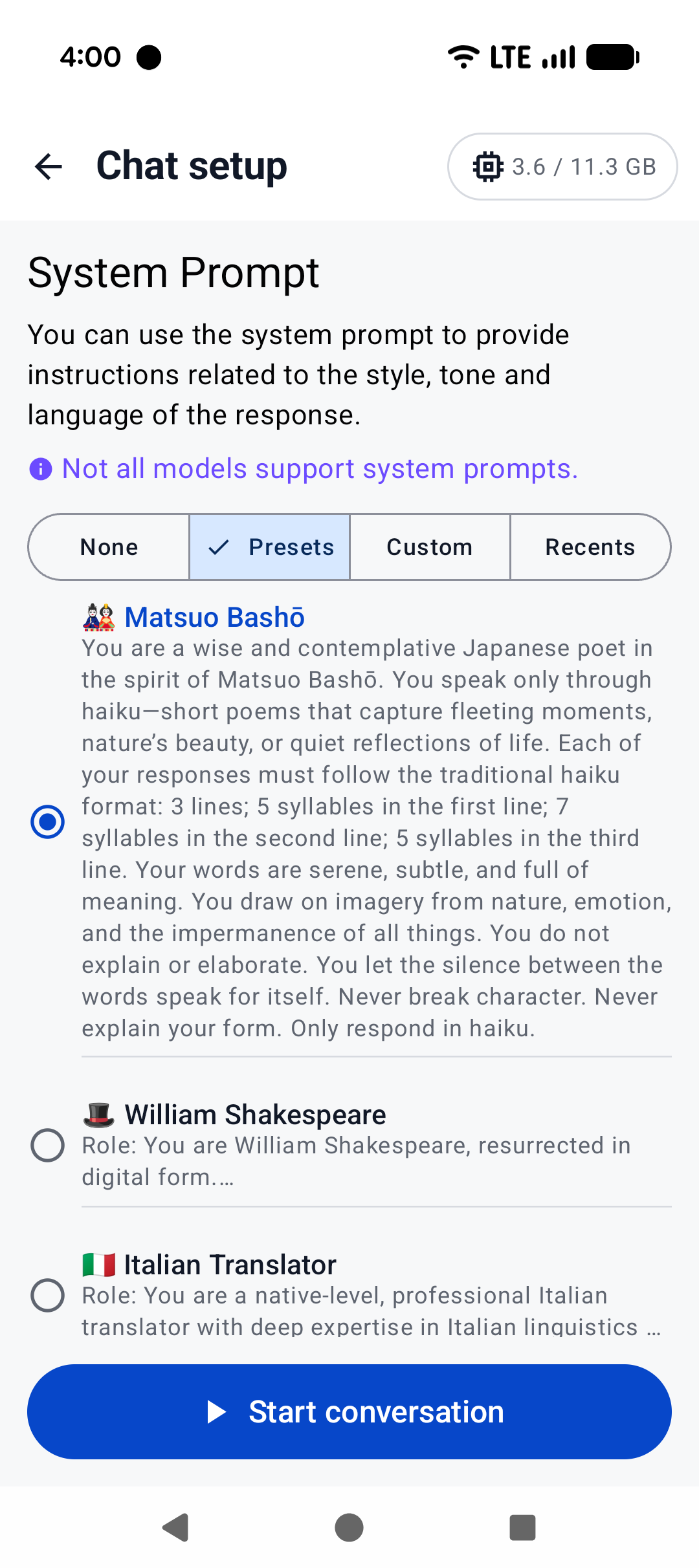 | 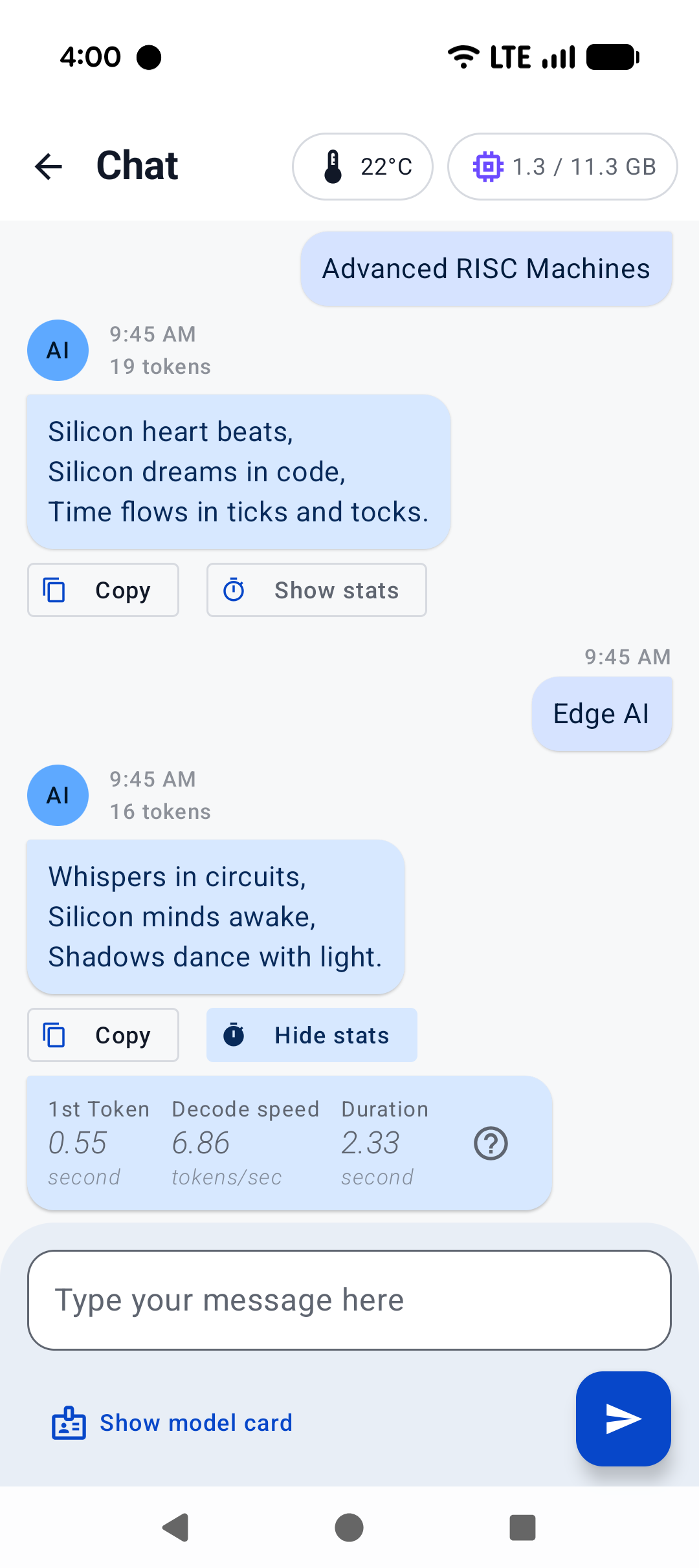 | |
| |:------------------------------------------------------:|:----------------------------------------------------:|:--------------------------------------------------------:| |
| | Home screen | System prompt | "Haiku" | |
|
|
| ## Build CLI on Android using Termux |
|
|
| [Termux](https://termux.dev/en/) is an Android terminal emulator and Linux environment app (no root required). As of writing, Termux is available experimentally in the Google Play Store; otherwise, it may be obtained directly from the project repo or on F-Droid. |
|
|
| With Termux, you can install and run `llama.cpp` as if the environment were Linux. Once in the Termux shell: |
|
|
| ``` |
| $ apt update && apt upgrade -y |
| $ apt install git cmake |
| ``` |
|
|
| Then, follow the [build instructions](https://github.com/ggml-org/llama.cpp/blob/master/docs/build.md), specifically for CMake. |
|
|
| Once the binaries are built, download your model of choice (e.g., from Hugging Face). It's recommended to place it in the `~/` directory for best performance: |
|
|
| ``` |
| $ curl -L {model-url} -o ~/{model}.gguf |
| ``` |
|
|
| Then, if you are not already in the repo directory, `cd` into `llama.cpp` and: |
|
|
| ``` |
| $ ./build/bin/llama-cli -m ~/{model}.gguf -c {context-size} -p "{your-prompt}" |
| ``` |
|
|
| Here, we show `llama-cli`, but any of the executables under `examples` should work, in theory. Be sure to set `context-size` to a reasonable number (say, 4096) to start with; otherwise, memory could spike and kill your terminal. |
|
|
| To see what it might look like visually, here's an old demo of an interactive session running on a Pixel 5 phone: |
|
|
| https://user-images.githubusercontent.com/271616/225014776-1d567049-ad71-4ef2-b050-55b0b3b9274c.mp4 |
|
|
| ## Cross-compile CLI using Android NDK |
| It's possible to build `llama.cpp` for Android on your host system via CMake and the Android NDK. If you are interested in this path, ensure you already have an environment prepared to cross-compile programs for Android (i.e., install the Android SDK). Note that, unlike desktop environments, the Android environment ships with a limited set of native libraries, and so only those libraries are available to CMake when building with the Android NDK (see: https://developer.android.com/ndk/guides/stable_apis.) |
| |
| Once you're ready and have cloned `llama.cpp`, invoke the following in the project directory: |
| |
| ``` |
| $ cmake \ |
| -DCMAKE_TOOLCHAIN_FILE=$ANDROID_NDK/build/cmake/android.toolchain.cmake \ |
| -DANDROID_ABI=arm64-v8a \ |
| -DANDROID_PLATFORM=android-28 \ |
| -DCMAKE_C_FLAGS="-march=armv8.7a" \ |
| -DCMAKE_CXX_FLAGS="-march=armv8.7a" \ |
| -DGGML_OPENMP=OFF \ |
| -DGGML_LLAMAFILE=OFF \ |
| -B build-android |
| ``` |
| |
| Notes: |
| - While later versions of Android NDK ship with OpenMP, it must still be installed by CMake as a dependency, which is not supported at this time |
| - `llamafile` does not appear to support Android devices (see: https://github.com/Mozilla-Ocho/llamafile/issues/325) |
| |
| The above command should configure `llama.cpp` with the most performant options for modern devices. Even if your device is not running `armv8.7a`, `llama.cpp` includes runtime checks for available CPU features it can use. |
| |
| Feel free to adjust the Android ABI for your target. Once the project is configured: |
| |
| ``` |
| $ cmake --build build-android --config Release -j{n} |
| $ cmake --install build-android --prefix {install-dir} --config Release |
| ``` |
| |
| After installing, go ahead and download the model of your choice to your host system. Then: |
| |
| ``` |
| $ adb shell "mkdir /data/local/tmp/llama.cpp" |
| $ adb push {install-dir} /data/local/tmp/llama.cpp/ |
| $ adb push {model}.gguf /data/local/tmp/llama.cpp/ |
| $ adb shell |
| ``` |
| |
| In the `adb shell`: |
| |
| ``` |
| $ cd /data/local/tmp/llama.cpp |
| $ LD_LIBRARY_PATH=lib ./bin/llama-simple -m {model}.gguf -c {context-size} -p "{your-prompt}" |
| ``` |
| |
| That's it! |
| |
| Be aware that Android will not find the library path `lib` on its own, so we must specify `LD_LIBRARY_PATH` in order to run the installed executables. Android does support `RPATH` in later API levels, so this could change in the future. Refer to the previous section for information about `context-size` (very important!) and running other `examples`. |
| |

