

| license: creativeml-openrail-m | |
| tags: | |
| - text-to-image | |
| widget: | |
| - text: olanmills | |
| ### olanmills Dreambooth model trained by dereckd with [Hugging Face Dreambooth Training Space](https://huggingface.co/spaces/multimodalart/dreambooth-training) with the v1-5 base model | |
| You run your new concept via `diffusers` [Colab Notebook for Inference](https://colab.research.google.com/github/huggingface/notebooks/blob/main/diffusers/sd_dreambooth_inference.ipynb). Don't forget to use the concept prompts! | |
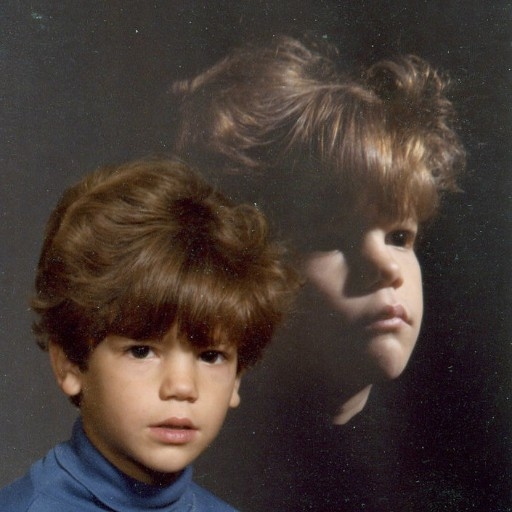
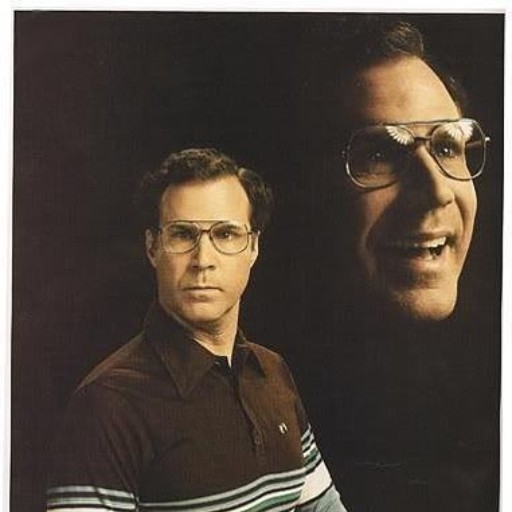
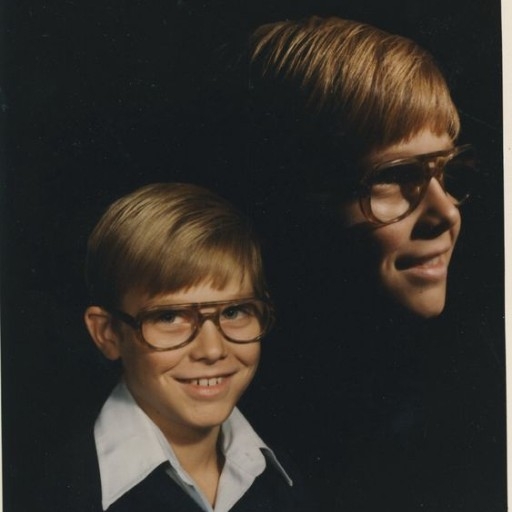
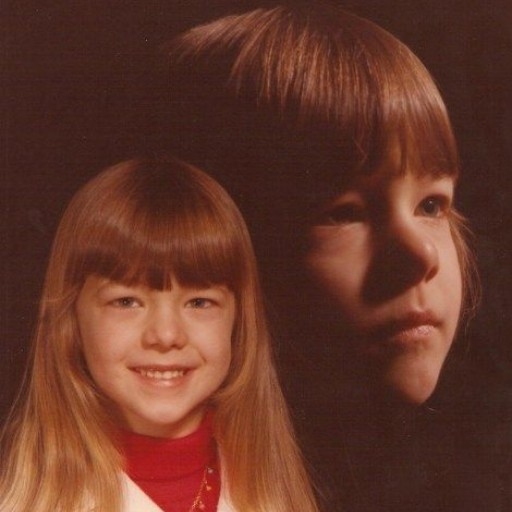
| Sample pictures of: | |
| olanmills (use that on your prompt) | |
|  | |