
Text-to-Image
Diffusers
Safetensors
StableDiffusionPipeline
stable-diffusion
stable-diffusion-diffusers
Instructions to use digiplay/WhiteDreamyHillMix_v1 with libraries, inference providers, notebooks, and local apps. Follow these links to get started.
- Libraries
- Diffusers
How to use digiplay/WhiteDreamyHillMix_v1 with Diffusers:
pip install -U diffusers transformers accelerate
import torch from diffusers import DiffusionPipeline # switch to "mps" for apple devices pipe = DiffusionPipeline.from_pretrained("digiplay/WhiteDreamyHillMix_v1", dtype=torch.bfloat16, device_map="cuda") prompt = "Astronaut in a jungle, cold color palette, muted colors, detailed, 8k" image = pipe(prompt).images[0] - Notebooks
- Google Colab
- Kaggle
- Local Apps Settings
- Draw Things
- DiffusionBee
2024 Update: hi, this is no VAE version, VAE version is here: https://huggingface.co/digiplay/WhiteDreamyHillMix_v1_VAE
no VAE DEMO image (generated by Huggingface's API / 2024 MAY ) :
Model info:
https://civitai.com/models/44341/whitedreamyhillmix
Original Author's DEMO image :
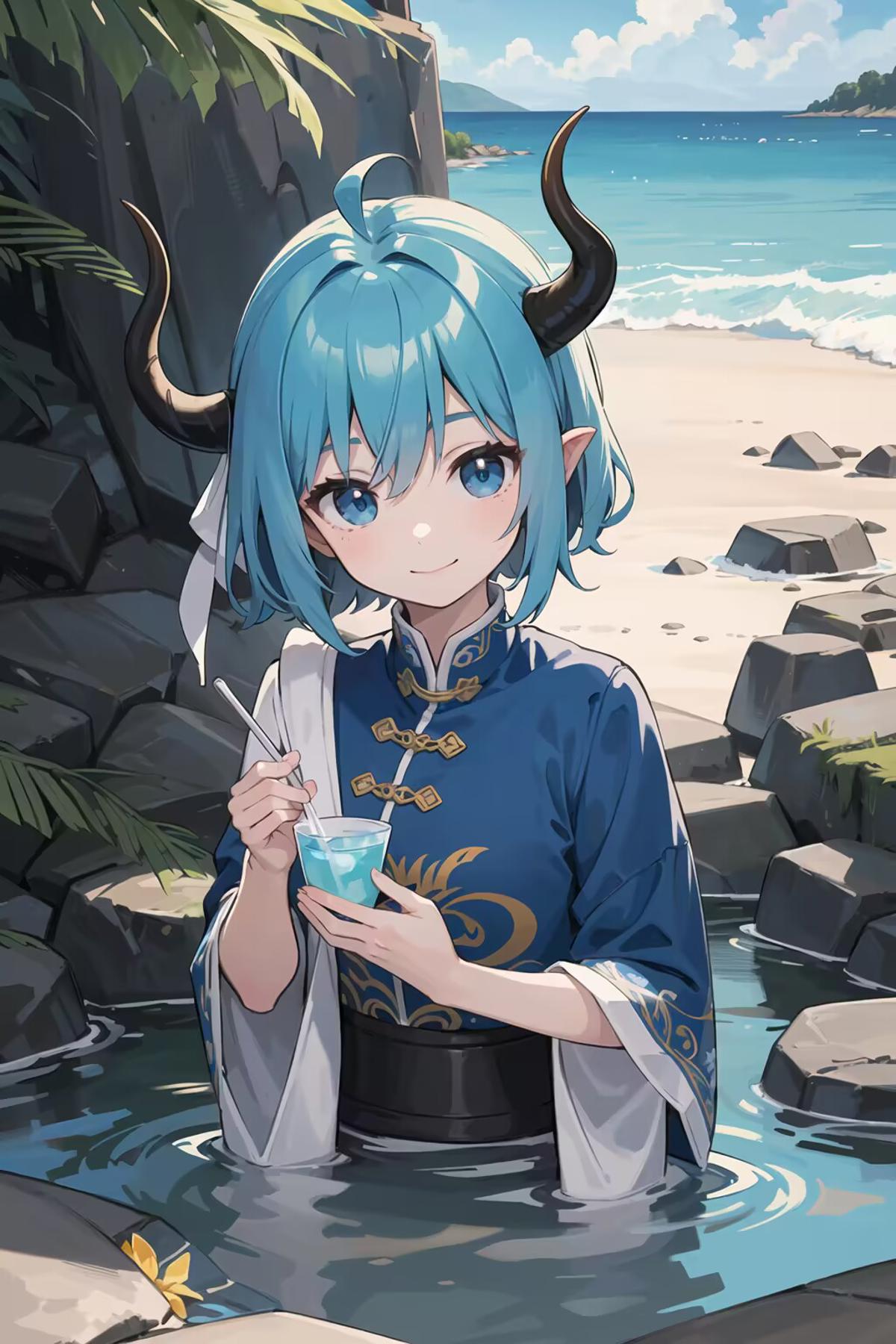
Sample image I made:
prompt :
cute angel and a big rabbit in the cake store,close-up ,warm color tone,eating a stawberry cake
- Downloads last month
- 34

I_GT(KA8K_tmb.jpeg)
