
Text-to-Image
Diffusers
Safetensors
StableDiffusionPipeline
stable-diffusion
stable-diffusion-diffusers
import torch
from diffusers import DiffusionPipeline

# switch to "mps" for apple devices
pipe = DiffusionPipeline.from_pretrained("digiplay/epi_2.5Dphotogodess_diffusers", dtype=torch.bfloat16, device_map="cuda")

prompt = "Astronaut in a jungle, cold color palette, muted colors, detailed, 8k"
image = pipe(prompt).images[0]Model info:
https://civitai.com/models/26761?modelVersionId=36352
Version 3
Original Author's DEMO images:
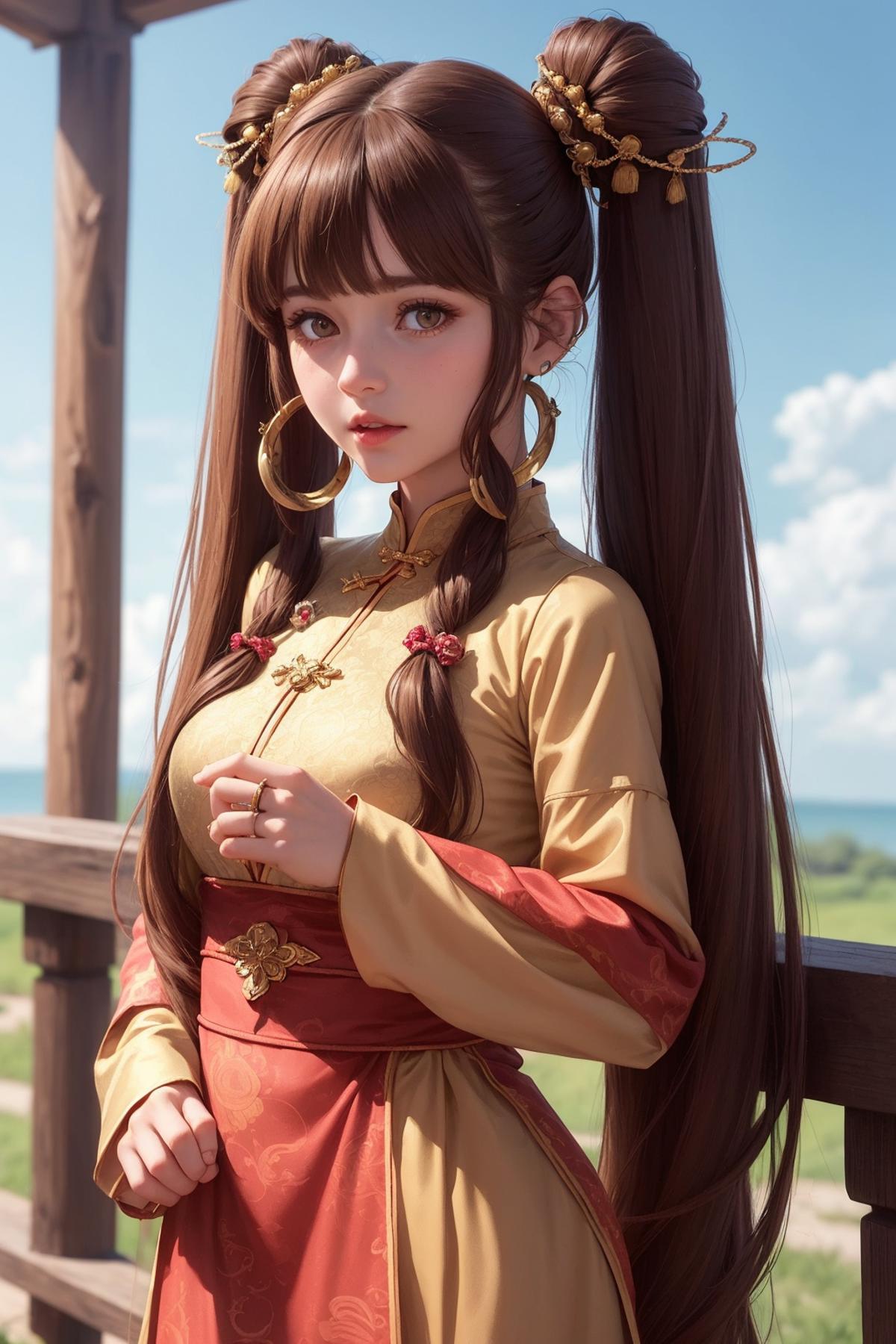,%20(hyperrealistic),%20mh-yk,%201girl,%20%20solo,%20brown%20hair,%20brown%20eyes,%20,%20long%20hair,%20chinese%20clothes,%20twintails,%20outdoor,.jpeg)
- Downloads last month
- 66