

| 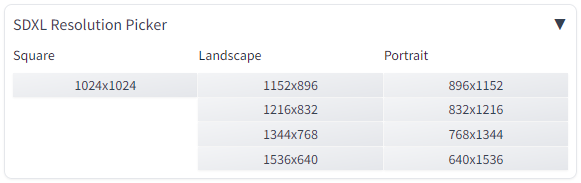 | |
| # Installation instructions: | |
| 1. Open Automatic1111 WebUI. | |
| 2. Click the "Extensions" tab. | |
| 3. Click the "Install from URL" tab. | |
| 4. Paste the link to this repository into the "URL for extension's git repository" box. | |
| 5. Click "Install". | |