
Hub documentation
User access tokens
User access tokens
What are User Access Tokens?
User Access Tokens are the preferred way to authenticate an application or notebook to Hugging Face services. You can manage your access tokens in your settings.
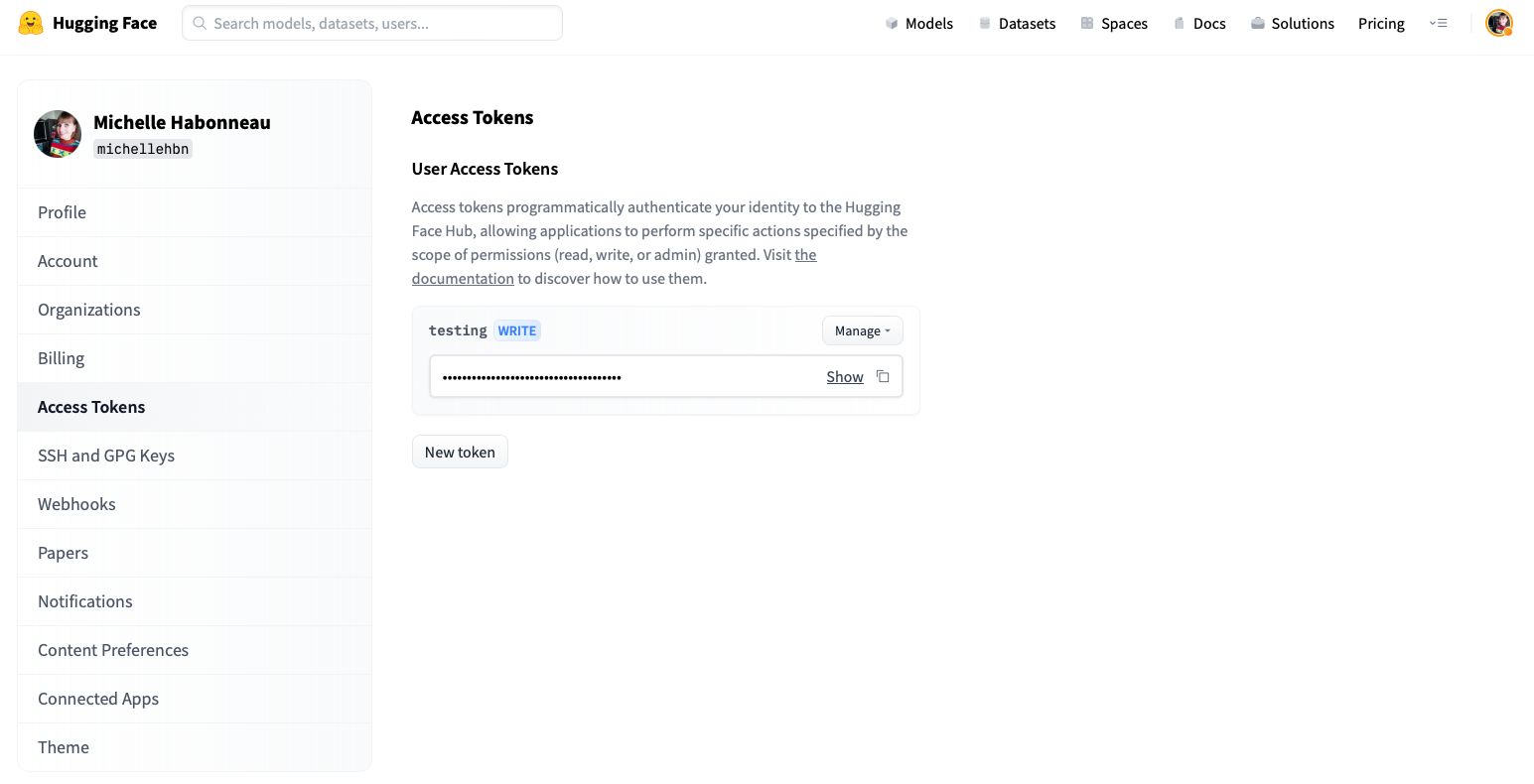
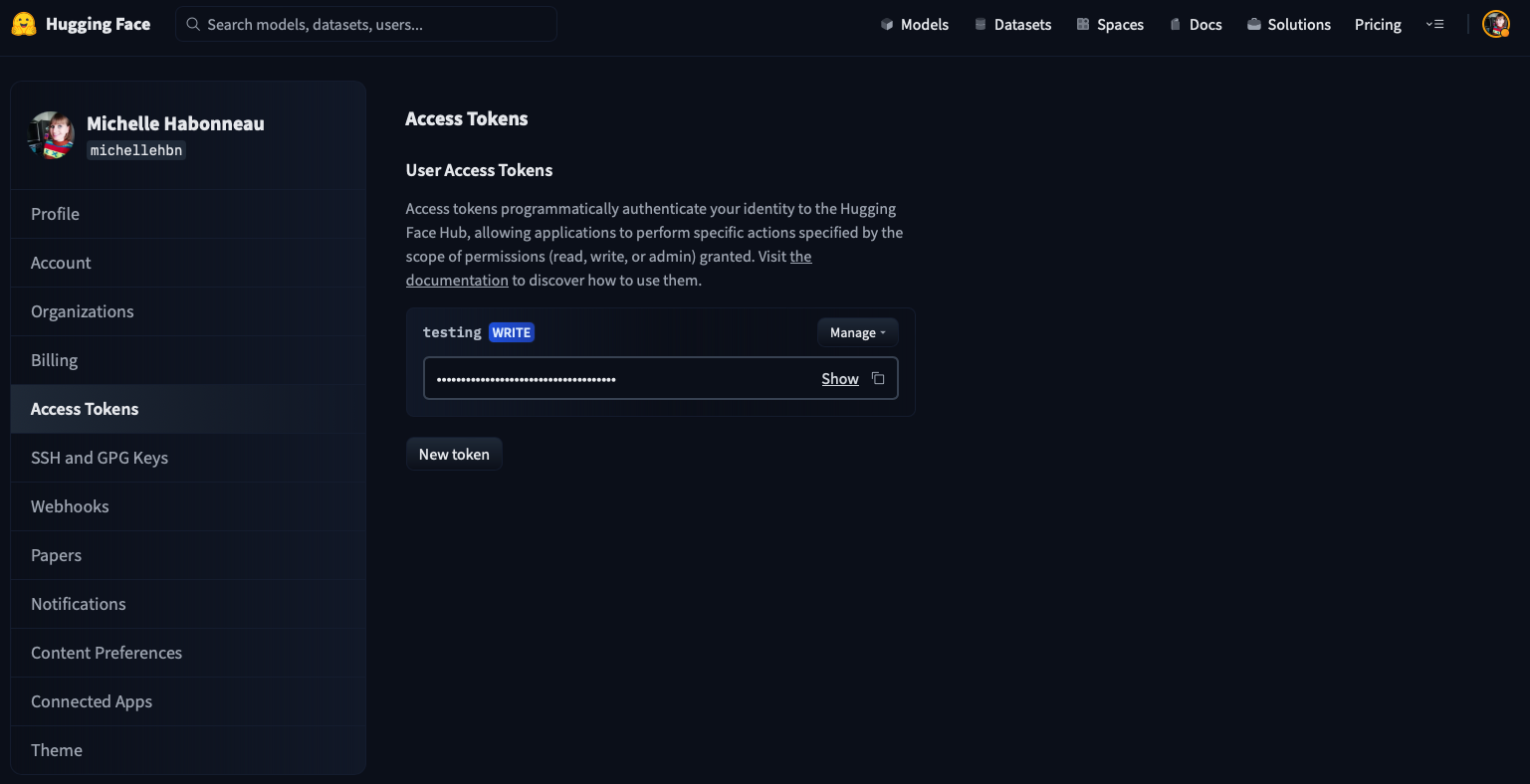
Access tokens allow applications and notebooks to perform specific actions specified by the scope of the roles shown in the following:
fine-grained: tokens with this role can be used to provide fine-grained access to specific resources, such as a specific model or models in a specific organization. This type of token is useful in production environments, as you can use your own token without sharing access to all your resources.read: tokens with this role can only be used to provide read access to repositories you could read. That includes public and private repositories that you, or an organization you’re a member of, own. Use this role if you only need to read content from the Hugging Face Hub (e.g. when downloading private models or doing inference).write: tokens with this role additionally grant write access to the repositories you have write access to. Use this token if you need to create or push content to a repository (e.g., when training a model or modifying a model card).
If you are a member of an organization with read/write/admin role, then your User Access Tokens will be able to read/write the resources according to the token permission (read/write) and organization membership (read/write/admin).
How to manage User Access Tokens?
To create an access token, go to your settings, then click on the Access Tokens tab. Click on the New token button to create a new User Access Token.
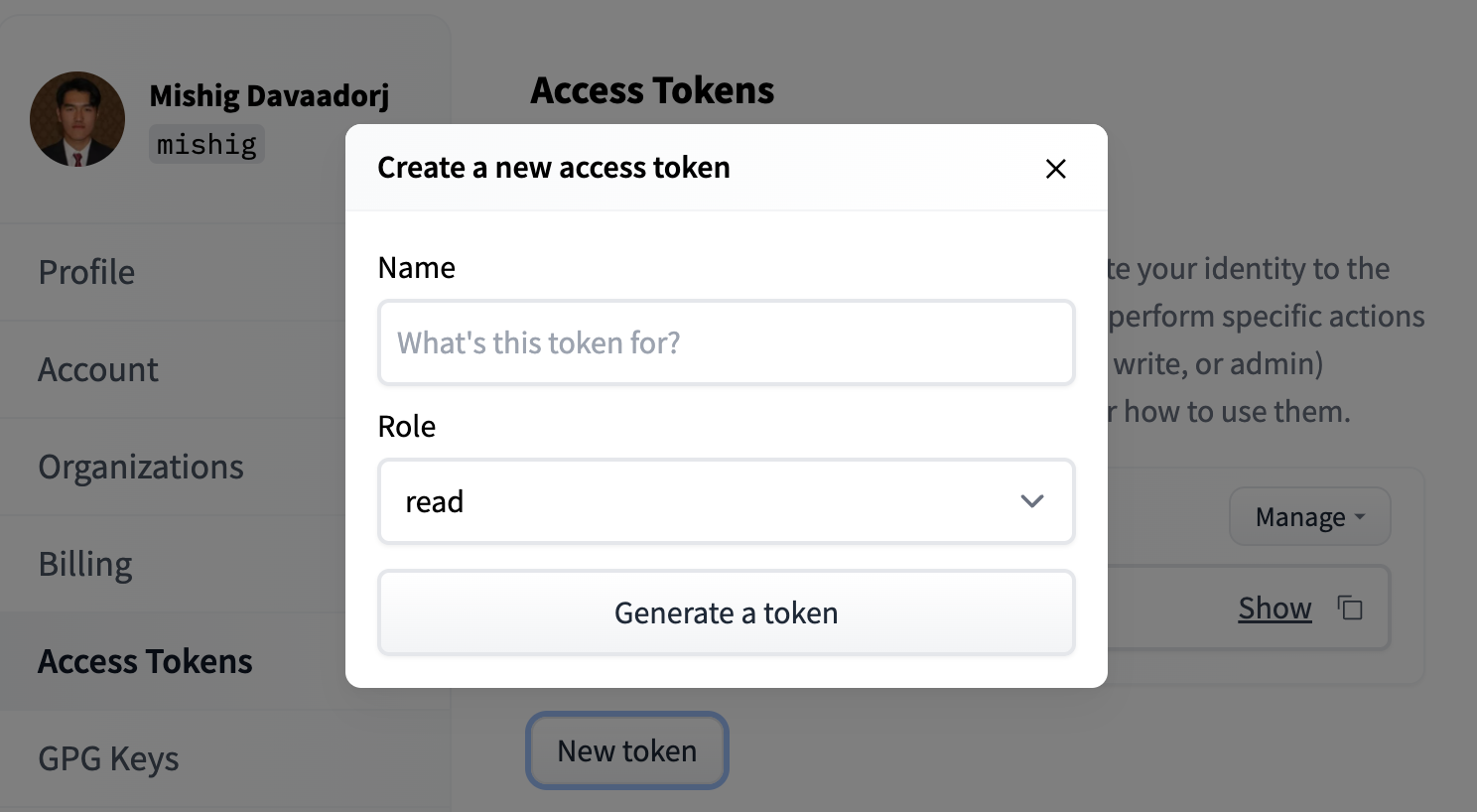
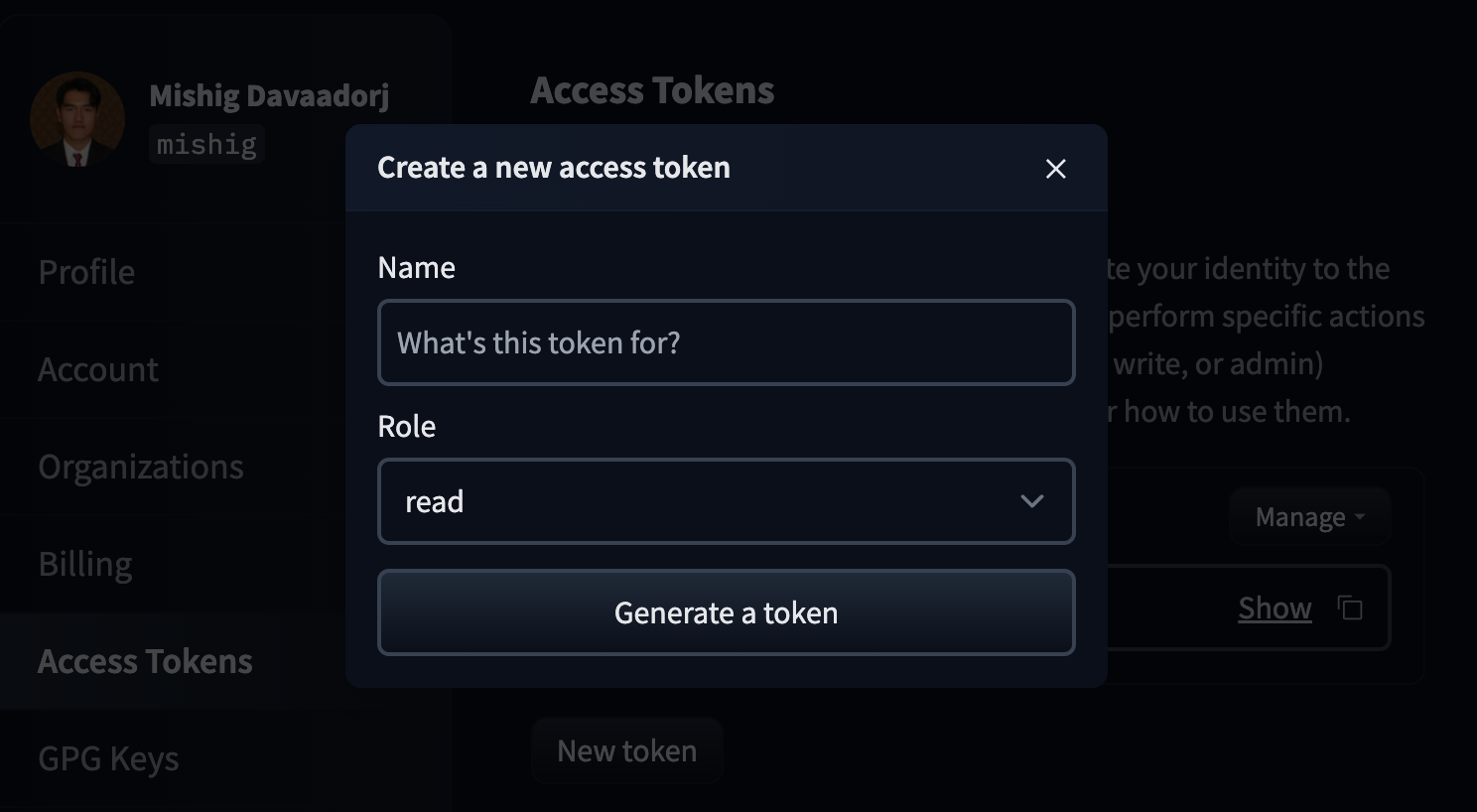
Select a role and a name for your token and voilà - you’re ready to go!
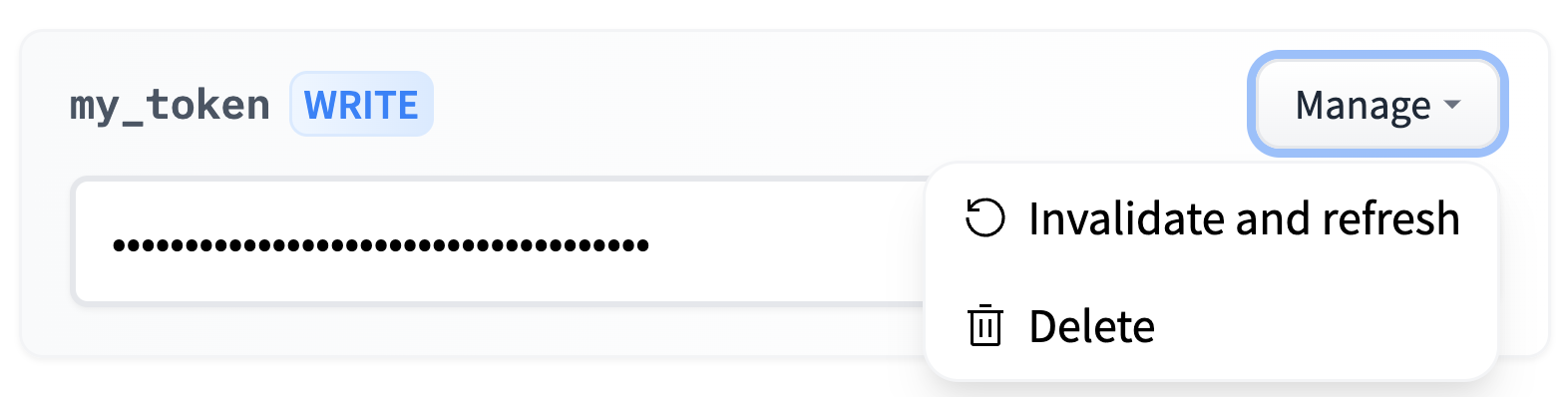
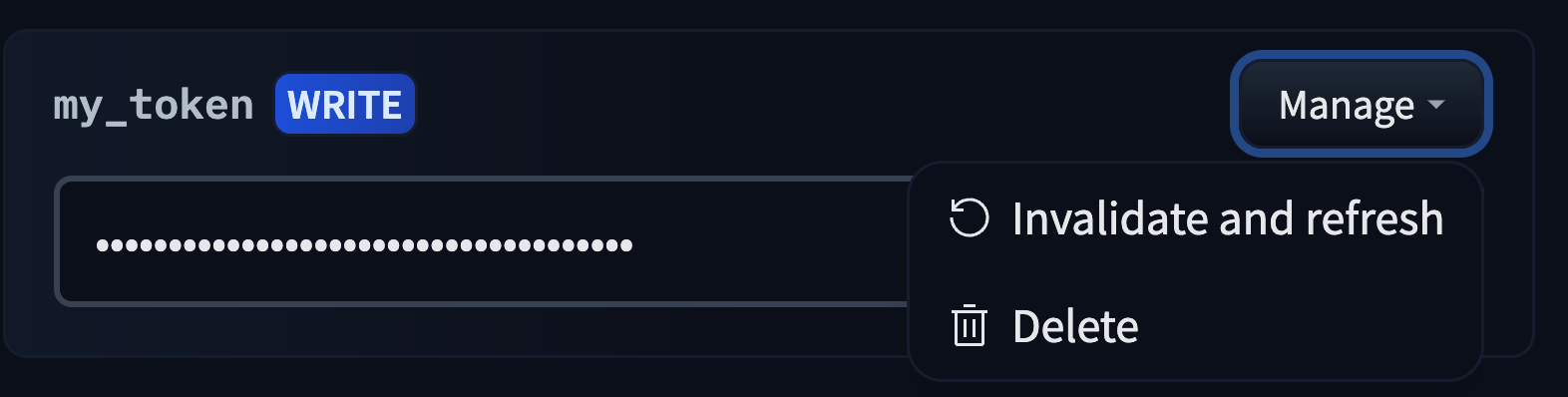
You can delete and refresh User Access Tokens by clicking on the Manage button.
How to use User Access Tokens?
There are plenty of ways to use a User Access Token to access the Hugging Face Hub, granting you the flexibility you need to build awesome apps on top of it.
User Access Tokens can be:
- used in place of a password to access the Hugging Face Hub with git or with basic authentication.
- passed as a bearer token when calling Inference Providers.
- used in the Hugging Face Python libraries, such as
transformersordatasets:
from transformers import AutoModel

access_token = "hf_..."

model = AutoModel.from_pretrained("private/model", token=access_token)
Try not to leak your token! Though you can always rotate it, anyone will be able to read or write your private repos in the meantime which is 💩 See Revoking a leaked token if a token has been exposed.
Best practices
We recommend you create one access token per app or usage. For instance, you could have a separate token for:
- A local machine.
- A Colab notebook.
- An awesome custom inference server.
This way, you can invalidate one token without impacting your other usages.
We also recommend using only fine-grained tokens for production usage. The impact, if leaked, will be reduced, and they can be shared among your organization without impacting your account.
For example, if your production application needs read access to a gated model, a member of your organization can request access to the model and then create a fine-grained token with read access to that model. This token can then be used in your production application without giving it access to all your private models.
For CI/CD pipelines
If you only need access from a CI/CD workflow (GitHub Actions, GitLab CI, CircleCI, …), you can avoid storing an access token as a CI secret entirely. See Trusted Publishers, which exchanges your CI provider’s OpenID Connect (OIDC) identity token for a short-lived Hub token at the start of each run — either repo-scoped (to publish models, datasets, Spaces or kernels) or user-scoped (to read gated repos you have access to and get your account’s rate limits).
For Enterprise organizations
If your organization needs to programmatically issue tokens for members without requiring each user to create their own token, see OAuth Token Exchange. This Enterprise plan feature is ideal for building internal platforms, CI/CD pipelines, or custom integrations that need to access Hugging Face resources on behalf of organization members.
Revoking a leaked token
If one of your own tokens has leaked, delete or refresh it from the Access Tokens tab of your settings.
If you have found somebody else’s Hugging Face access token you can invalidate it with the POST /api/credentials/revoke endpoint. You don’t need any rights over the account or organization that owns the token.
# LEAKED_HF_TOKEN should contain the raw token value to revoke
curl -X POST "https://huggingface.co/api/credentials/revoke" \
  -H "Content-Type: application/json" \
  -d "{\"credentials\": [\"${LEAKED_HF_TOKEN}\"]}"
You can pass several token values in the credentials array in a single call, which is convenient for secret-scanning pipelines that report findings in batches.
Every submitted token that matches an existing one is invalidated immediately and stops working everywhere — unlike organization-level revocation, which only cuts off the token’s access to a single organization. The owner of the token is notified by email and needs to create a new token to restore access.
The endpoint always responds with 202 Accepted, whether or not any of the tokens you submitted existed, so its response cannot be used to probe whether a token is valid. Submitting the same token again is harmless: repeat calls do nothing and the owner is only notified once.
To avoid leaking token values in shell history or logs, pass them via environment variables or files, and avoid pasting raw tokens directly into command lines.
Tokens in organizations with token management policies
Organizations on Team and Enterprise plans can enforce token policies that affect how your tokens work when accessing that organization’s resources.
When your token requires approval (Team & Enterprise organizations)
When you create a fine-grained token scoped to an organization that requires administrator approval, the token enters a Pending state automatically. It cannot access that organization’s resources until an administrator approves it. You will receive an email notification when your token is approved or denied.
You can check status from your token list page, a pending token shows an orange hourglass icon next to its permissions badge, and a denied or revoked token shows a red exclamation icon. A red error banner also appears on the token’s edit page if your token was denied or revoked.
If you are an administrator of the organization, fine-grained tokens you create scoped to that organization are automatically approved — no review step is required.
When your token is denied (Team & Enterprise organizations)
If your token is denied, you will receive an email notification. The token remains in your account and can still be used for resources outside the organization. A denied token can later be approved by an administrator, restoring access without you needing to create a new token.
When attempting to use a denied token against organization resources, you will receive a 403 error.
When your token is revoked (Enterprise organizations)
Revocation is permanent. Unlike denial, a revoked token cannot be reinstated. If your token has been revoked, you must delete it and create a new one. If the organization requires administrator approval, the new token will start in a pending state.
When attempting to use a revoked token against organization resources, you will receive a 403 error with the message: “Your token has been revoked by the organization administrator, you can no longer access organization resources. Please contact them for more information.”
Revocation only affects the organization that revoked it. The token continues to work normally for all other resources it is scoped to.
When your organization only allows fine-grained tokens (Team & Enterprise organizations)
If your organization has set a policy requiring fine-grained tokens, read/write tokens will be rejected with a 403 error when used against that organization’s resources.