

Diffuser model for this SD checkpoint: https://civitai.com/models/4201?modelVersionId=29460
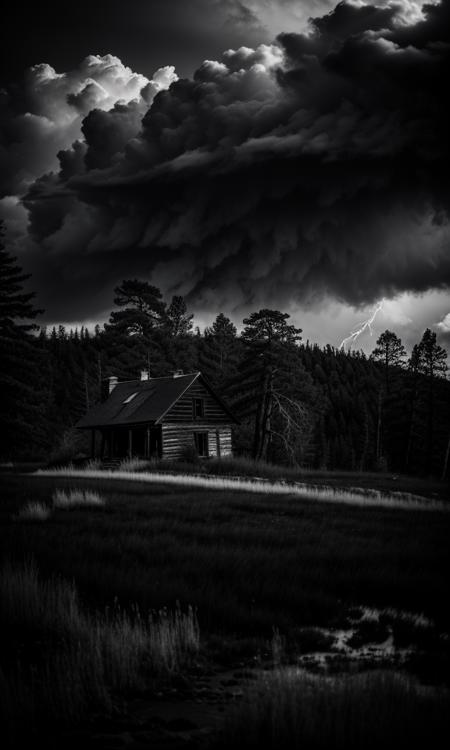
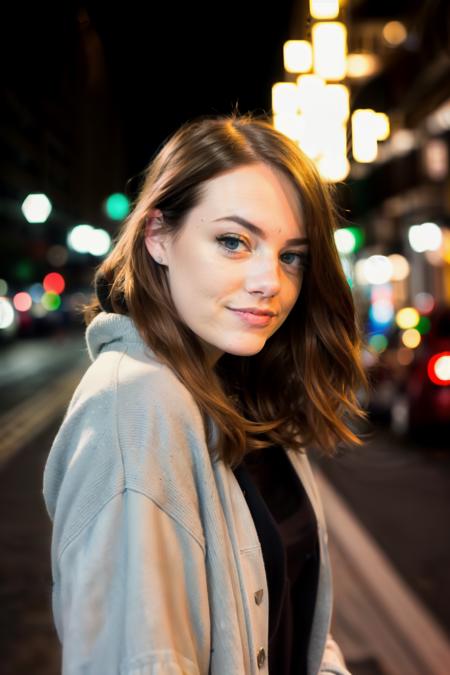
emilianJR/RealisticVision_V2 is the HuggingFace diffuser that you can use with diffusers.StableDiffusionPipeline().
| Examples | Examples | Examples |
|---|---|---|
 |
 |
 |
 |
 |
 |
🧨 Diffusers
This model can be used just like any other Stable Diffusion model. For more information, please have a look at the Stable Diffusion.
from diffusers import StableDiffusionPipeline
import torch

model_id = "emilianJR/RealisticVision_V2"
pipe = StableDiffusionPipeline.from_pretrained(model_id, torch_dtype=torch.float16)
pipe = pipe.to("cuda")

prompt = "YOUR PROMPT"
image = pipe(prompt).images[0]

image.save("image.png")
License
This model is open access and available to all, with a CreativeML OpenRAIL-M license further specifying rights and usage. The CreativeML OpenRAIL License specifies: Please read the full license here
- Downloads last month
- 17