
import torch
from diffusers import DiffusionPipeline

# switch to "mps" for apple devices
pipe = DiffusionPipeline.from_pretrained("black-forest-labs/FLUX.1-dev", dtype=torch.bfloat16, device_map="cuda")
pipe.load_lora_weights("fofr/flux-handwriting")

prompt = "HWRIT scrawling messy handwriting saying \"Hello, this is a handwriting lora\", illegible, red ink on old stained"
image = pipe(prompt).images[0]Flux Handwriting
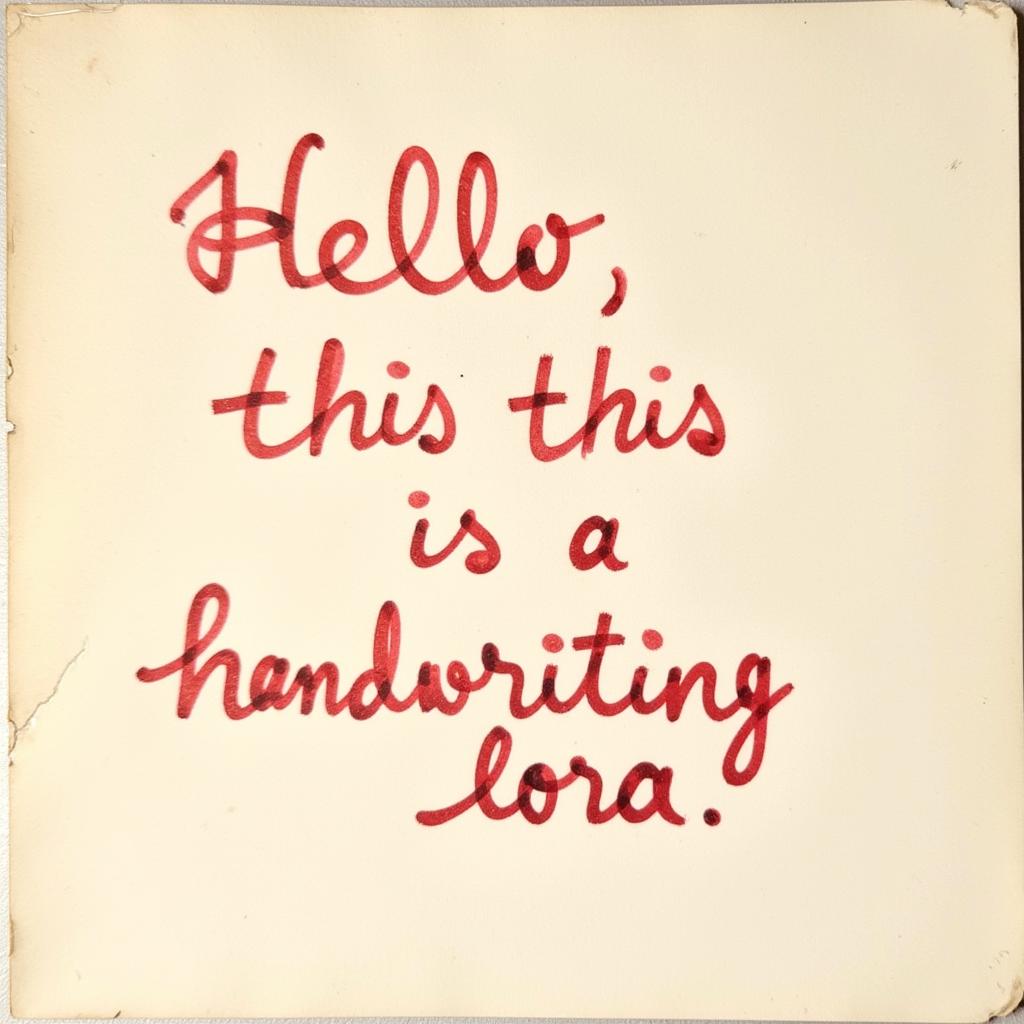
- Prompt
- HWRIT scrawling messy handwriting saying "Hello, this is a handwriting lora", illegible, red ink on old stained
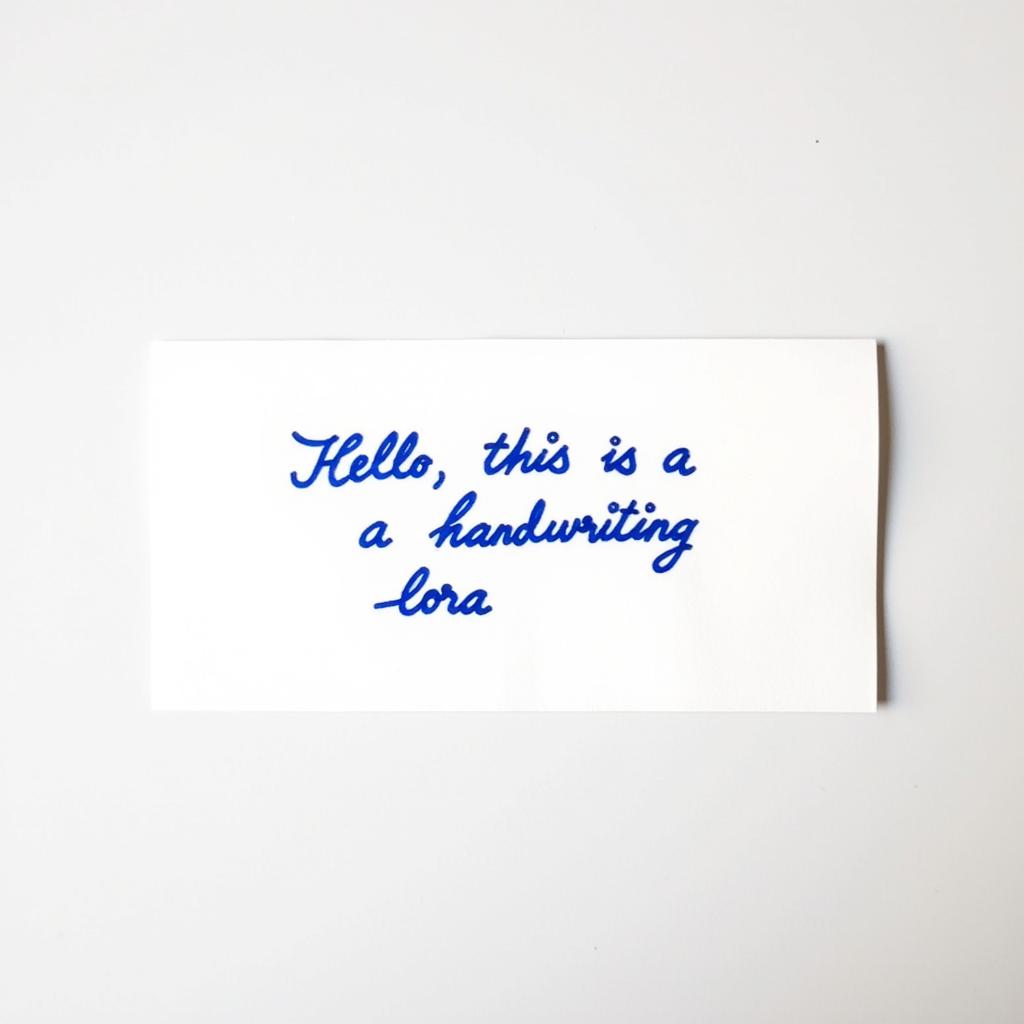
- Prompt
- HWRIT very neat handwriting saying "Hello, this is a handwriting lora", blue ink on white paper
Run is fast on Replicate:
https://replicate.com/fofr/flux-handwriting
Trained on Replicate using:
https://replicate.com/ostris/flux-dev-lora-trainer/train
Trigger words
You should use HWRIT handwriting to trigger the image generation.
Use it with the 🧨 diffusers library
from diffusers import AutoPipelineForText2Image
import torch

pipeline = AutoPipelineForText2Image.from_pretrained('black-forest-labs/FLUX.1-dev', torch_dtype=torch.float16).to('cuda')
pipeline.load_lora_weights('fofr/flux-handwriting', weight_name='lora.safetensors')
image = pipeline('your prompt').images[0]
For more details, including weighting, merging and fusing LoRAs, check the documentation on loading LoRAs in diffusers
- Downloads last month
- 135
Model tree for fofr/flux-handwriting
Base model
black-forest-labs/FLUX.1-dev