

flux_dev_translucency
Model trained with AI Toolkit by Ostris under the Glif Loradex program by Glif user kklors.
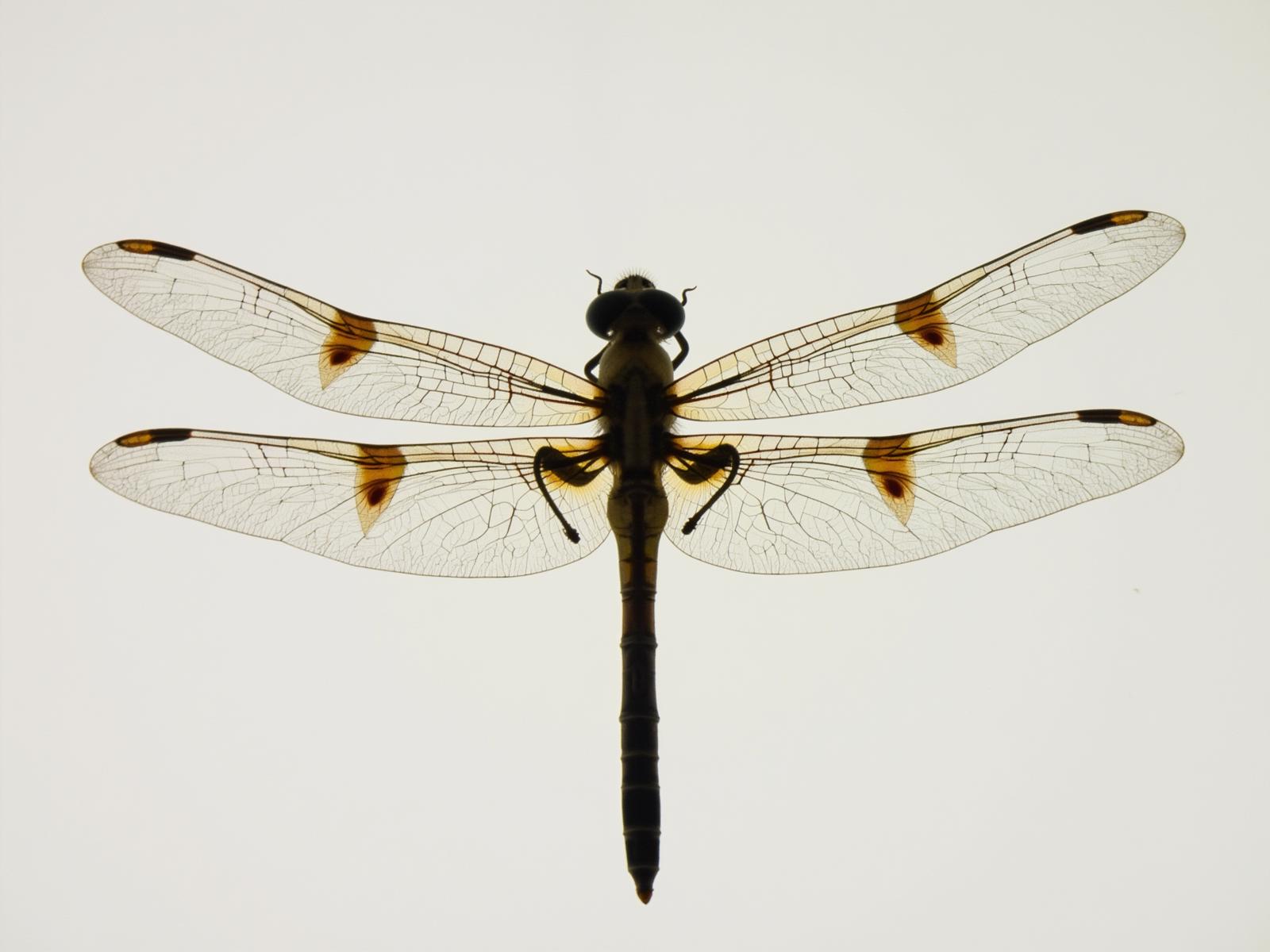
- Prompt
- image of a dragonfly TL, translucency

- Prompt
- a person behind a window TL, translucency

- Prompt
- young woman wearing a plastic coat and a plastic hand bag, sunset in a desert TL, translucency

- Prompt
- strong light shining through a person TL, translucency
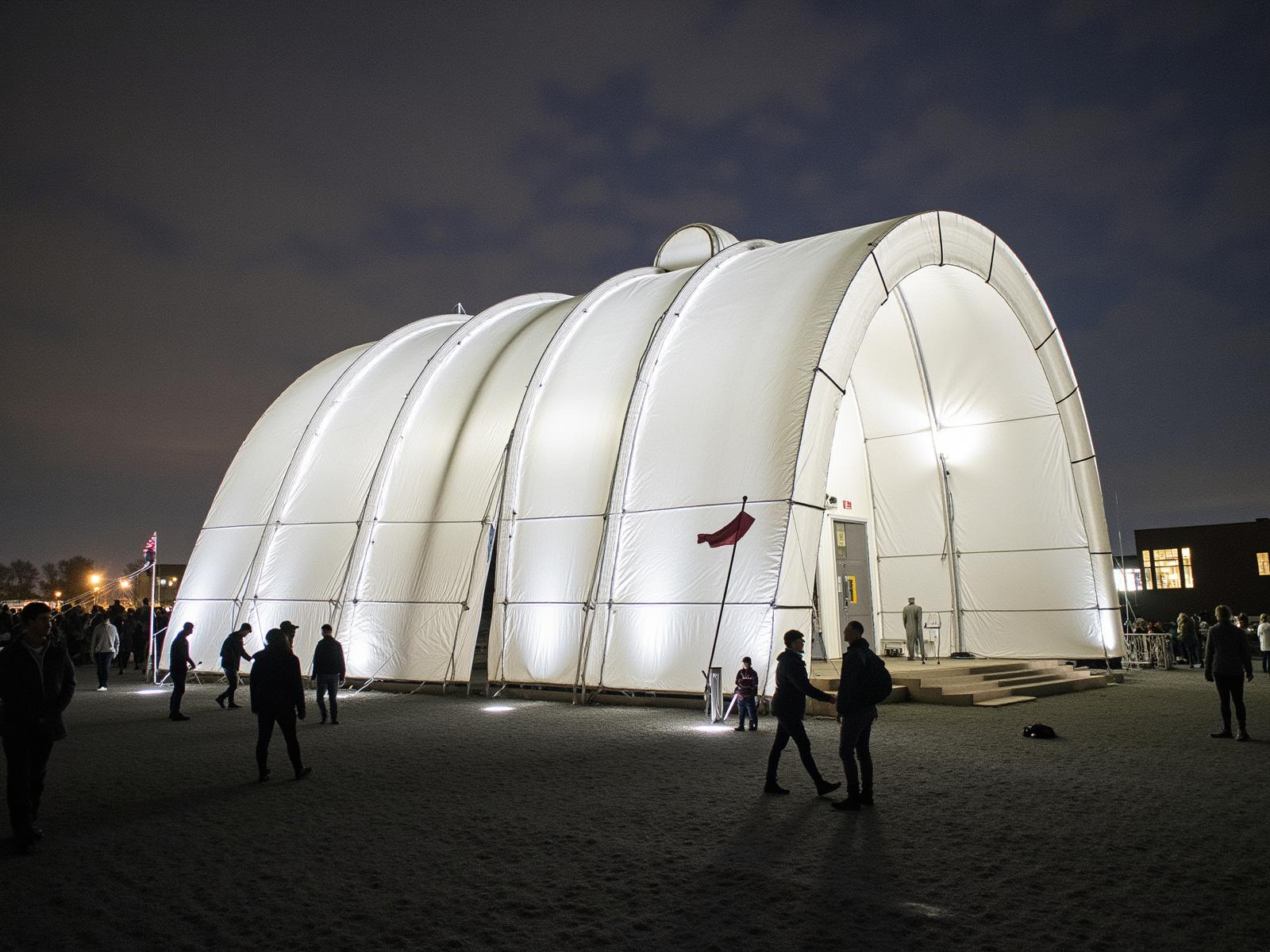
- Prompt
- a huge modern architecture building looking like a tent, directional light TL, translucency
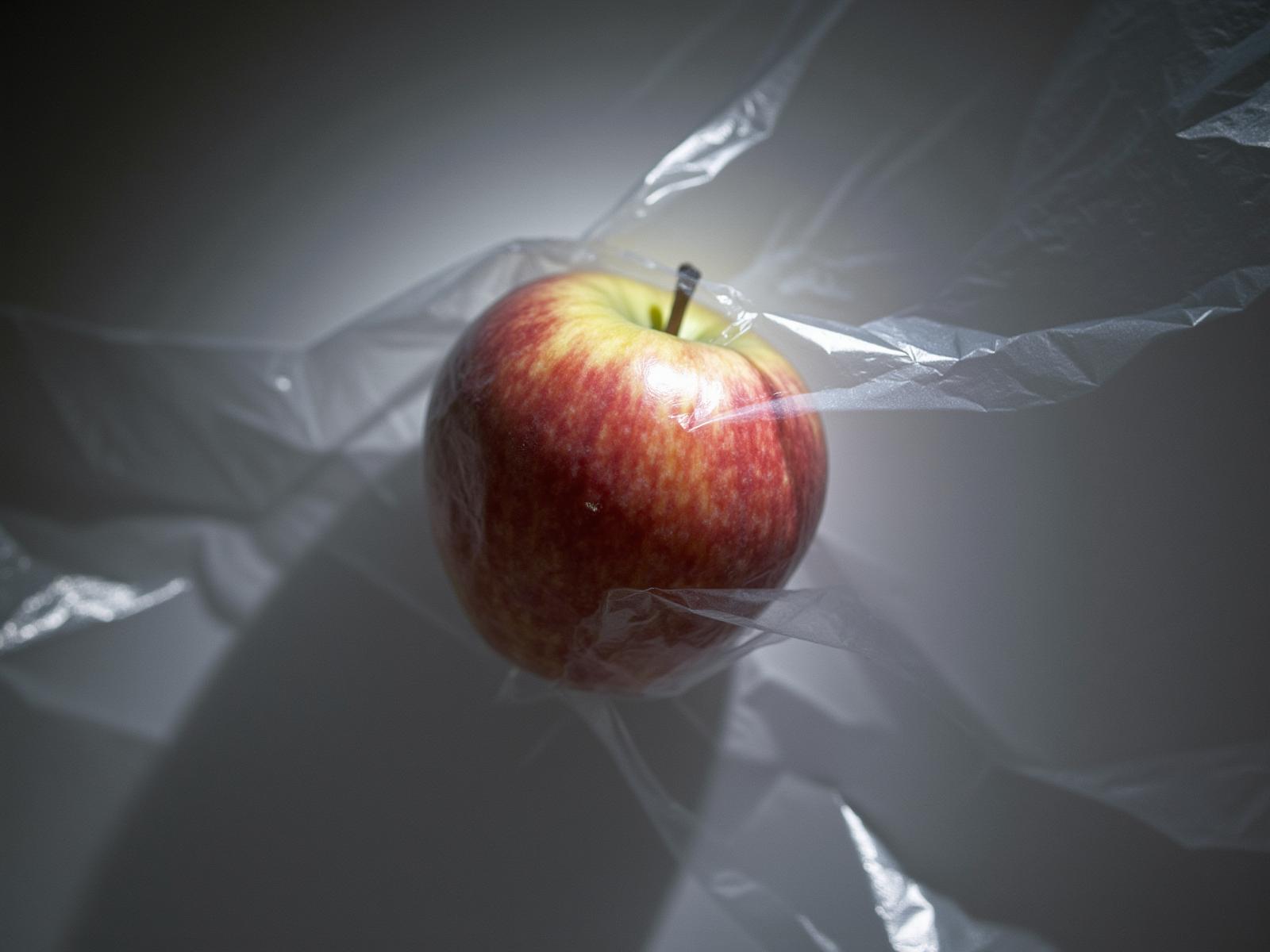
- Prompt
- an apple surrounded by plastic TL, translucency
Trigger words
You should use TL, translucency to trigger the image generation.
Download model
Weights for this model are available in Safetensors format. Download them in the Files & versions tab.
License
This model is licensed under the flux-1-dev-non-commercial-license.
- Downloads last month
- 37
Model tree for glif-loradex-trainer/kklors_flux_dev_translucency
Base model
black-forest-labs/FLUX.1-dev