
Instructions to use glif-loradex-trainer/x_bulbul_x_windows_95_UI with libraries, inference providers, notebooks, and local apps. Follow these links to get started.
- Libraries
- Diffusers
How to use glif-loradex-trainer/x_bulbul_x_windows_95_UI with Diffusers:
pip install -U diffusers transformers accelerate
import torch from diffusers import DiffusionPipeline # switch to "mps" for apple devices pipe = DiffusionPipeline.from_pretrained("black-forest-labs/FLUX.1-dev", dtype=torch.bfloat16, device_map="cuda") pipe.load_lora_weights("glif-loradex-trainer/x_bulbul_x_windows_95_UI") prompt = "wounded centaur, mythical creature, windows 95" image = pipe(prompt).images[0] - Inference
- Notebooks
- Google Colab
- Kaggle
- Local Apps Settings
- Draw Things
- DiffusionBee
windows_95_UI
Model trained with AI Toolkit by Ostris under the Glif Loradex program by Glif user x_bulbul_x.

- Prompt
- wounded centaur, mythical creature, windows 95
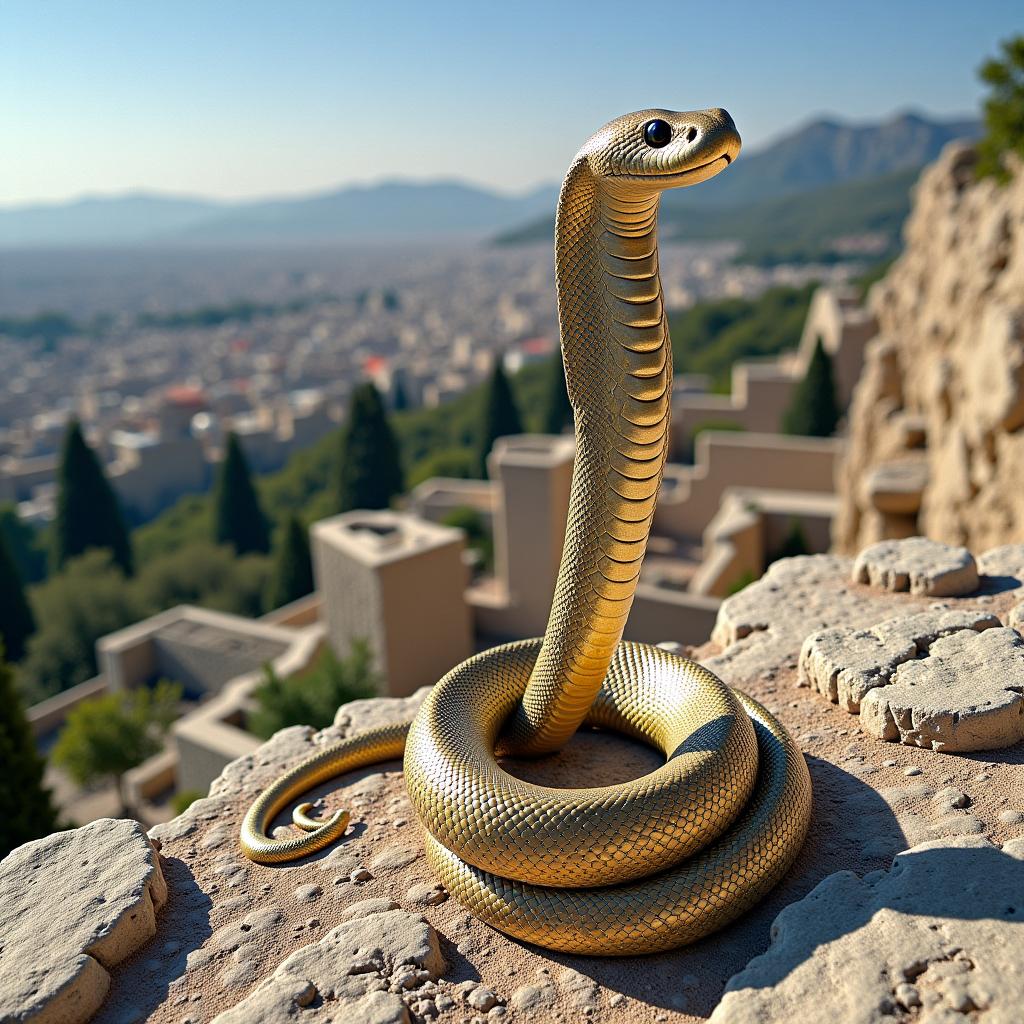
- Prompt
- ruins of athens, snake, windows 95

- Prompt
- silver vampire sword, windows 95

- Prompt
- mspaint with starry night, windows 95

- Prompt
- sonic game, windows 95
Trigger words
You should use windows 95 to trigger the image generation.
Download model
Weights for this model are available in Safetensors format. Download them in the Files & versions tab.
License
This model is licensed under the flux-1-dev-non-commercial-license.
- Downloads last month
- -
Model tree for glif-loradex-trainer/x_bulbul_x_windows_95_UI
Base model
black-forest-labs/FLUX.1-dev