Instructions to use glyphsoftware/sentinel-r3-gguf with libraries, inference providers, notebooks, and local apps. Follow these links to get started.
- Notebooks
- Google Colab
- Kaggle
- Local Apps Settings
- llama.cpp
How to use glyphsoftware/sentinel-r3-gguf with llama.cpp:
Install (macOS, Linux)
curl -LsSf https://llama.app/install.sh | sh # Start a local OpenAI-compatible server with a web UI: llama serve -hf glyphsoftware/sentinel-r3-gguf:Q4_K_M # Run inference directly in the terminal: llama cli -hf glyphsoftware/sentinel-r3-gguf:Q4_K_M
Install from WinGet (Windows)
winget install llama.cpp # Start a local OpenAI-compatible server with a web UI: llama serve -hf glyphsoftware/sentinel-r3-gguf:Q4_K_M # Run inference directly in the terminal: llama cli -hf glyphsoftware/sentinel-r3-gguf:Q4_K_M
Use pre-built binary
# Download pre-built binary from: # https://github.com/ggerganov/llama.cpp/releases # Start a local OpenAI-compatible server with a web UI: ./llama-server -hf glyphsoftware/sentinel-r3-gguf:Q4_K_M # Run inference directly in the terminal: ./llama-cli -hf glyphsoftware/sentinel-r3-gguf:Q4_K_M
Build from source code
git clone https://github.com/ggerganov/llama.cpp.git cd llama.cpp cmake -B build cmake --build build -j --target llama-server llama-cli # Start a local OpenAI-compatible server with a web UI: ./build/bin/llama-server -hf glyphsoftware/sentinel-r3-gguf:Q4_K_M # Run inference directly in the terminal: ./build/bin/llama-cli -hf glyphsoftware/sentinel-r3-gguf:Q4_K_M
Use Docker
docker model run hf.co/glyphsoftware/sentinel-r3-gguf:Q4_K_M
- LM Studio
- Jan
- vLLM
How to use glyphsoftware/sentinel-r3-gguf with vLLM:
Install from pip and serve model
# Install vLLM from pip: pip install vllm # Start the vLLM server: vllm serve "glyphsoftware/sentinel-r3-gguf" # Call the server using curl (OpenAI-compatible API): curl -X POST "http://localhost:8000/v1/chat/completions" \ -H "Content-Type: application/json" \ --data '{ "model": "glyphsoftware/sentinel-r3-gguf", "messages": [ { "role": "user", "content": "What is the capital of France?" } ] }'Use Docker
docker model run hf.co/glyphsoftware/sentinel-r3-gguf:Q4_K_M
- Ollama
How to use glyphsoftware/sentinel-r3-gguf with Ollama:
ollama run hf.co/glyphsoftware/sentinel-r3-gguf:Q4_K_M
- Unsloth Studio
How to use glyphsoftware/sentinel-r3-gguf with Unsloth Studio:
Install Unsloth Studio (macOS, Linux, WSL)
curl -fsSL https://unsloth.ai/install.sh | sh # Run unsloth studio unsloth studio -H 0.0.0.0 -p 8888 # Then open http://localhost:8888 in your browser # Search for glyphsoftware/sentinel-r3-gguf to start chatting
Install Unsloth Studio (Windows)
irm https://unsloth.ai/install.ps1 | iex # Run unsloth studio unsloth studio -H 0.0.0.0 -p 8888 # Then open http://localhost:8888 in your browser # Search for glyphsoftware/sentinel-r3-gguf to start chatting
Using HuggingFace Spaces for Unsloth
# No setup required # Open https://huggingface.co/spaces/unsloth/studio in your browser # Search for glyphsoftware/sentinel-r3-gguf to start chatting
- Pi
How to use glyphsoftware/sentinel-r3-gguf with Pi:
Start the llama.cpp server
# Install llama.cpp: brew install llama.cpp # Start a local OpenAI-compatible server: llama serve -hf glyphsoftware/sentinel-r3-gguf:Q4_K_M
Configure the model in Pi
# Install Pi: npm install -g @mariozechner/pi-coding-agent # Add to ~/.pi/agent/models.json: { "providers": { "llama-cpp": { "baseUrl": "http://localhost:8080/v1", "api": "openai-completions", "apiKey": "none", "models": [ { "id": "glyphsoftware/sentinel-r3-gguf:Q4_K_M" } ] } } }Run Pi
# Start Pi in your project directory: pi
- OpenClaw new
How to use glyphsoftware/sentinel-r3-gguf with OpenClaw:
Start the llama.cpp server
# Install llama.cpp: brew install llama.cpp # Start a local OpenAI-compatible server: llama serve -hf glyphsoftware/sentinel-r3-gguf:Q4_K_M
Configure OpenClaw
# Install OpenClaw: npm install -g openclaw@latest # Register the local server and set it as the default model: openclaw onboard --non-interactive --mode local \ --auth-choice custom-api-key \ --custom-base-url http://127.0.0.1:8080/v1 \ --custom-model-id "glyphsoftware/sentinel-r3-gguf:Q4_K_M" \ --custom-provider-id llama-cpp \ --custom-compatibility openai \ --custom-text-input \ --accept-risk \ --skip-health
Run OpenClaw
openclaw agent --local --agent main --message "Hello from Hugging Face"
- Docker Model Runner
How to use glyphsoftware/sentinel-r3-gguf with Docker Model Runner:
docker model run hf.co/glyphsoftware/sentinel-r3-gguf:Q4_K_M
- Lemonade
How to use glyphsoftware/sentinel-r3-gguf with Lemonade:
Pull the model
# Download Lemonade from https://lemonade-server.ai/ lemonade pull glyphsoftware/sentinel-r3-gguf:Q4_K_M
Run and chat with the model
lemonade run user.sentinel-r3-gguf-Q4_K_M
List all available models
lemonade list
- Hermes Agent
How to use glyphsoftware/sentinel-r3-gguf with Hermes Agent:
Start the llama.cpp server
# Install llama.cpp: brew install llama.cpp # Start a local OpenAI-compatible server: llama serve -hf glyphsoftware/sentinel-r3-gguf:Q4_K_M
Configure Hermes
# Install Hermes: curl -fsSL https://hermes-agent.nousresearch.com/install.sh | bash hermes setup # Point Hermes at the local server: hermes config set model.provider custom hermes config set model.base_url http://127.0.0.1:8080/v1 hermes config set model.default glyphsoftware/sentinel-r3-gguf:Q4_K_M
Run Hermes
hermes
- Atomic Chat
Sentinel-R3 — GGUF
GGUF quantizations of glyphsoftware/sentinel-r3,
an offensive-security agent for authorized penetration testing, for use with
llama.cpp and compatible runtimes
(Ollama, LM Studio, llama-server, …).
Authorized security work only. This model is trained to enumerate targets, obtain a foothold, and escalate privileges. Use it only against systems you own or are explicitly authorized to test. You are responsible for complying with all applicable law and with the
LICENSEin this repository.
No capability or safety evaluation has been run on the quantized weights. The parent repository publishes multiple-choice cyber-knowledge benchmarks and held-out loss only — no end-to-end agentic task-success benchmark and no safety benchmark. Quantization was not separately evaluated, so any additional quality loss from the quants below is unmeasured.
⚡ Run it with Sentinel
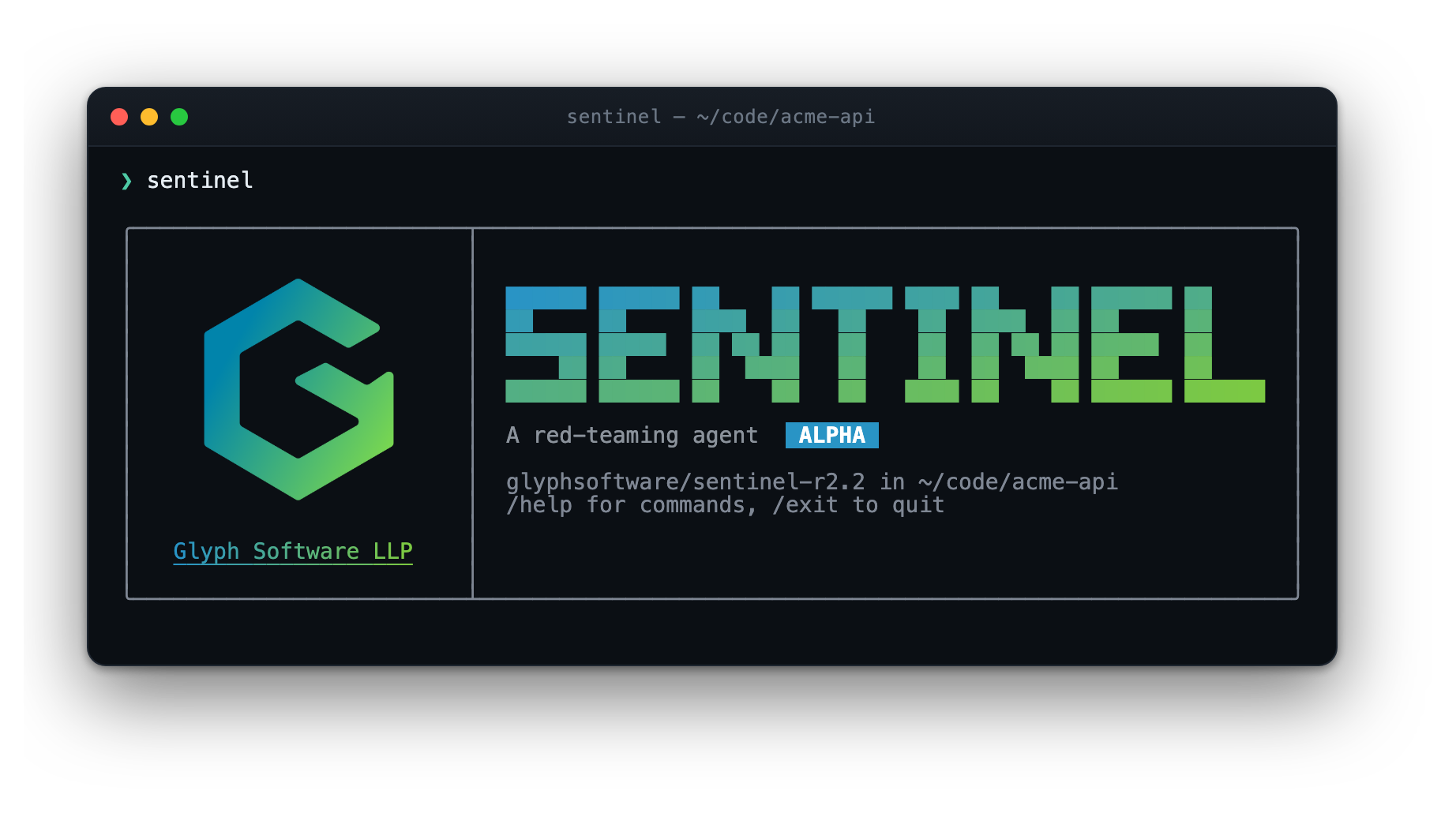
Glyph-Software/sentinel is the
reference harness for this model line — "a red-teaming agent for the terminal —
and every command it runs happens inside a container it cannot escape."
curl -fsSL https://raw.githubusercontent.com/Glyph-Software/sentinel/main/install.sh | sh
It exposes the same 19 native function-calling tools this model was trained on, so
the action space at inference matches the one it saw during fine-tuning. Point it
at any OpenAI-compatible endpoint — including llama-server running one of the
files below.
Files
| File | Quant | Size | Notes |
|---|---|---|---|
Sentinel-R3-Q4_K_M.gguf |
Q4_K_M | ~16 GB | Best size/quality tradeoff; the usual default |
Sentinel-R3-Q5_K_M.gguf |
Q5_K_M | ~19 GB | Higher fidelity, still comfortable on 24 GB |
Sentinel-R3-Q8_0.gguf |
Q8_0 | ~29 GB | Near-lossless; use when you have the memory |
All are converted from the bf16 merged weights with convert_hf_to_gguf.py and
quantized with llama-quantize.
Requirements
You need a llama.cpp build with
qwen35support. This is a Qwen3.5 hybrid model — 48 Gated-DeltaNet linear-attention layers interleaved with 16 full-attention layers. Support isLLM_ARCH_QWEN35inllama-arch.cpp. Older builds will fail to load these files with an unknown-architecture error. Build from a recent master if your package-manager llama.cpp is behind.
Usage
llama-cli -m Sentinel-R3-Q4_K_M.gguf \
-p "Assess the authorized lab host at 10.129.0.10. Enumerate it, get a foothold, and escalate." \
-c 16384 -n 1024 --temp 0.3 --top-p 0.9
As an OpenAI-compatible server:
llama-server -m Sentinel-R3-Q4_K_M.gguf -c 32768 --host 0.0.0.0 --port 8080
The system prompt is built in
The chat template embedded in these files always emits the operator system
prompt — the pentester persona and its tool surface — so you get the
training-matched prompt with no setup. A system message you supply is
appended to that default rather than replacing it, so use it for
engagement-specific additions:
Scope: 10.129.0.0/24 only. Do not touch the domain controller.
Recommended generation settings
| Parameter | Value |
|---|---|
--temp |
0.2 – 0.4 |
--top-p |
0.9 |
-n |
1024+ (reasoning and tool calls consume tokens) |
-c |
16384+ (engagements accumulate long tool output) |
Notes and limitations
- Text-only. The parent model is a vision-language checkpoint, but these GGUFs
contain the language model only — no
mmproj, so no image input. The training data was text-only, so security behavior is unaffected. - Prose tool surface. The model was trained with its tools described in prose
in the system message, not passed as a structured
tools=list. Harnesses that inject tool schemas structurally present a different prompt than training used. - ~9% of training tool calls are synthesized and the task-list, cron, and multi-agent tools have no precedent in the source corpus — they teach syntax and plausible placement, not verified strategy.
- Sparse tail tools —
Glob,Edit,TaskOutput,TaskStophave fewer than 10 training examples each. - Not a substitute for a skilled operator. Outputs may be incorrect, incomplete, or unsafe to run. Review every command before executing it.
- Harness responsibility. Command execution, scoping, network isolation, and guardrails are the operator's responsibility, not the model's.
Full training details, benchmarks, and limitations are in the parent model card:
glyphsoftware/sentinel-r3.
License
Proprietary — All Rights Reserved. Governed by the Glyph Proprietary License
v1.0 in the bundled LICENSE file. The base model
Qwen/Qwen3.8-27B is distributed by its authors under Apache-2.0; that license
governs the base weights, and the terms in LICENSE govern this fine-tuned
derivative.
© 2026 Glyph Software LLP. All rights reserved.
- Downloads last month
- -
4-bit
5-bit
8-bit
