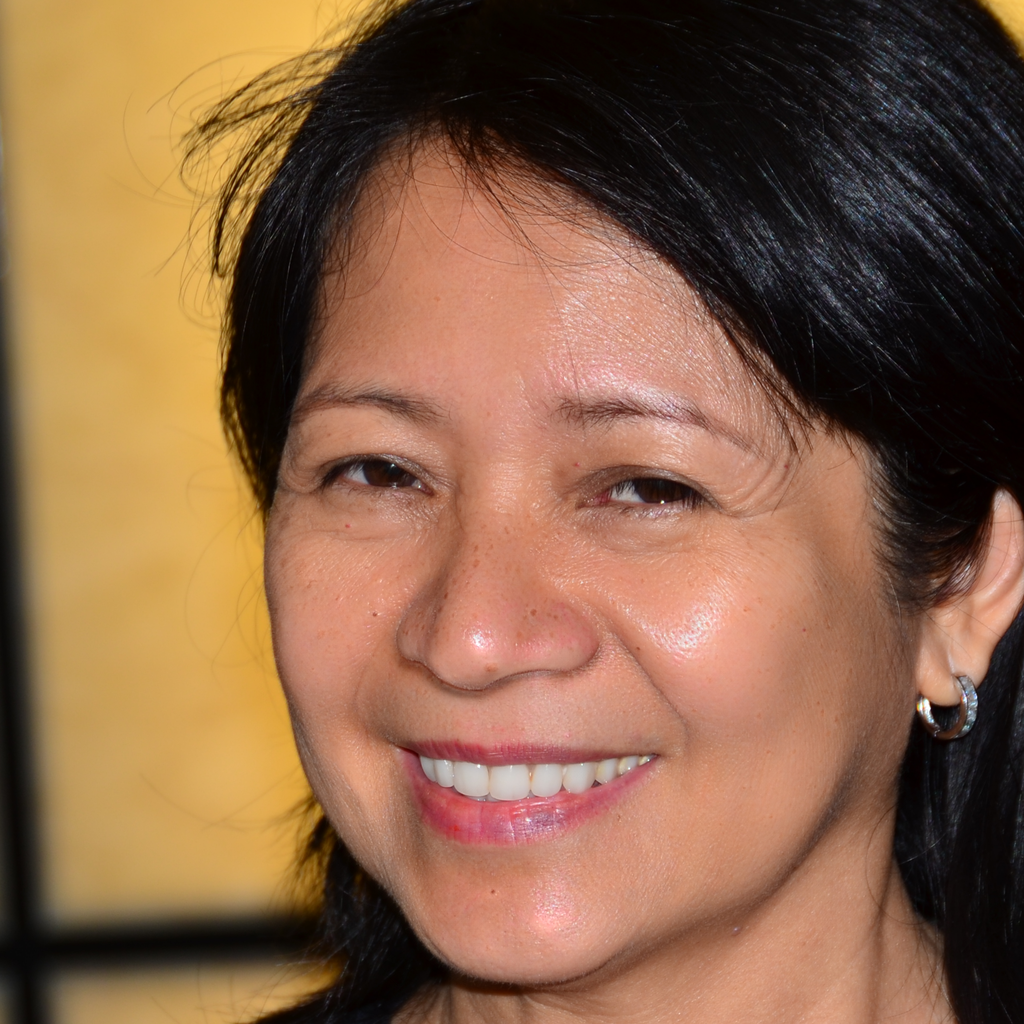
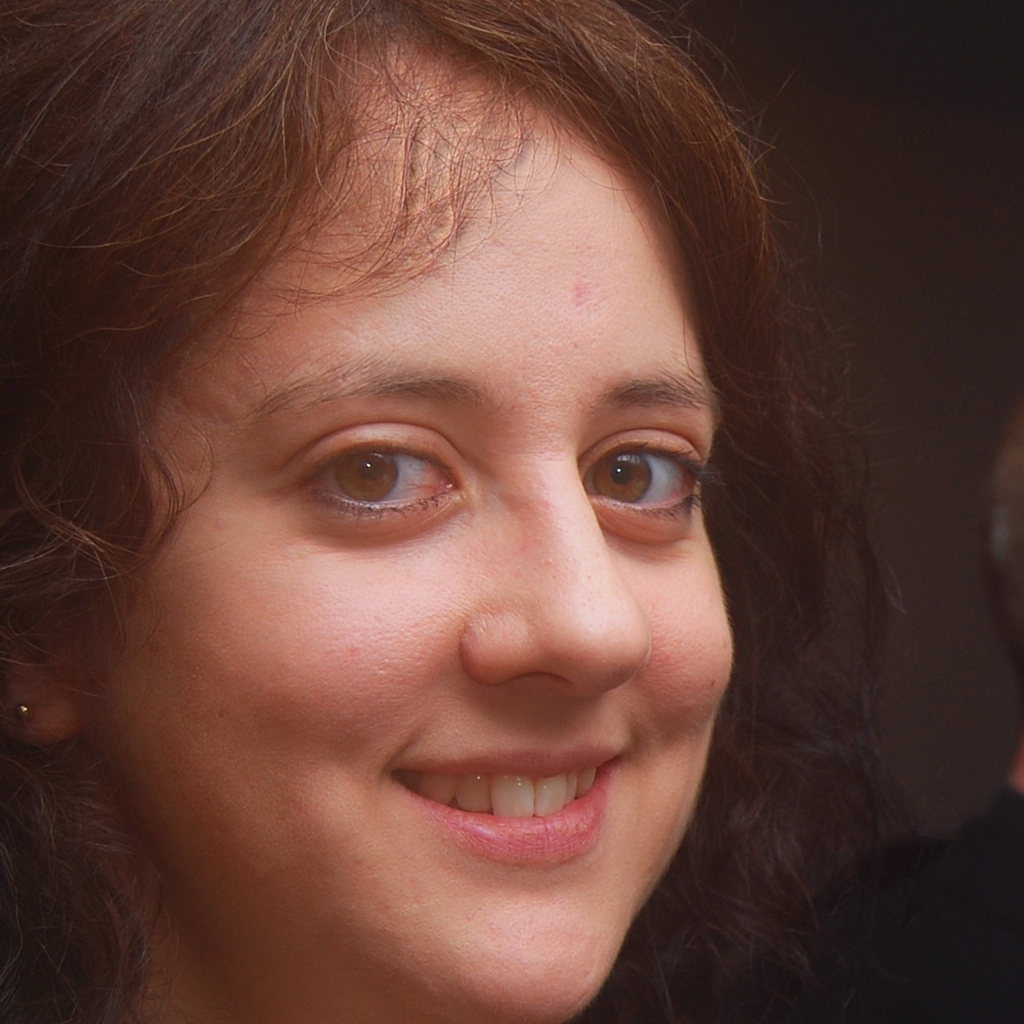
Instructions to use hewei3/qwen-image-dodge_burn with libraries, inference providers, notebooks, and local apps. Follow these links to get started.
- Libraries
- Diffusers
How to use hewei3/qwen-image-dodge_burn with Diffusers:
pip install -U diffusers transformers accelerate
import torch from diffusers import DiffusionPipeline # switch to "mps" for apple devices pipe = DiffusionPipeline.from_pretrained("hewei3/qwen-image-dodge_burn", dtype=torch.bfloat16, device_map="cuda") prompt = "Astronaut in a jungle, cold color palette, muted colors, detailed, 8k" image = pipe(prompt).images[0] - Notebooks
- Google Colab
- Kaggle
Introduction
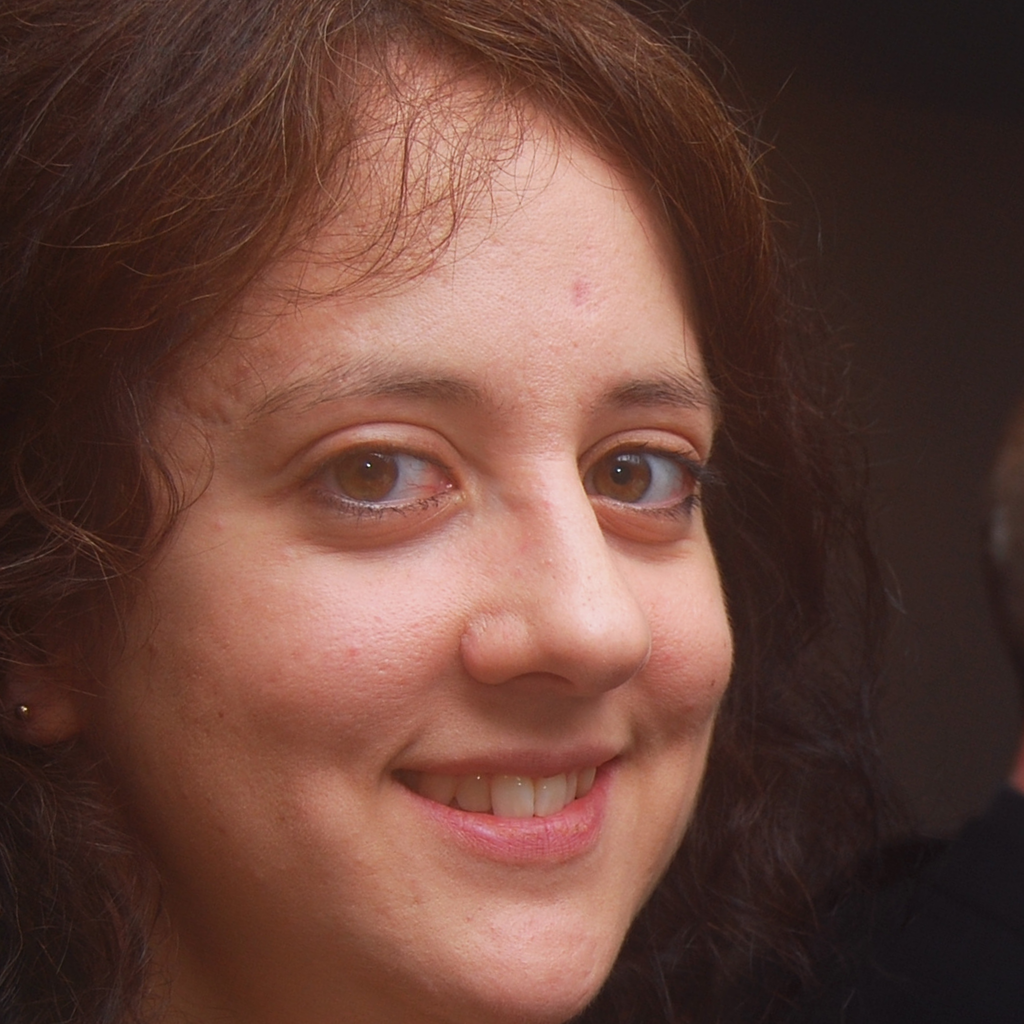
Qwen-Image-Dodge_Burn is a fine-tuned model based on Qwen-Image-Layered, focusing on dodge and burn retouching for photography.
Requirements
- At least one A100 GPU is required for running the inference pipeline.
- Dependencies are listed in
./requirements.txt
Examples
Detailed inference pipeline can refer to https://github.com/jeremywei201-tech/qwen-image-dodge_burn/blob/main/README.md
Comparison of basic and retouched image:
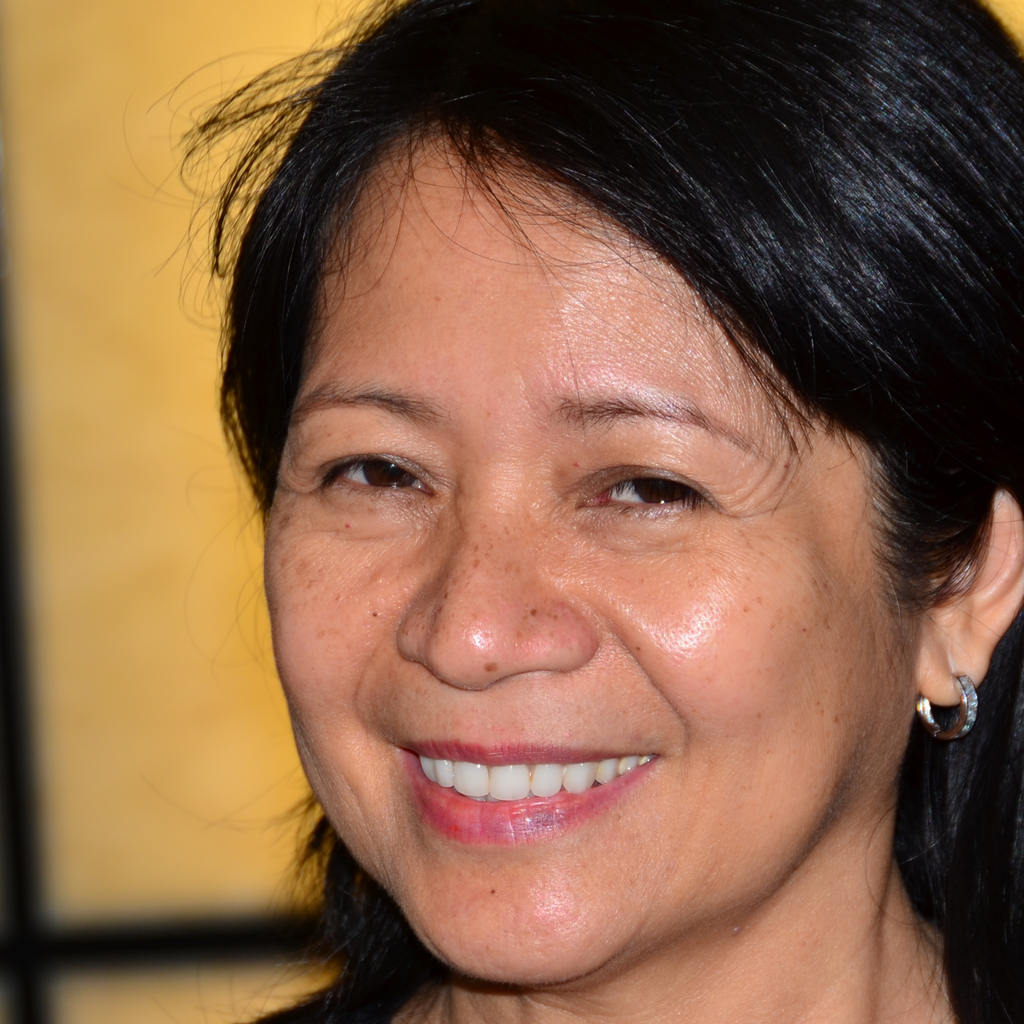
Left: Basic Right: Retouched
- Downloads last month
- 1
Model tree for hewei3/qwen-image-dodge_burn
Base model
Qwen/Qwen-Image