

import torch
from diffusers import DiffusionPipeline

# switch to "mps" for apple devices
pipe = DiffusionPipeline.from_pretrained("markredito/FilmGrain-LoRA-stablediffusion", torch_dtype=torch.bfloat16, device_map="cuda")

prompt = "Astronaut in a jungle, cold color palette, muted colors, detailed, 8k"
image = pipe(prompt).images[0]Introducing Filmgrain LoRA for Stable Diffusion 1.5
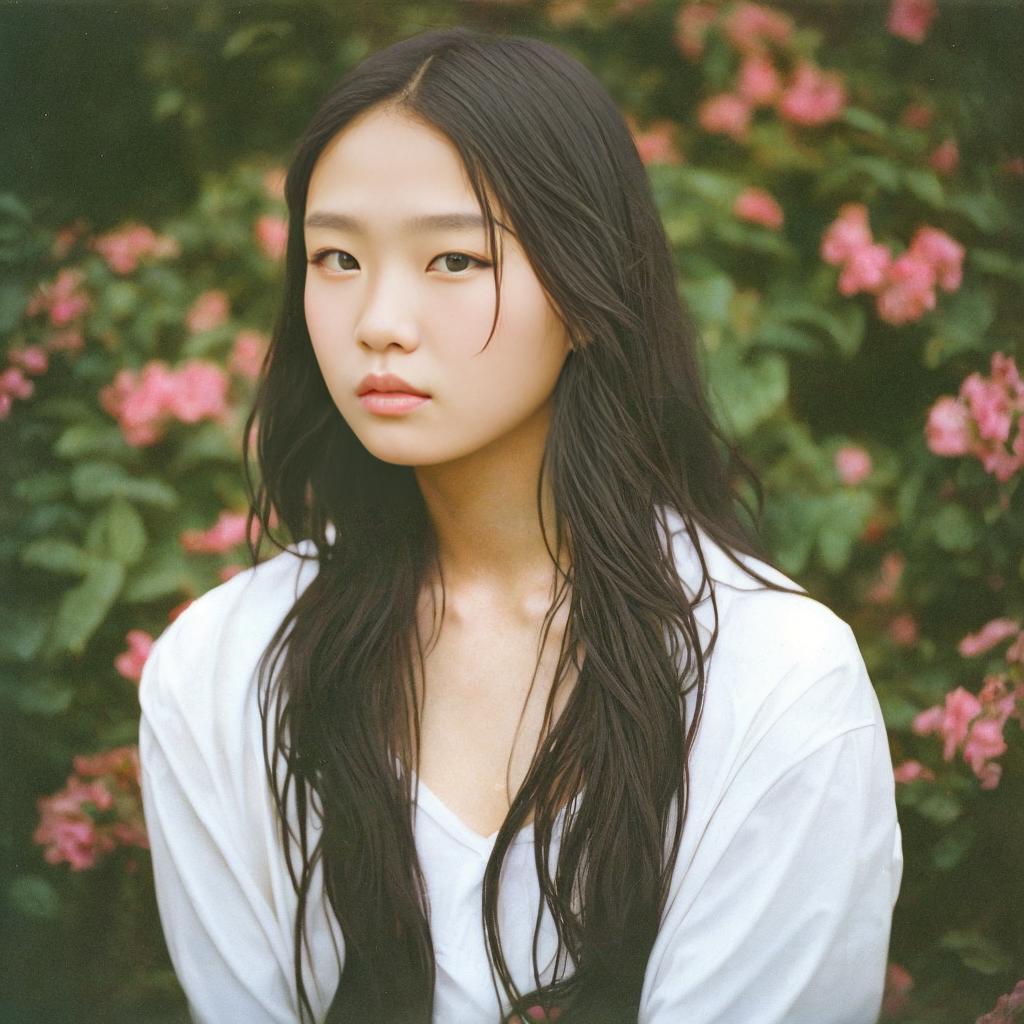
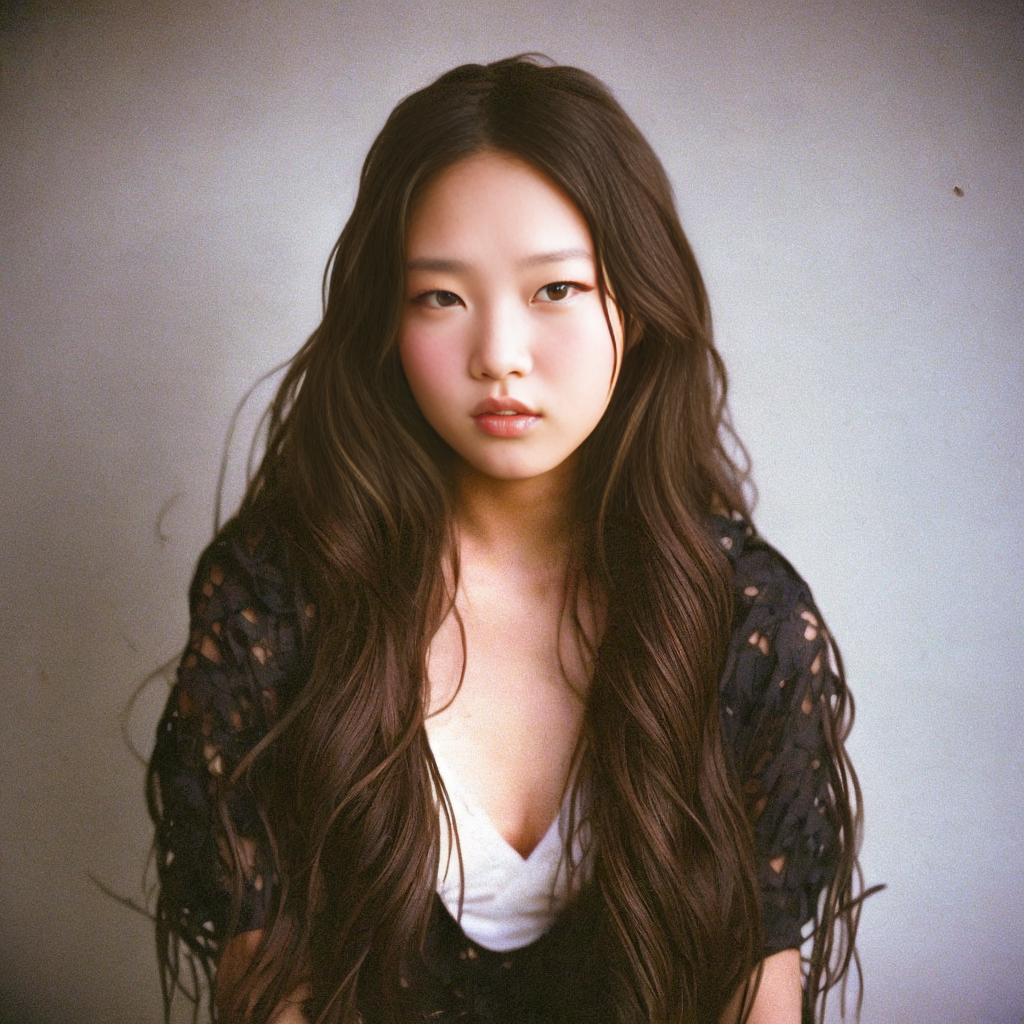
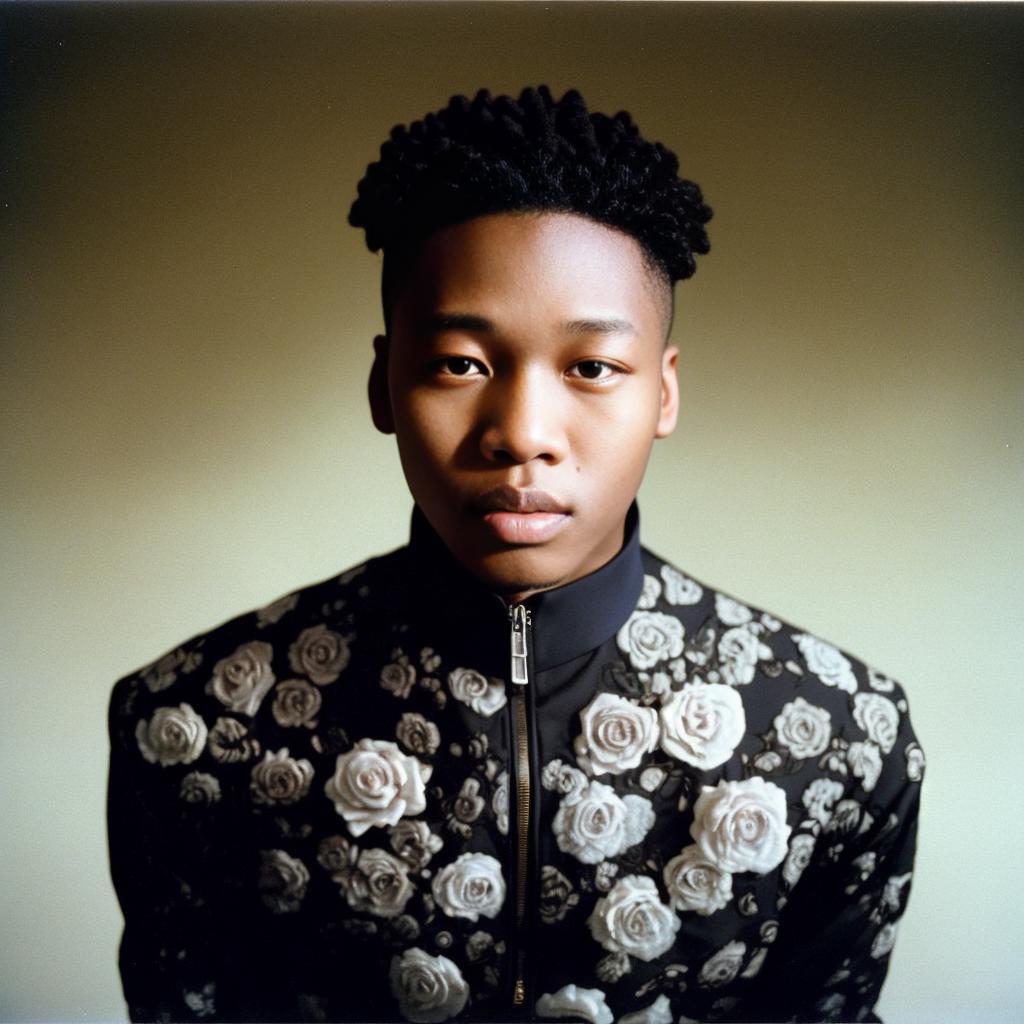
Overview Meet our Low Rank Adapter (LoRA) for Stable Diffusion 1.5: your go-to for adding that nostalgic, film-like touch to digital images.
Who's It For? If you love the "analog style" in photographs—grains, colors, and all—this one's for you.
Features
- Film Grain: Get that classic grainy texture.
- Slight Discoloration: Add subtle, film-like color shifts to your images.
Recommended Settings: Note: This LoRA works well for portrait photography.
- Model/checkpoint to use this LoRA with: dreamshaper
- Steps: 25
- CFG scale: 7
- Sampler: Tested with Eular a and DPM++ 2M Karras
Experiment with different settings; you might get better results!
Local Installation
- Download and save the tensor file to your models\lora folder of your Stable Diffusion installation. If using Automatic1111 it would be here: \a1111\stable-diffusion-webui\models\Lora
- When using Automatic1111 UI, click “show/hide networks” button.
- Choose the LoRA, and it automatically adds the activation tag to your prompt.
Alternate Download Link https://civitai.com/models/142795/filmgrain
- Downloads last month
- 76