Diffusers How to use mgwr/Cine-Aesthetic with Diffusers:
pip install -U diffusers transformers accelerate
import torch
from diffusers import DiffusionPipeline

# switch to "mps" for apple devices
pipe = DiffusionPipeline.from_pretrained("black-forest-labs/FLUX.1-dev", dtype=torch.bfloat16, device_map="cuda")
pipe.load_lora_weights("mgwr/Cine-Aesthetic")

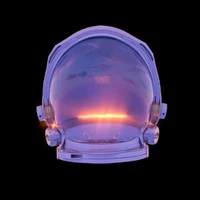
prompt = "mgwr/cine, crescent moon, pink clouds, twilight sky, pastel tones, dusk, evening sky, minimalistic composition, dark blue sky, soft lighting, serene, atmospheric, dreamy, calm mood, celestial body, contrast between light and dark, cloud texture, nature photography, ethereal, peaceful ambiance, gradient sky. <lora:MGWR_Cine:0.8>"
image = pipe(prompt).images[0]