

import torch
from diffusers import DiffusionPipeline

# switch to "mps" for apple devices
pipe = DiffusionPipeline.from_pretrained("no3/pistachio-wd-1.3-beta1", dtype=torch.bfloat16, device_map="cuda")

prompt = "Astronaut in a jungle, cold color palette, muted colors, detailed, 8k"
image = pipe(prompt).images[0]Pistachio from vibrant venture, on waifu diffusion via Dreambooth
model by no3
This your the waifu diffusion model fine-tuned the pistachio from vibrant venture taught to waifu diffusion with Dreambooth.
It can be used by modifying the instance_prompt: sks ps
You can also train your own concepts and upload them to the library by using this notebook.
And you can run your new concept via diffusers: Colab Notebook for Inference, Spaces with the Public Concepts loaded
Note
If the output isn't that good using instance prompt you can use generic prompt like a woman or a girl you can add , green hair before a woman or a girl if that's doesn't give you good result.
If you have issues or questions feel free to visit the Community Tab and start discussion about it.
Here are the images used for training this concept:




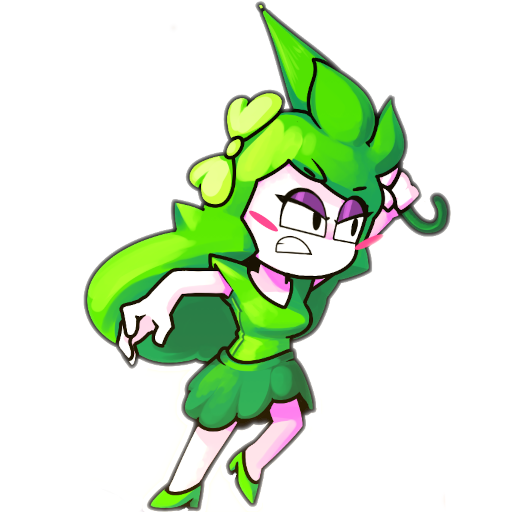
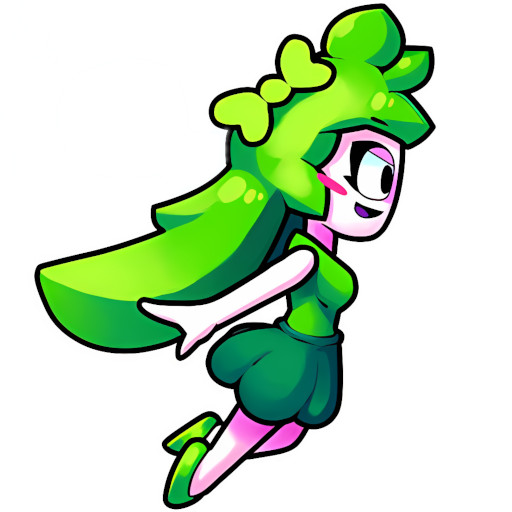 and this

- Downloads last month
- 3