
Jak's Naturitize Image Pack (SD2.1) for Stable Diffusion
naturitize-sd2.1-768px v.1.0
THIS IS FOR Stable Diffusion VERSION 2.1
You MUST also include the naturitize-SD2.1-768px.yaml file in the same directory as your model file (will be uploaded here for your convenience)
With this model, other than being trained from SD2.1, you can also mix and match embeddings to your images!
Another Jak Texture Pack Release is here to help create your earthy, creations!
Trained using 112 (768px) training images, 8000 training steps, 500 Text_Encoder_steps.
Use Prompt: "naturitize" in the beginning of your prompt followed by a word. No major prompt-crafting needed.
Thanks to /u/Jak_TheAI_Artist and /u/okamiueru for creating training images!
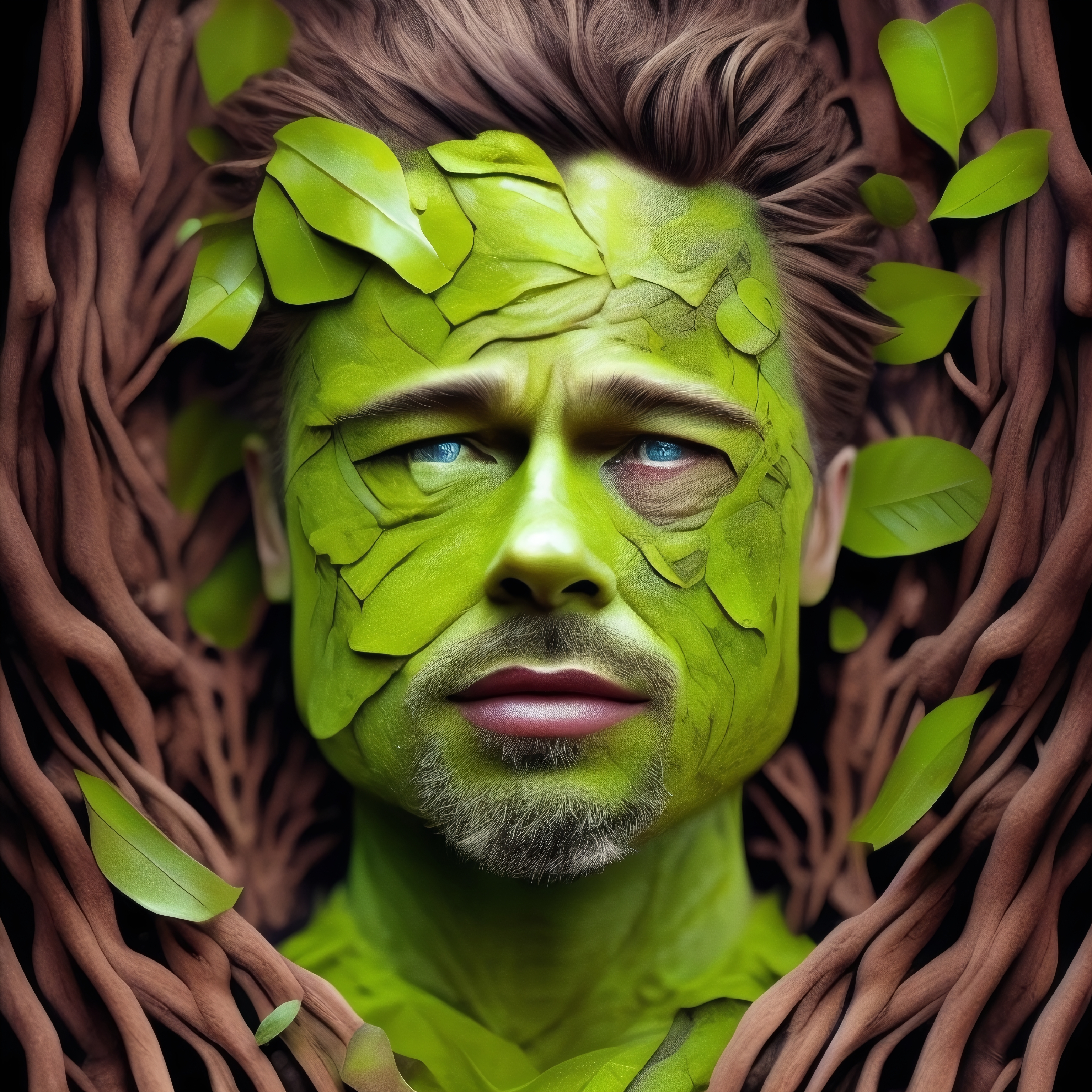
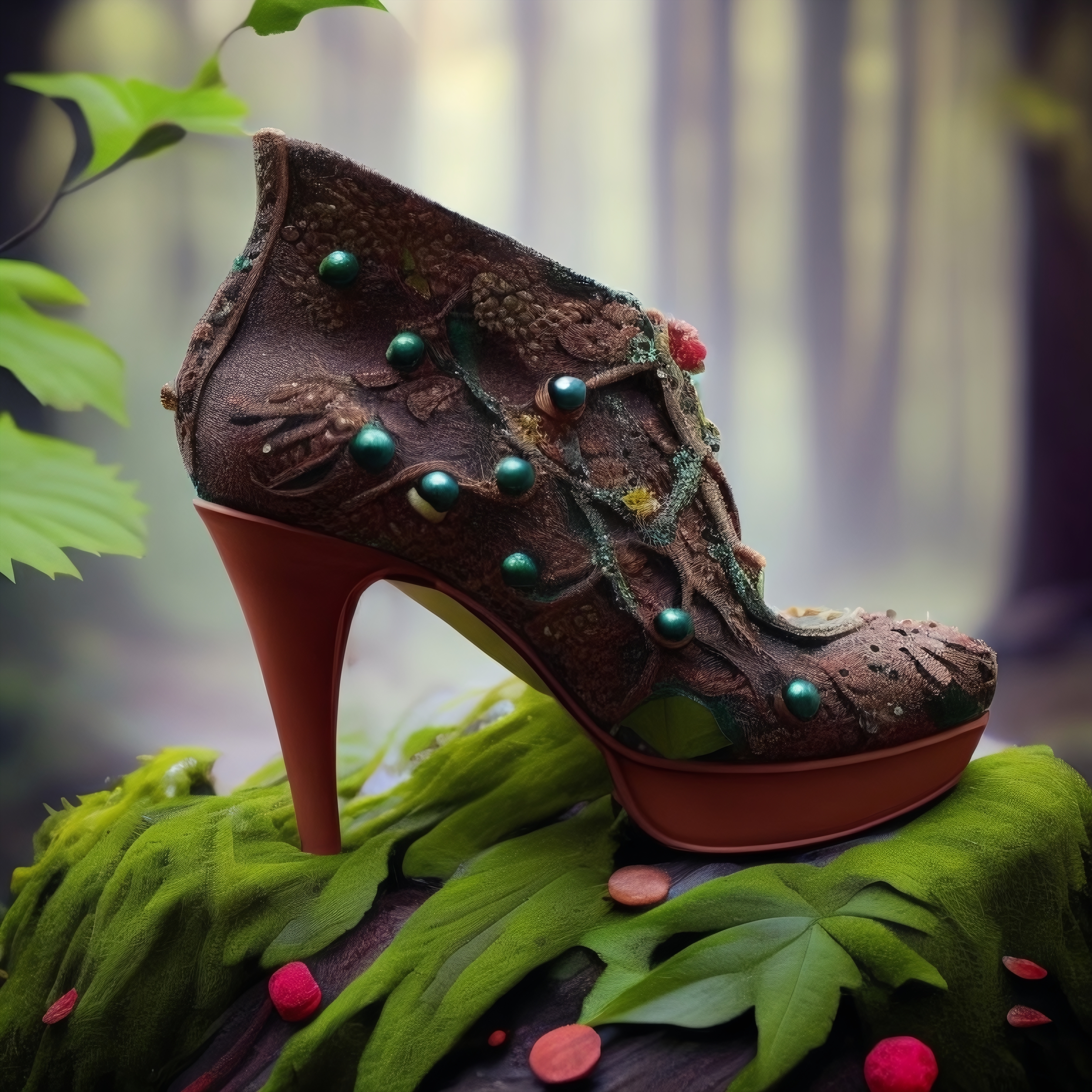
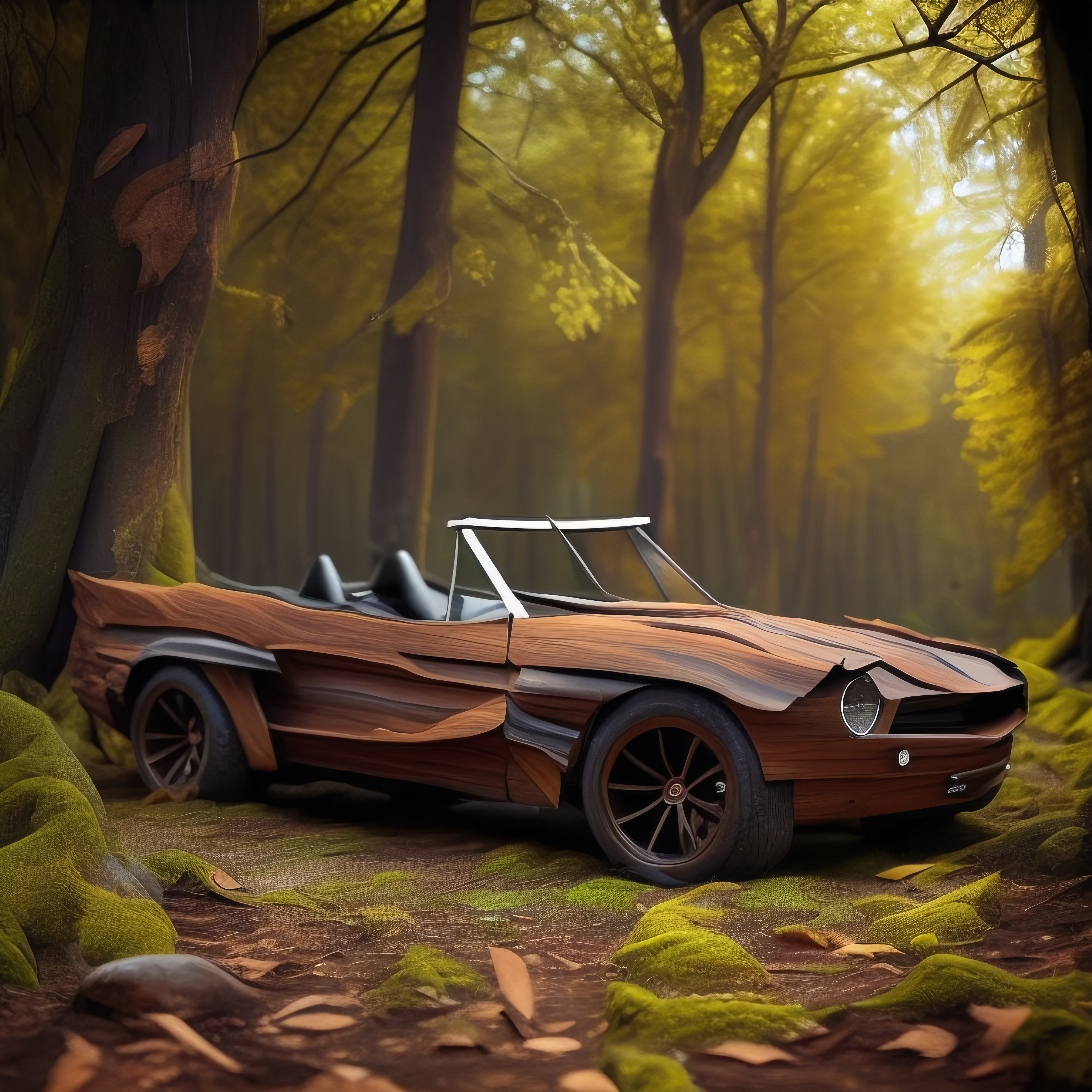
Sample pictures of this concept:


- Downloads last month
- 48