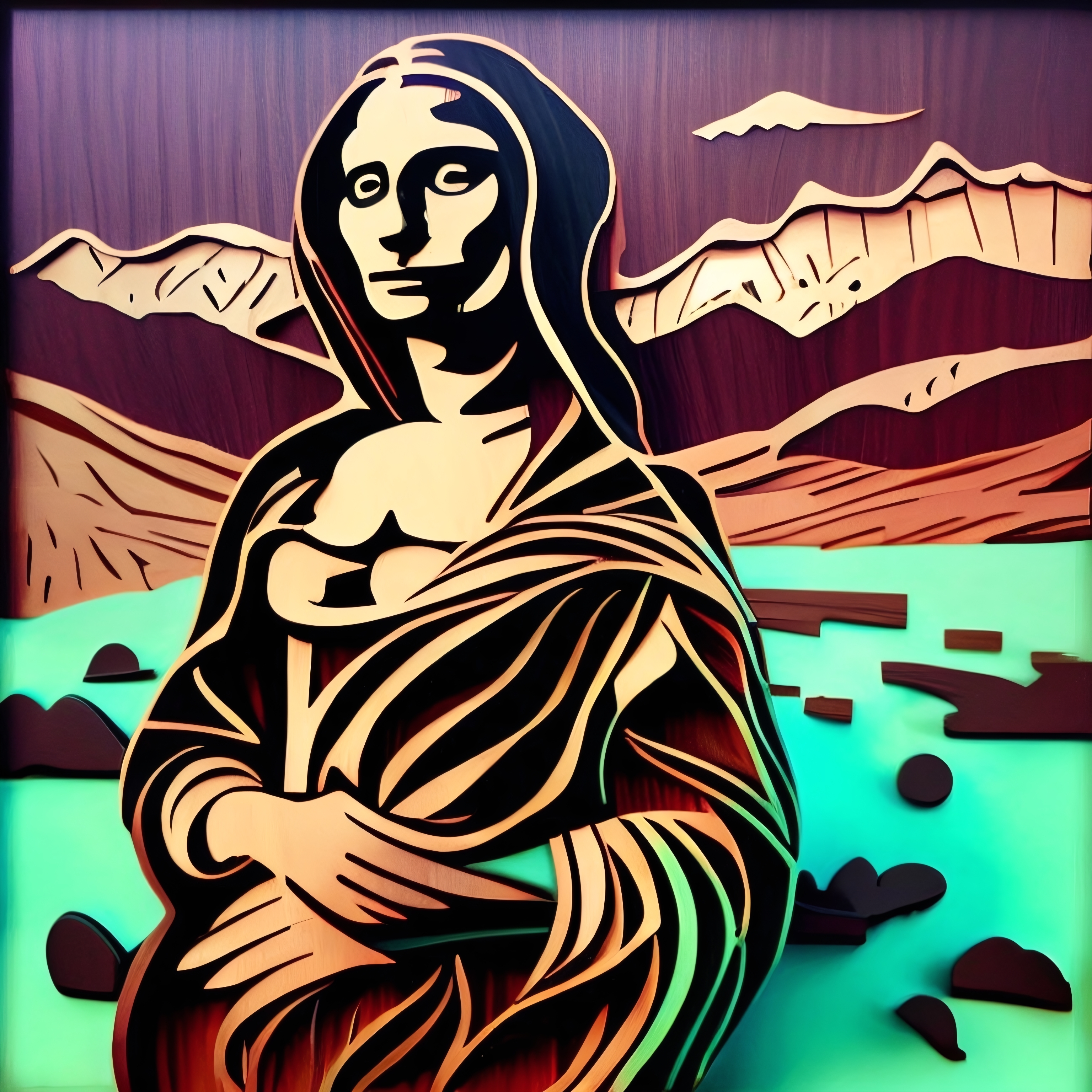
Instructions to use plasmo/wooditize-sd1-5-768px with libraries, inference providers, notebooks, and local apps. Follow these links to get started.
- Libraries
- Diffusers
How to use plasmo/wooditize-sd1-5-768px with Diffusers:
pip install -U diffusers transformers accelerate
import torch from diffusers import DiffusionPipeline # switch to "mps" for apple devices pipe = DiffusionPipeline.from_pretrained("plasmo/wooditize-sd1-5-768px", dtype=torch.bfloat16, device_map="cuda") prompt = "wooditize " image = pipe(prompt).images[0] - Notebooks
- Google Colab
- Kaggle
- Local Apps
- Draw Things
- DiffusionBee
Jak's WOODitize Image Pack (SD 1.5) for Stable Diffusion
Another Jak Texture Pack Release is here to help create WOOD cutouts and dioramas!
Trained using 111 (768px) training images, 8000 training steps, 500 Text_Encoder_steps.
New: If you want the Stable Diffusion v2.1 model go HERE
Use Prompt: "wooditize" in the beginning of your prompt followed by a word. No major prompt-crafting needed.
Thanks to /u/Jak_TheAI_Artist for creating training images!
Sample pictures of this concept:
- Downloads last month
- 15
.png)
.png)
.png)
.png)
.png)
.png)
.png)