

CenterPoint: Optimized for Qualcomm Devices
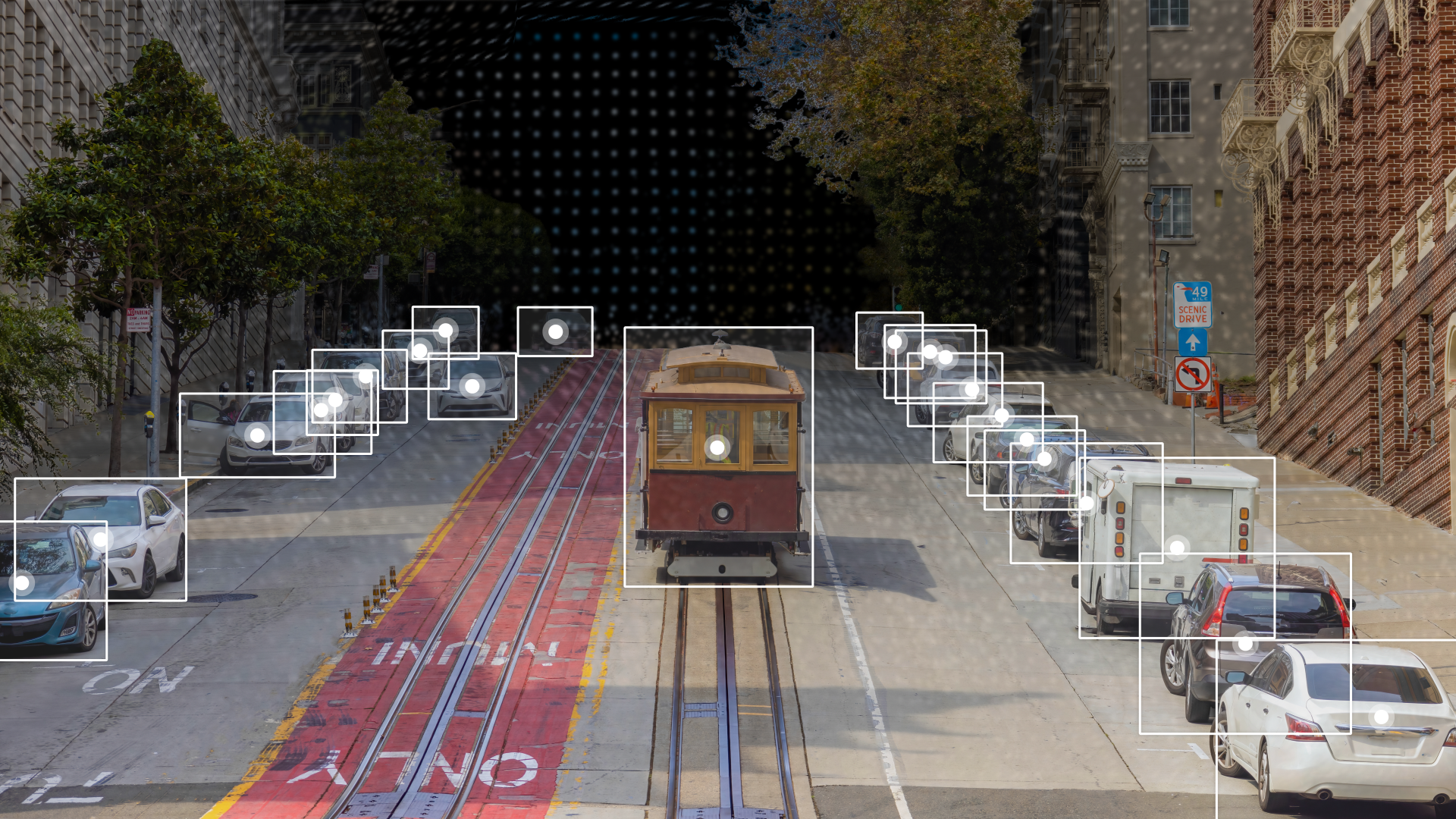
CenterPoint is a LiDAR-based 3D object detection model that detects objects by predicting their centers and regressing other attributes. It is designed for high accuracy and real-time performance in autonomous driving applications.
This repository contains pre-exported model files optimized for Qualcomm® devices. You can use the Qualcomm® AI Hub Models library to export with custom configurations. More details on model performance across various devices, can be found here.
Qualcomm AI Hub Models uses Qualcomm AI Hub Workbench to compile, profile, and evaluate this model. Sign up to run these models on a hosted Qualcomm® device.
Getting Started
There are two ways to deploy this model on your device:
Option 1: Download Pre-Exported Models
Below are pre-exported model assets ready for deployment.
| Runtime | Precision | Chipset | SDK Versions | Download |
|---|---|---|---|---|
| ONNX | float | Universal | QAIRT 2.50, ONNX Runtime 1.27.1 | Download |
| QNN_DLC | float | Universal | QAIRT 2.50 | Download |
| TFLITE | float | Universal | Download |
For more device-specific assets and performance metrics, visit CenterPoint on Qualcomm® AI Hub.
Option 2: Export with Custom Configurations
Use the Qualcomm® AI Hub Models Python library to compile and export the model with your own:
- Custom weights (e.g., fine-tuned checkpoints)
- Custom input shapes
- Target device and runtime configurations
This option is ideal if you need to customize the model beyond the default configuration provided here.
See our repository for CenterPoint on GitHub for usage instructions.
Model Details
Model Type: Model_use_case.driver_assistance
Model Stats:
- Input resolution: 5x20x5, 5x4, 5
- Model checkpoint: PointPillars
- Model size: 83.3 MB
- Number of parameters: 21.8M
Performance Summary
| Model | Runtime | Precision | Chipset | Inference Time (ms) | Peak Memory Range (MB) | Primary Compute Unit |
|---|---|---|---|---|---|---|
| CenterPoint | ONNX | float | Snapdragon® 8 Elite Gen 5 For Galaxy Mobile | 167.16 ms | 1056 - 1516 MB | NPU |
| CenterPoint | ONNX | float | Snapdragon® 8 Elite For Galaxy Mobile | 198.473 ms | 1056 - 1532 MB | NPU |
| CenterPoint | ONNX | float | Snapdragon® 8 Gen 3 Mobile | 235.887 ms | 1057 - 1836 MB | NPU |
| CenterPoint | ONNX | float | Snapdragon® 8 Gen 1 Mobile | 424.968 ms | 1052 - 1811 MB | NPU |
| CenterPoint | ONNX | float | Qualcomm® Dragonwing™ QCS8550 (Proxy) | 304.761 ms | 1017 - 1115 MB | NPU |
| CenterPoint | ONNX | float | Qualcomm® QCS8450 | 424.968 ms | 1052 - 1811 MB | NPU |
| CenterPoint | ONNX | float | Qualcomm® Dragonwing™ Q-8750 | 198.473 ms | 1056 - 1532 MB | NPU |
| CenterPoint | QNN_DLC | float | Snapdragon® 8 Elite Gen 5 For Galaxy Mobile | 127.153 ms | 0 - 362 MB | NPU |
| CenterPoint | QNN_DLC | float | Snapdragon® 8 Elite For Galaxy Mobile | 147.115 ms | 0 - 361 MB | NPU |
| CenterPoint | QNN_DLC | float | Snapdragon® X2 Elite | 121.005 ms | 2 - 2 MB | NPU |
| CenterPoint | QNN_DLC | float | Snapdragon® X Elite | 201.411 ms | 2 - 2 MB | NPU |
| CenterPoint | QNN_DLC | float | Snapdragon® 8 Gen 3 Mobile | 160.482 ms | 2 - 605 MB | NPU |
| CenterPoint | QNN_DLC | float | Snapdragon® 8 Gen 1 Mobile | 283.124 ms | 1 - 580 MB | NPU |
| CenterPoint | QNN_DLC | float | Qualcomm® Dragonwing™ IQ-8275 | 277.106 ms | 2 - 12 MB | NPU |
| CenterPoint | QNN_DLC | float | Qualcomm® Dragonwing™ QCS8550 (Proxy) | 214.063 ms | 2 - 6 MB | NPU |
| CenterPoint | QNN_DLC | float | Qualcomm® QCS8450 | 283.124 ms | 1 - 580 MB | NPU |
| CenterPoint | QNN_DLC | float | Qualcomm® Dragonwing™ IQ-9075 | 269.711 ms | 2 - 11 MB | NPU |
| CenterPoint | QNN_DLC | float | Qualcomm® Dragonwing™ IQ-X7181 | 201.411 ms | 2 - 2 MB | NPU |
| CenterPoint | QNN_DLC | float | Qualcomm® Dragonwing™ Q-8750 | 147.115 ms | 0 - 361 MB | NPU |
| CenterPoint | QNN_DLC | float | Qualcomm® SA8295P | 293.796 ms | 1 - 338 MB | NPU |
| CenterPoint | TFLITE | float | Snapdragon® 8 Elite Gen 5 For Galaxy Mobile | 859.757 ms | 1808 - 1816 MB | CPU |
| CenterPoint | TFLITE | float | Snapdragon® 8 Elite For Galaxy Mobile | 2832.77 ms | 1838 - 1849 MB | CPU |
| CenterPoint | TFLITE | float | Snapdragon® 8 Gen 3 Mobile | 4217.244 ms | 1847 - 1855 MB | CPU |
| CenterPoint | TFLITE | float | Snapdragon® 8 Gen 1 Mobile | 5424.656 ms | 1838 - 1848 MB | CPU |
| CenterPoint | TFLITE | float | Qualcomm® Dragonwing™ IQ-8275 | 6081.133 ms | 1855 - 1877 MB | CPU |
| CenterPoint | TFLITE | float | Qualcomm® Dragonwing™ QCS8550 (Proxy) | 4752.043 ms | 1813 - 1839 MB | CPU |
| CenterPoint | TFLITE | float | Qualcomm® SA8775P | 5474.985 ms | 1810 - 1815 MB | CPU |
| CenterPoint | TFLITE | float | Qualcomm® SA8650P | 5474.985 ms | 1810 - 1815 MB | CPU |
| CenterPoint | TFLITE | float | Qualcomm® SA8255P | 5474.985 ms | 1810 - 1815 MB | CPU |
| CenterPoint | TFLITE | float | Qualcomm® QCS8450 | 5424.656 ms | 1838 - 1848 MB | CPU |
| CenterPoint | TFLITE | float | Qualcomm® Dragonwing™ IQ-9075 | 5218.529 ms | 1857 - 1879 MB | CPU |
| CenterPoint | TFLITE | float | Qualcomm® Dragonwing™ Q-8750 | 2832.77 ms | 1838 - 1849 MB | CPU |
| CenterPoint | TFLITE | float | Qualcomm® SA7255P | 6373.846 ms | 1848 - 1857 MB | CPU |
| CenterPoint | TFLITE | float | Qualcomm® SA8295P | 3674.743 ms | 1808 - 1813 MB | CPU |
License
- The license for the original implementation of CenterPoint can be found here.
Community
- Join our AI Hub Slack community to collaborate, post questions and learn more about on-device AI.
- For questions or feedback please reach out to us.