
import torch
from diffusers import DiffusionPipeline

# switch to "mps" for apple devices
pipe = DiffusionPipeline.from_pretrained("sd-dreambooth-library/Origtron", dtype=torch.bfloat16, device_map="cuda")

prompt = "Astronaut in a jungle, cold color palette, muted colors, detailed, 8k"
image = pipe(prompt).images[0]Update: 5th May 2023, Uploaded .safetensors version.
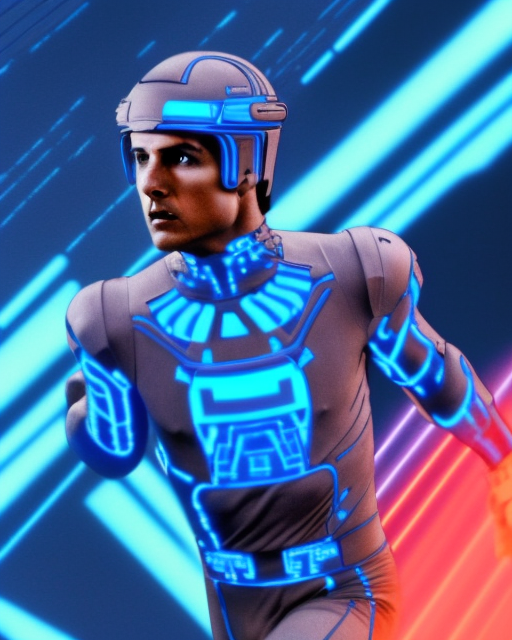
Model trained in the Shivam Shrirao google colab, dreambooth. It was made with various screen captures I took from videos of TRON from 1982. The original trailer and 2 long movie clips.
Download the origtron.ckpt file to: stable-diffusion-webui\models\Stable-diffusion once it's downloaded just use the prompt origtron and you'll get some great results.
The file size is 2.3gb.
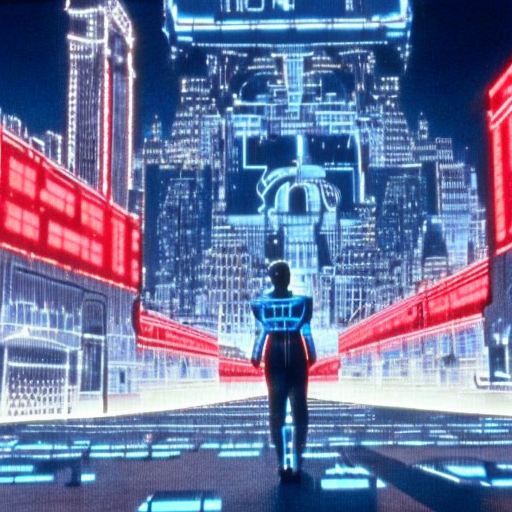
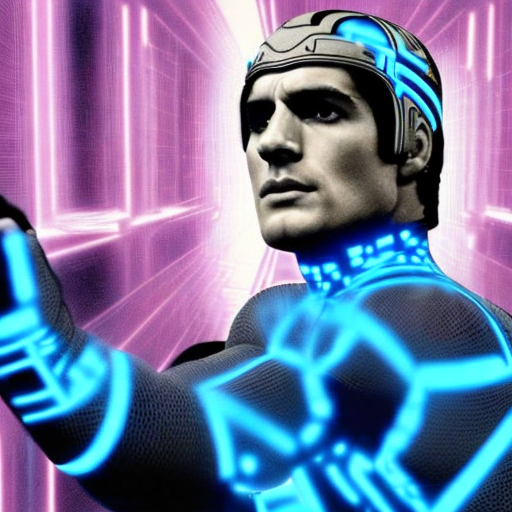
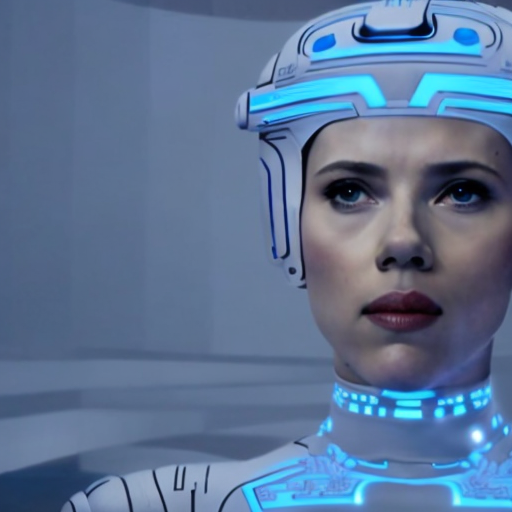
Images I created
- Downloads last month
- 165